Ok , "Starting from June 2025, the factory firmware of XIAO ESP32-S3 Sense enables a default AP Wi‑Fi with the following credentials:
SSID:XIAO_ESP32S3_Sense
Password:seeedstudio "
That’s new, I didn’t even get an email on that change.. LOL
Makes “sense” though since that is the selling point with camera module.
I’ll test it, I downloaded the Factory bin from the link in the wiki, let’s just see what is what here.. Standby
GL PJ
I would assume you checked the credentials. I have several demo’s with code and video’s on here for this topic and device, they may be worth a look and perhaps useful.
SO , it appears to be and the Log matches, First I tried without the camera, throws and error and won’t continue, Tried both camera boards , standard and an autofocus from the other thread, both units do the same so, I would say Someone didn’t test it at seeed.
Link in the wiki for the factory bin, worked aok, Batch file ran without issue, programmed the Xiao, but the SSID never appears. I’ll try the Example and build it and reflash see if that works. Chances are the bin is no good, more testing is needed.
NOTE to All; when using the link for firmware and batch file , be sure you have the correct port (i used Arduino to be sure, com port 16 showed up.) I placed it in BL mode and run the Batch file, after you close Arduino, (can’t have two programs using it at the same time) flash succeeds. reset and open the WIfi on the phone, NOPE! no SSID broadcast.
So, OK I see what your looking for, but two things, The heatsinks? you WILL need them, Second is the SD card installed ?, 32Gig class A that bit me hard in this thread which you should have already read.
Did you try to put your WIFI credentials in, to join your own wifi network SSID, password You may have an older firmware, I’m suspecting that try that and see if the serial output changes.
lmk ,
HTH
GL PJ
you may just need to rebuild it from the examples in arduino, try the latest BSP and Flash it, see if it responds. I use the WPS code works every time, easy piece of code to blend into any wifi scenario, I have demo’s of that and video on here. ( I can press the wps button from the browser window).
So with All the aforementioned and that in mind, I headed over to the Git for the Streaming RTSP link you provided..
I downloaded the zip, unzipped it to my PLIO folder, set it as a workspace folder in explorer, Opened it as a project , and hit compile for the Hell of it…
Oh snap it compiled all 20 something board types Perfectly as a matter of fact, so I plugged in the S3 with camera from previously run tests, edited the PLIO.ini file to just include the s3 sense. Hit upload (it recompiled) and flashed…
and ROBERT is your UNCLE
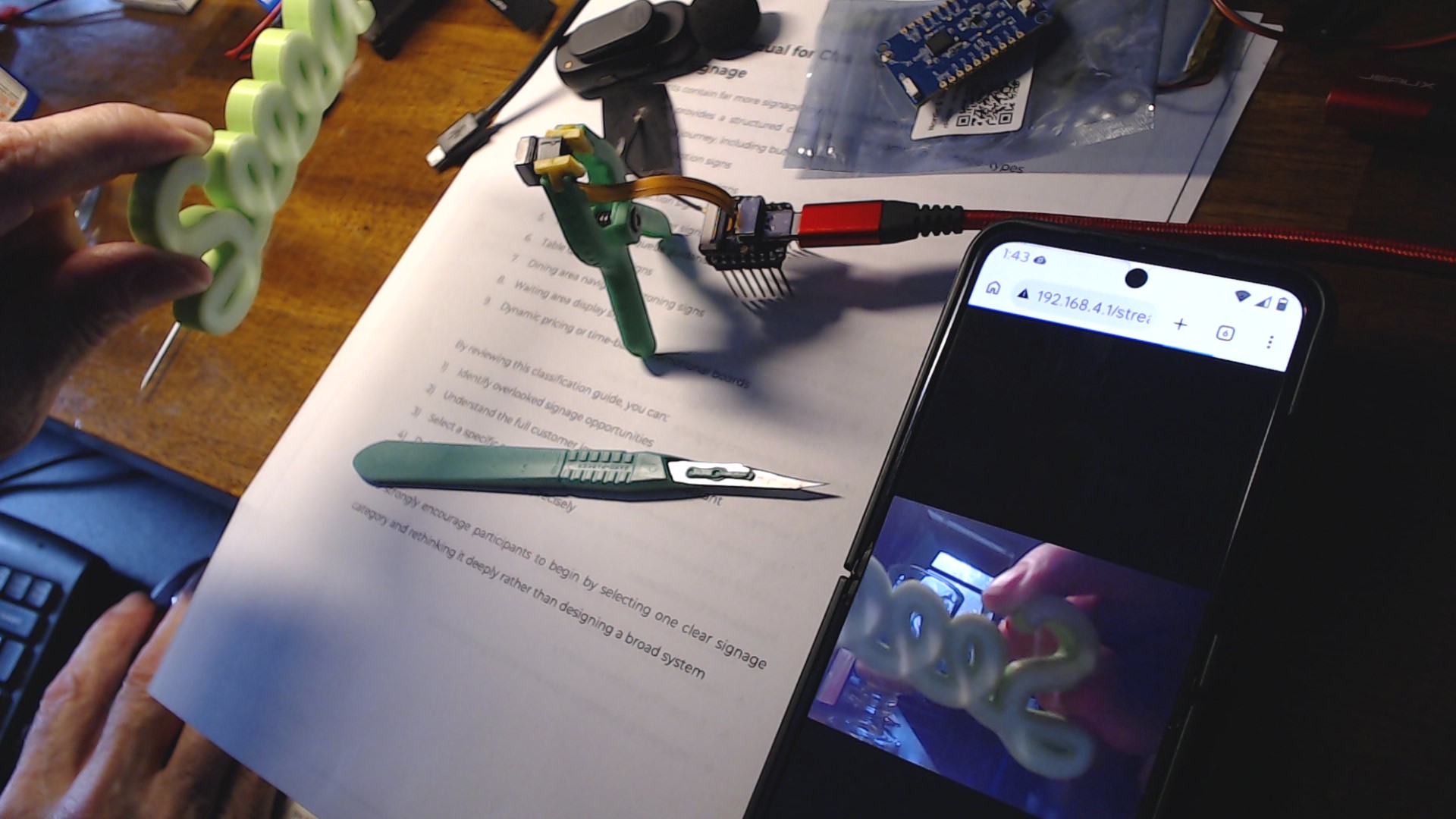
Works fine…
Case closed… LOL (maybe)
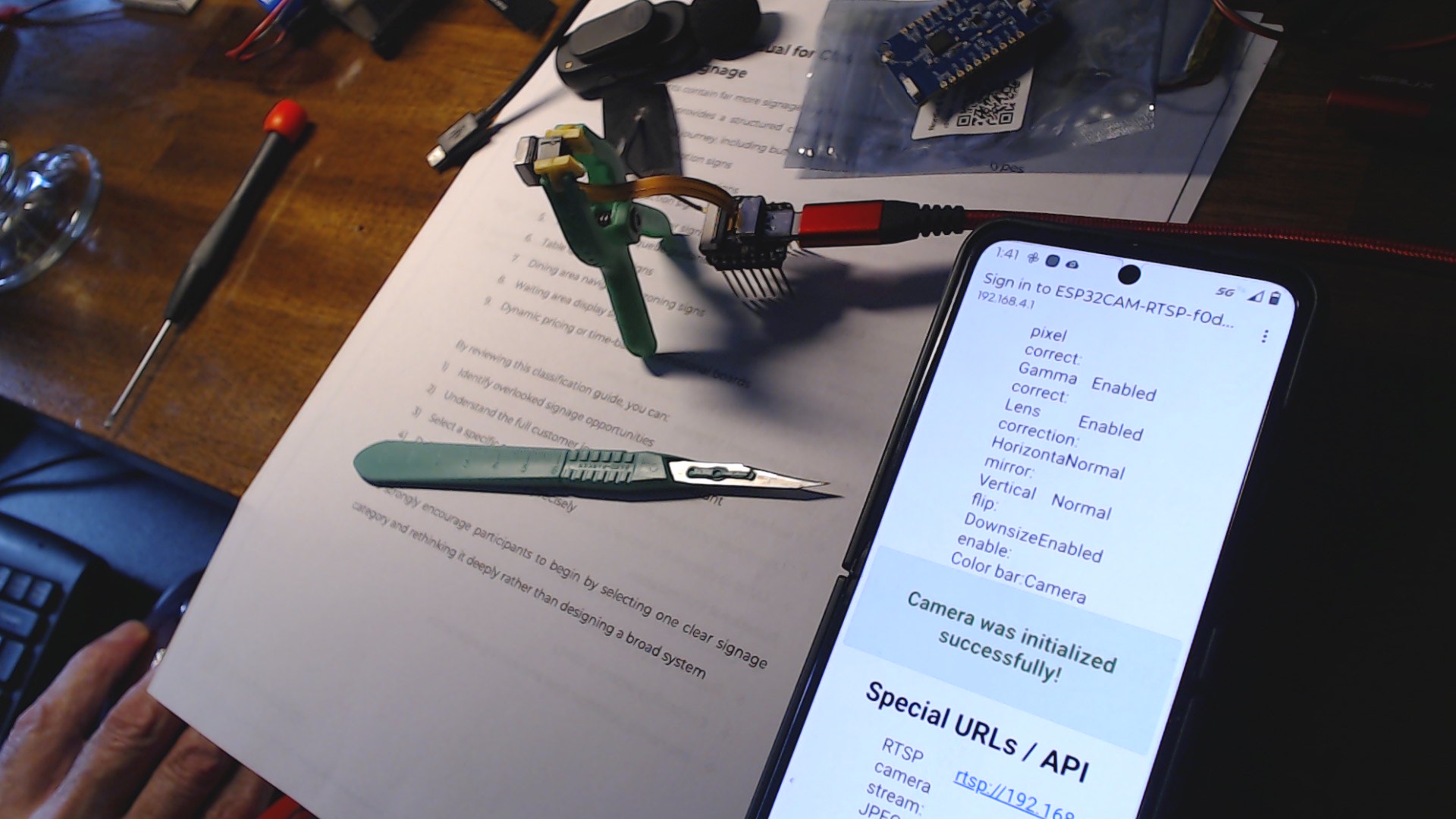
NOTE; you need to change the settings in the menu once you connect to it BTW to add the SSID and password , rtsp , etc. you want.
I will forward the wiki code link failure issues to seeedineers also.
OK, so based on your success, I closed VSCode+Platformio so I could try the Arduino IDE and WifiAP example.
I made sure i had updated board definitions. The device is still on COM3. TThere were only 2 boards to choose from, so I picked “ESP32S3 CAM LCD”.
After compile, the serial port failed with a write timeout.
Now the board seems to be stuck in a bad mode. Shutting down the Arduino IDE, and going back to VSCode, I get the same serial timeout even though I never got that before.
Well that’s a Kick in the plad’s ouch,
So drop into bootloader mode (double press reset fast) com port may change , be ready for that. Flash the Blink demo or My fav the chip ID ino from the examples to bring it to a known good state and starting point. it happens, no panic.
Once you have it back , leave the Arduino IDE behind. Unplug it , and close the IDE.
the chip will need to be in BOOTLOADER mode to flash in PLIO. a MUST!!
(on ESP32’s Xiao’s) the bootloader mode is noted as , a ONE liner output to the console when it is BL mode correctly, I use the serial port monitor to see if so in PLIO.
reset it a few times by hand and note it disconnects from PLIO , you know your good so far. put it back in BL mode and Flash the RTSP build to it.
Notes on the PLIO . ini file as is it will build all 22 or so, comment out or delete the others leaving only the seeed XIAO S3 in there. it’s should build ,flash and reset the device. I opened the mobile and had to enable WIFI and reset the Xiao again to be sure, and POOF there it was, the AP, and the rest you can see.
Try those steps and let me know where it goes bad.
Soooo….
I had to press the boot button while plugging in to get into boot mode.
Arduino IDE + blink worked. I also added a serial print message (“Loop”) to verify getting COM port flow. I got the repeating message “Loop” in Putty.
Back to VSCode, I plugged the ESP32 with the new Blink code and verified that I was getting “Loop” messages. These messages also show up in the VS log file.
I edited my ESP32 source so that in platformio.ini I have:
[platformio]
#default_envs = esp32cam_seeed_xiao_esp32s3_sense
And
[env:esp32cam_seeed_xiao_esp32s3_sense]
board = esp32cam_seeed_xiao_esp32s3_sense
I also have:
monitor_speed = 115200
monitor_rts = 0
monitor_dtr = 0
monitor_filters = log2file, time, default, esp32_exception_decoder
I added a serial print test message in void setup()
delay(2000);
Serial.print("ESP32 Serial Print Initialized");
This code compiles and downloads fine…..
But I get no serial message on COM3 OR in the log file, and no AP SSID being broadcast.
Am I dealing with an issue of VSCode not really finishing the FW download? I have no errors to chase.
 PJ
PJ 


 though since that is the selling point with camera module.
 and the Log matches, First I tried without the camera, throws and error and won’t continue, Tried both camera boards , standard and an autofocus from the other thread, both units do the same so, I would say Someone didn’t test it at seeed.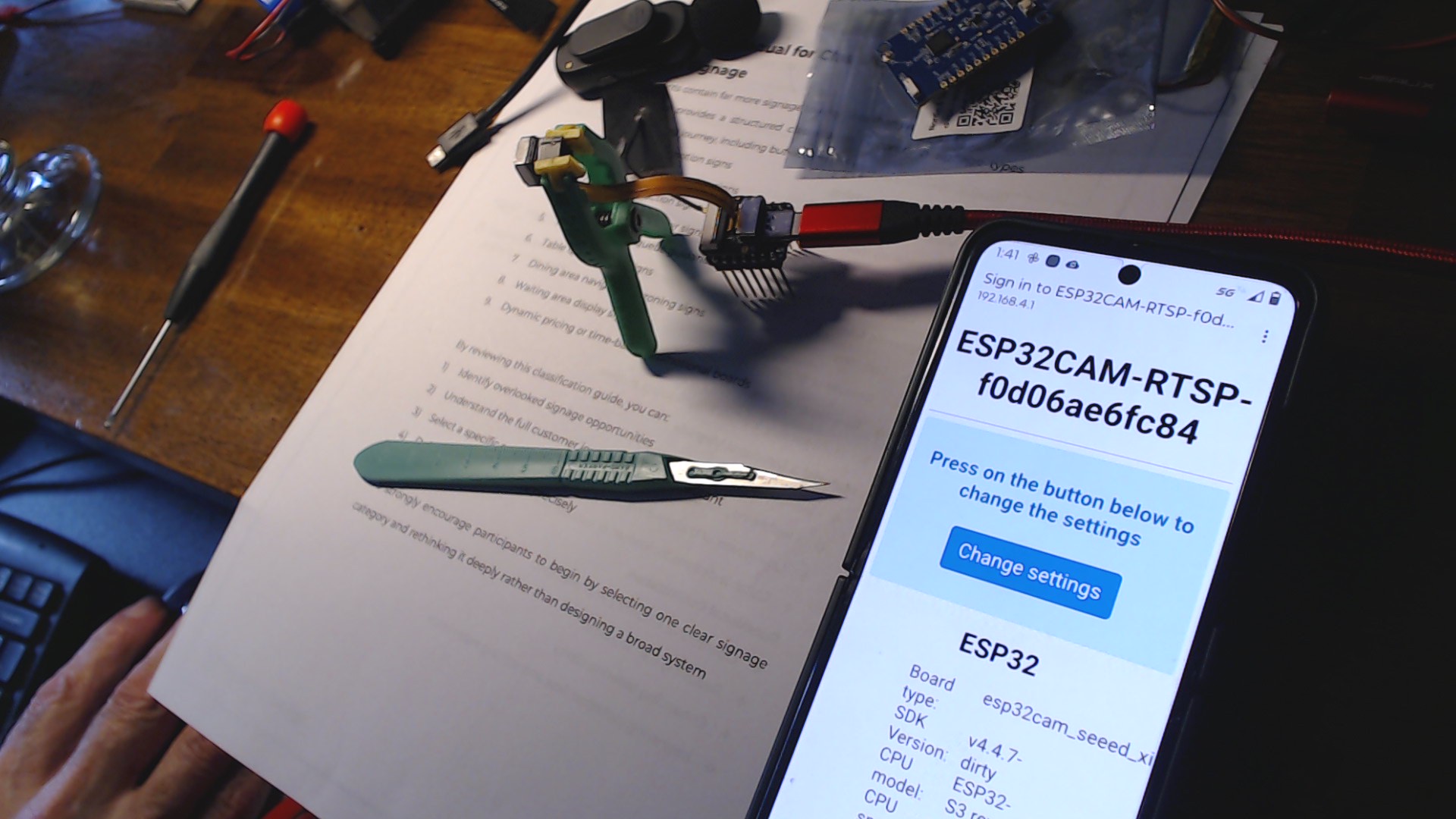
 (maybe)