Hi,
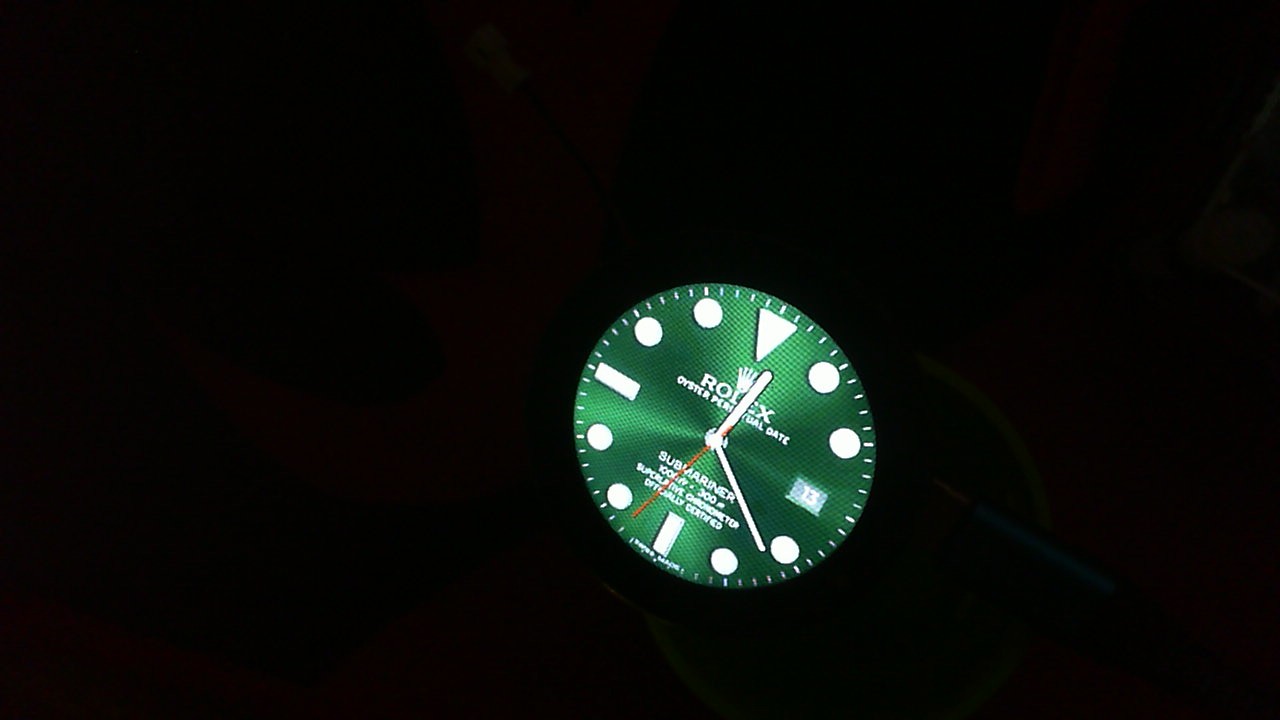
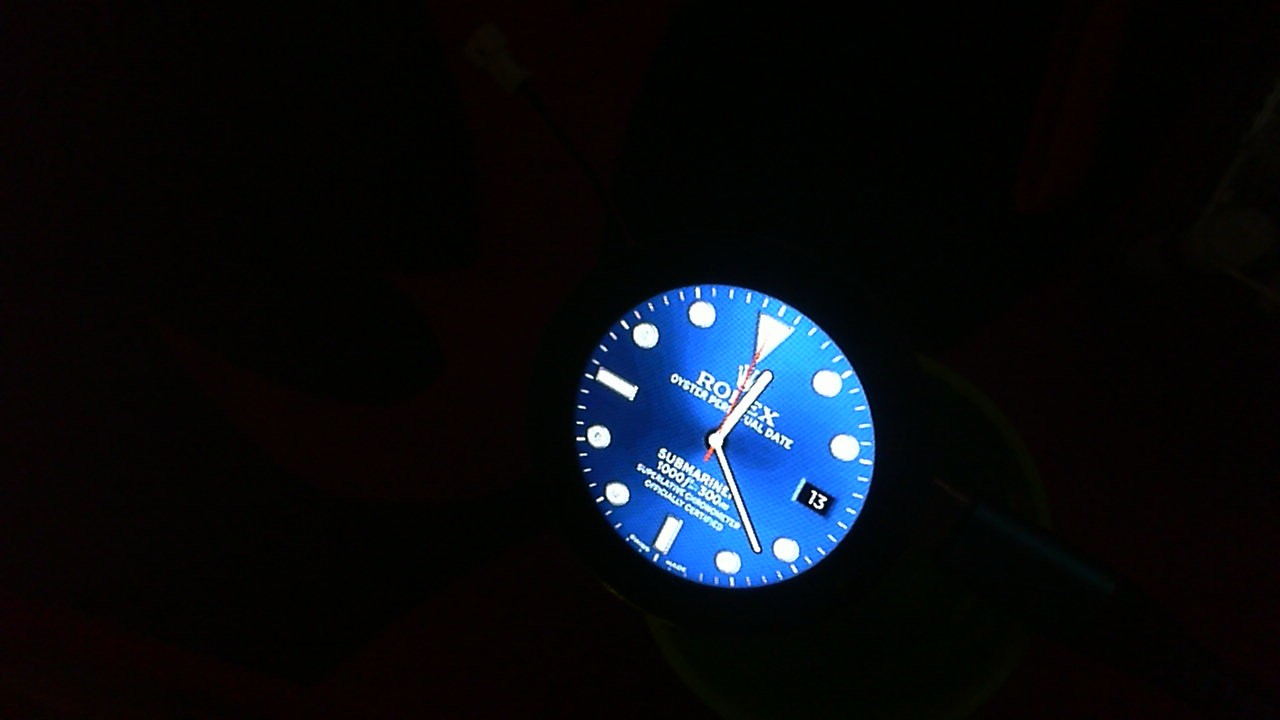
I recently got a new GC9A01 display, but I haven’t been able to get it working with an ESP32S3.
I found a really helpful guide by Mark Lucking HERE but even following that, I still couldn’t get it to work. Here’s what I’ve managed so far:
----- Code

#include <TFT_eSPI.h>
#include <SPI.h>
#define USE_TFT_ESPI_LIBRARY
#include “lv_xiao_round_screen.h”

lv_coord_t touchX, touchY;

void setup() {
// put your setup code here, to run once:
Serial.begin(115200);

pinMode(TOUCH_INT, INPUT_PULLUP);
Wire.begin();

// Initialise the screen
tft.init();

tft.setRotation(0);
tft.fillScreen(TFT_BLACK);
}

void loop() {
//put your main code here, to run repeatedly:
if(chsc6x_is_pressed())
{
Serial.println(“The display is touched.”);
chsc6x_get_xy(&touchX, &touchY);
tft.drawCircle(touchX, touchY, 15, TFT_WHITE);
}

delay(500);
}
------ TFT_eSPI User_Setup

#define USER_SETUP_INFO “User_Setup”
#define GC9A01_DRIVER
#define TFT_HEIGHT 240 // GC9A01 240 x 240
#define TFT_CS   PIN_D8  // Chip select control pin D8
#define TFT_DC   PIN_D3  // Data Command control pin
#define TFT_RST  PIN_D4  // Reset pin (could connect to NodeMCU RST, see next line)
// Use an Arduino pin for initial testing as connecting to processor reset
// may not work (pulse too short at power up?)
#define LOAD_GLCD   // Font 1. Original Adafruit 8 pixel font needs ~1820 bytes in FLASH
#define LOAD_FONT2  // Font 2. Small 16 pixel high font, needs ~3534 bytes in FLASH, 96 characters
#define LOAD_FONT4  // Font 4. Medium 26 pixel high font, needs ~5848 bytes in FLASH, 96 characters
#define LOAD_FONT6  // Font 6. Large 48 pixel font, needs ~2666 bytes in FLASH, only characters 1234567890:-.apm
#define LOAD_FONT7  // Font 7. 7 segment 48 pixel font, needs ~2438 bytes in FLASH, only characters 1234567890:-.
#define LOAD_FONT8  // Font 8. Large 75 pixel font needs ~3256 bytes in FLASH, only characters 1234567890:-.
#define LOAD_GFXFF  // FreeFonts. Include access to the 48 Adafruit_GFX free fonts FF1 to FF48 and custom fonts
#define SMOOTH_FONT
#define SPI_FREQUENCY  27000000
#define SPI_READ_FREQUENCY  20000000
#define SPI_TOUCH_FREQUENCY  2500000
------- TFT_eSPI User Setup Select

#ifndef USER_SETUP_LOADED //  Lets PlatformIO users define settings in
//  platformio.ini, see notes in “Tools” folder.
#include <User_Setups/Setup66_XIAO_Round_Expansion.h>    // Setup file for XIAO serial with GC9A01
#endif // USER_SETUP_LOADED
#define TFT_BGR 0   // Colour order Blue-Green-Red
#define TFT_RGB 1   // Colour order Red-Green-Blue
#define PIN_D0  16  // GPIO16       WAKE
#define PIN_D1   5  // GPIO5        User purpose
#define PIN_D2   4  // GPIO4        User purpose
#define PIN_D3   0  // GPIO0        Low on boot means enter FLASH mode
#define PIN_D4   2  // GPIO2        TXD1 (must be high on boot to go to UART0 FLASH mode)
#define PIN_D5  14  // GPIO14       HSCLK
#define PIN_D6  12  // GPIO12       HMISO
#define PIN_D7  13  // GPIO13       HMOSI  RXD2
#define PIN_D8  15  // GPIO15       HCS    TXD0 (must be low on boot to enter UART0 FLASH mode)
#define PIN_D9   3  //              RXD0
#define PIN_D10  1  //              TXD0
#define PIN_MOSI 8  // SD1          FLASH and overlap mode
#define PIN_MISO 7  // SD0
#define PIN_SCLK 6  // CLK
#define PIN_HWCS 0  // D3
#define PIN_D11  9  // SD2
#define PIN_D12 10  // SD4
--------- Libraries

Using library TFT_eSPI at version 2.5.22 in folder: C:\Users\user\Documents\Arduino\libraries\TFT_eSPI
Using library SPI at version 2.0.0 in folder: C:\Users\user\AppData\Local\Arduino15\packages\esp32\hardware\esp32\2.0.11\libraries\SPI
Using library Wire at version 2.0.0 in folder: C:\Users\user\AppData\Local\Arduino15\packages\esp32\hardware\esp32\2.0.11\libraries\Wire
Using library FS at version 2.0.0 in folder: C:\Users\user\AppData\Local\Arduino15\packages\esp32\hardware\esp32\2.0.11\libraries\FS
Using library SPIFFS at version 2.0.0 in folder: C:\Users\user\AppData\Local\Arduino15\packages\esp32\hardware\esp32\2.0.11\libraries\SPIFFS
Using library Seeed Arduino Round display at version 1.0.0 in folder: C:\Users\user\Documents\Arduino\libraries\Seeed_Arduino_Round_display
Using library lvgl at version 8.3.4 in folder: C:\Users\user\Documents\Arduino\libraries\lvgl
Some other info
ESP32 Chip model = ESP32-S3 Rev 0
This chip has 2 cores
Chip ID: 7773948

 PJ
PJ