Am I the only one who feels like they have to unplug USB ports and double tweezer the reset pins over and over again just to program this chip? I’m using the arduino IDE and it seems like different variants of my code seem more or less likely to cause the serial port to reject the device, but the pattern isn’t clear at all. I don’t know how I am supposed to test and debug a thing that disconnects every time something goes wrong. My success rate in getting it uploads to succeed feels like it’s less than 20% today, I’ve been doing this for hours and it’s completely maddening. The issue is made slightly worse by uploads saying they’re successful until 30s later when the serial reports being closed. Can I get some guidance?
Swapped out the chip. The new one does the same thing.
people will call me crazy… but if you are using the serial monitor… use a low baud rate… like 19200.. max… IMO
also this device has a reset button that is a little easier to press alot during troubleshooting
I believe my problem is related to dynamic memory allocation. Now, obviously, you’re gonna tell me don’t do that on embedded (way ahead of ya), but how come nobody told whomever wrote this NeoPixel library 
I don’t have strong feelings about the serial baud rate and I’m ignorant as to why some do, care to elaborate? Thanks for the reply!
Hi there,
So, That specific mechanism is called the 1200-Baud Pulse (or the 1200-Baud Touch / Bootloader Reset Hook). 
 Every time you hit upload.
And … Here is how the chain of events actually works under the hood when the IDE signals the chip that a flash payload is incoming:
-
The 1200-Baud Signal: When you hit Upload in the Arduino IDE, the host PC opens the SAMD21’s virtual serial CDC port at 1200 baud and then drops the DTR (Data Terminal Ready) line.
-
The USB Stack Interrupt: This exact
1200value is not used to transmit data. Instead, the native USB stack running inside the SAMD21 firmware catches1200as a special magic number. -
Soft Reset to Bootloader: Catching that flag triggers an internal register write or software reset that halts your sketch, bypasses normal boot, and jumps straight into the UF2 / SAM-BA bootloader space in flash memory.
-
Handshake & Flashing: Once the chip reboots into bootloader mode, it enumerates on the USB bus as a flash programming device (handled by BOSSA /
bossac). The transfer then takes place over full USB 2.0 speed (12 Mbps), completely ignoring the 1200 baud rate used to trigger it.
If your code is NOT garbage it runs… 
HTH
GL  PJ
PJ 
Hi there,
Glad , your walking around..
SO, you’re correct, What you’re experiencing with the serial port dropping is a classic SRAM exhaustion / USB stack crash. Xiao or Not…
On the SAMD21, native USB (Serial) relies on the chip’s internal SRAM to manage endpoints. When code dynamically allocates memory (like NeoPixel strips or large string buffers) and runs out of RAM, the heap collides with the stack and corrupts the USB registers. The chip instantly drops off the USB bus, which is why Explorer/Arduino loses the COM port and requires a manual double-tap reset into the bootloader.
Regarding the baud rate: The Arduino IDE triggers uploads via the 1200-baud touch / bootloader hook. When the IDE opens the port at 1200 baud and toggles DTR, the SAMD21’s USB interrupt catches that 1200 number as a special signal to jump straight into bootloader mode (handled by bossac). It’s not actually transferring data at 1200 baud—it’s just a software trigger to reboot the chip!
To fix the dropping issue, try allocating your NeoPixel object statically at the top of your sketch instead of creating/updating buffers dynamically inside functions or loops.
You should hop onto the newer MCU’s in the family, Way better in EVERY aspect. Ironically allot are using it as the USB front end , it works very well dedicated in the DAP interface too. So there’s that 

I’m team Viking ALL the WAY.
HTH
GL PJ 
… i am not an expert… just a tinkerer… just anacdotal experience to say I have experienced that it seems if the XIAO is trying to communicate to the serial monitor at a high rate of speed, it is like the computer cannot get the attention of the XIAO because it is talking too much and not listening enough.
I have just experienced that it seems the computer can wake the XIAO into boot mode without all the button pressing when rapid prototyping…
I know some people need to go fast with serial communications to aviod processing lag.. or whatever.. and most final projects dont need serial.. its just for debuging purposes…
anyway…
Hi there,
I like this one for Neopixels (sunglasses required )

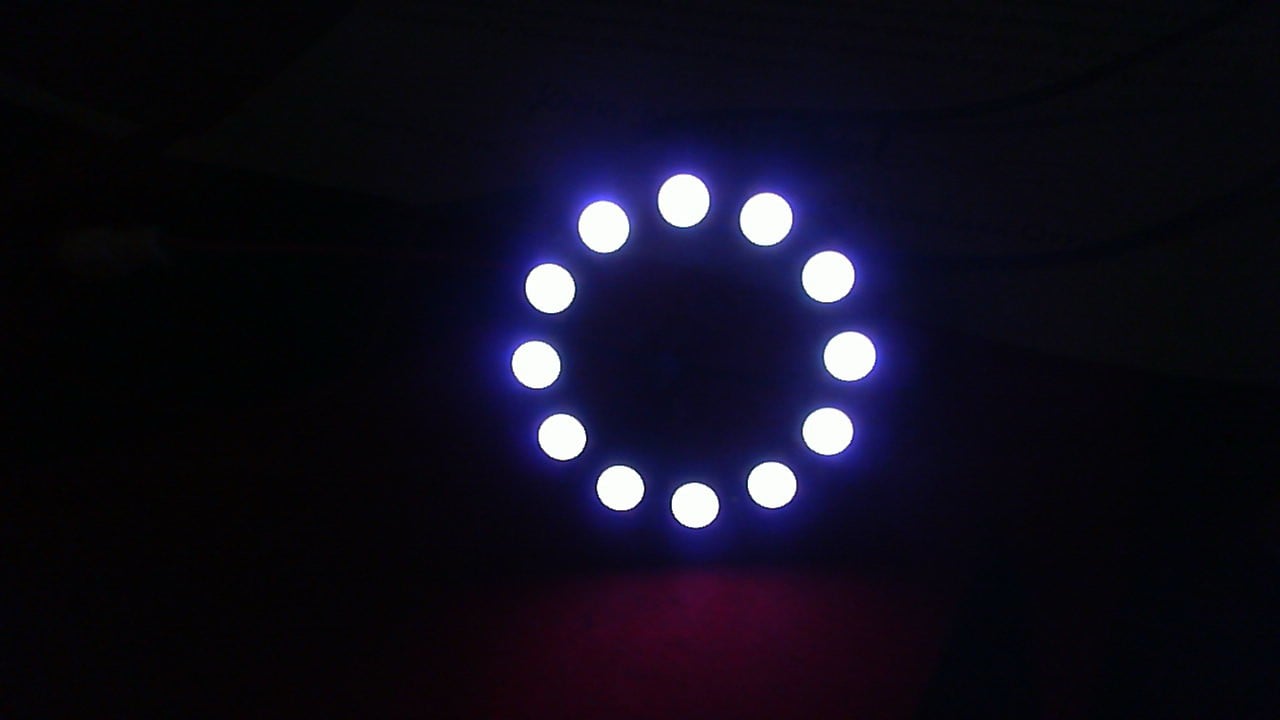
As You were 
GL PJ
Yeah, I just picked up the nRF52840 Plus and already regret not getting the Sense instead. I need to do better research before I buy.
Anyhow, thank you both for the knowledge and wisdom. Have a great day!
You need to start your own Highlighted Projects Thread… for archival and retreaval purposes
On the topic of dynamic memory allocation, I’m about to try and run a tensorflow model on the nRF52840 and I see their codebase also has a few mallocs in it. While I assume that the authors have thought about this, as they’ve written documents such as this with phrases like “no dynamic memory allocation during inference to ensure deterministic memory usage and avoid memory fragmentation”, it still makes me nervous (no less because of the qualifier “during inference”). Do any of you have experience working with tf lite on an embedded device?
I know they use a memory arena and have a fancy scheme for working inside of it, but I don’t know enough about memory management under the hood to know if malloc will cause or problem or just can, and I certainly don’t have time to trace through their entire codebase and figure what those mallocs are up to. My assumption is that if you have a preallocated memory arena sitting on the stack, there isn’t need to call malloc to get access to any of that and anything malloc gives you would be on the heap, but I guess I can imagine someone writing something called malloc that works inside of a smaller, preallocated space. I’m super gun shy regarding memory corruption right now, as if that wasn’t obvious.
Hi there,
SO , Check out a couple posts on it. You hit it right though.
You use seeed Schmea file to handle it.
Train the model , build the data set, then deploy to the device.
The Grove AI II is one. I have a demo on her of it and the process.
HTH
GL PJ
FYI, Rumor 
 has it the next gen Xiao nRF54LM20B will have way more power in this area.
I started trying the nRF52840 today and it seems like I’ve bricked it on the first couple uploads. I see that there’s a procedure for resetting them or whatever, but I don’t want to buy extra hardware and I don’t want to figure out extra software. I already regret the money I’ve spent on these things and the time I’ve wasted.
Maybe I’ll return to this after a few days, but this has all just been a thoroughly shitty experience. Thank you very much for trying to help me.
Hi there,
SO , the Double reset FAST pressing it will drop it into Bootloader mode and the comm port may change , reconnect and flash with the blinky program, Read or follow the WiKI on this device it is ROCK solid and only catch are there is two different BSP (board support files) those are provided by the manufacture, Select the embedded or non-embedded type. Adafruit examples use the NON- , FYI..
All the examples work. IO use it on A daily basis.
The new one is even better , but requires more time investment to learn the nRF_SDK if you want REAL code and to get REAL work done, not just blink some LED’s
It can be frustrating , but it’s worth every swear  word and urge to toss it in the bin..
Stick with it , you get it, it is not rocket science but requires some care to handle and specific steps to master . The Knowledge you gain applies to allot more.
HTH
GL PJ
I always tell folks to read the wiki , it is pretty good on this device. Try following along a little ,see if it helps.
PJ, I can’t tell you how badly I just want to blink some LEDs  I just also need a small form factor (and possibly also to run some gesture recognition in TF).
I’ll try this again when I cool down probably, but I’m looking into other solutions that are more forgiving. If you have anything nice or otherwise to say about the Qt Py S3, I’m all ears.
Again, thanks for all your help. I’m grumpy after sinking 15 hours into this, but that isn’t your fault and you’ve been very kind and patient.
… Qt Py and XIAO are the same… its so funny when people assume if it came from China its something fundimentally wrong with it…
It might be the same as the XIAO ESP32-S3, but I haven’t tried that one either (I’ve been suffering through the SAMD21 and nRF52 ones). Can you comment on whether I’m likely to have the same corruption/bricking issues with the ESP32-S3?
On a different forum, I was recommended the RP2040 chips because they have a hardcoded USB driver and bootloader so they can’t be corrupted by user code. I need to research that more myself, but for me that’s a property that I no longer take for granted.
Hi Chet_Gnegy,
To determine whether the issue lies with the complex sketch you’re uploading or is simply due to your lack of familiarity with the process, please upload a simple sketch—such as a “blink” sketch—several times and let us know what happens. We might be able to offer some guidance.
Sad to hear you are having issues with the XIAO SAMD21. They have been a “stalwart” of the XIAO range for some time now. I’ve used 'SAMs (C’s and D’s) for a while and they are great.
The issues you’re experiencing are not the norm.
I would start with ensuring there is stable power and a direct connection to the PC/laptop. Also a good quality USB cable.
If possible post your code, any settings you have and also an “elf” (in Arduino - use Export Compiled Binary) so we can run a debugger to check for issues.
Regarding malloc’s in “embedded”. While not necessarily “widely acceptable” in the embedded world, most of the code I develop has extensive memory management (Zigbee, BLE, Matter, Zephyr etc) due to memory limitations on certain devices.
I already know that the problem lies with my sketch. I don’t know how to debug the sketch effectively when the chip’s feedback is that it disconnects from the USB and refuses to respond or accept uploads entirely until I’ve bought additional hardware to repair the bootloader. That might be typical for some chips, but as a long time Arduino user, I’ve never had to deal with that and frankly I don’t see why anyone would. These chips are advertised like they’re a small footprint drop in replacement for an Arduino. I certainly have not found that to be the case.