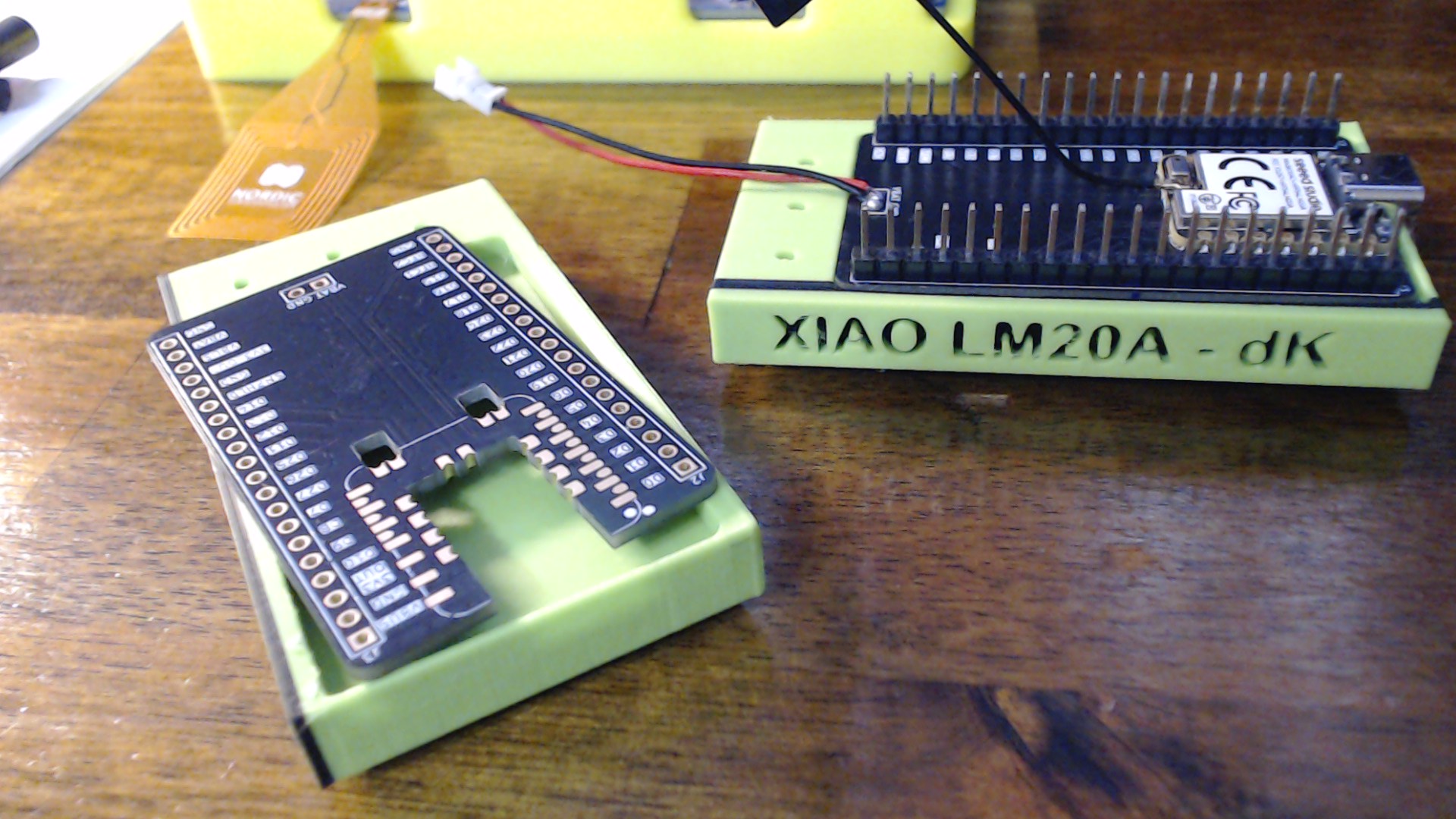
Hi there,
So here is the steps I used to Begin the journey of discovery…

Using the nRF54L15 DK as an External J-Link Programmer
Date: June 2026
Status: SUCCESS 
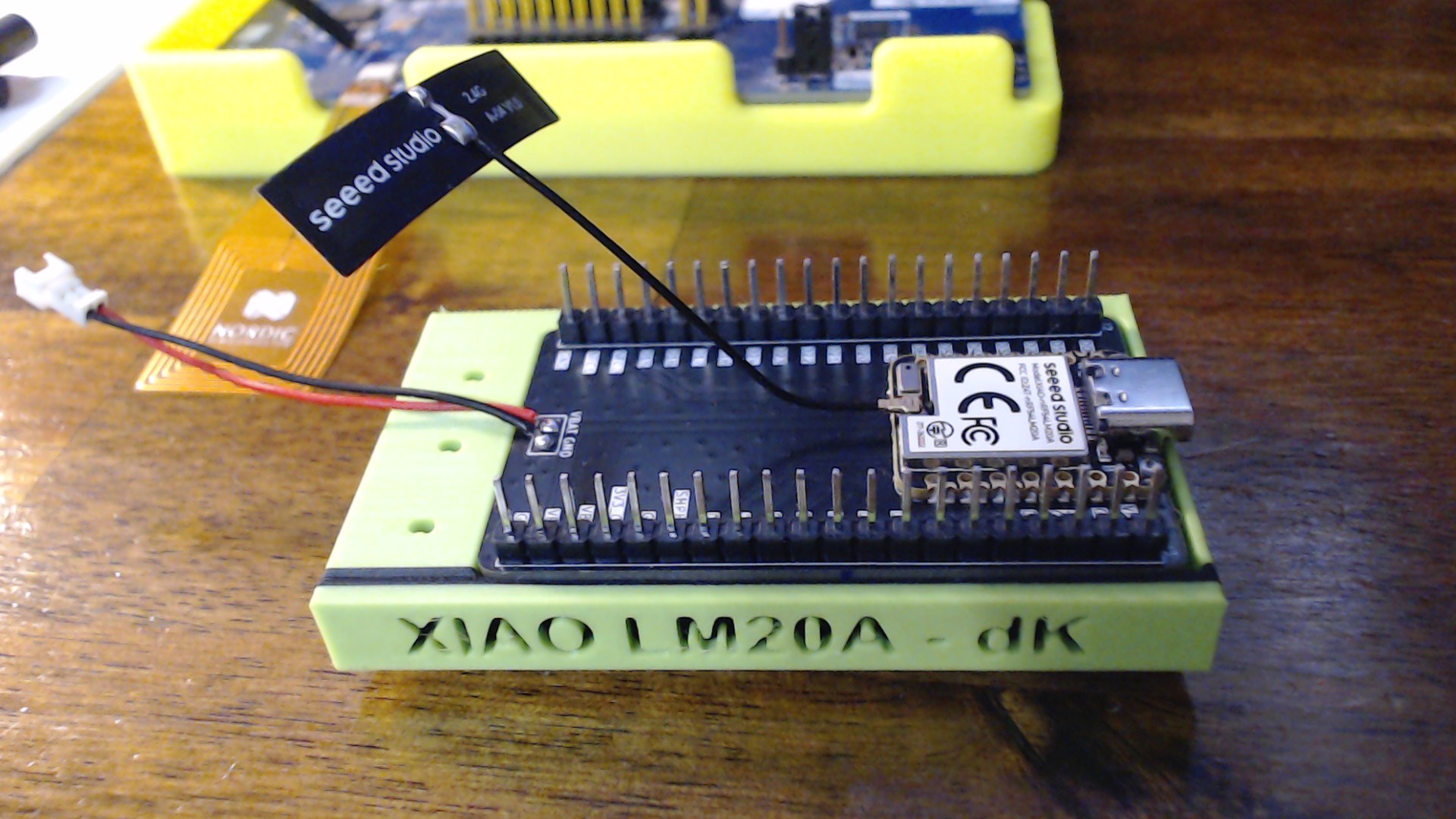
I attached the included Flag antenna to the Newly opened Xiao and added it to the expansion board.
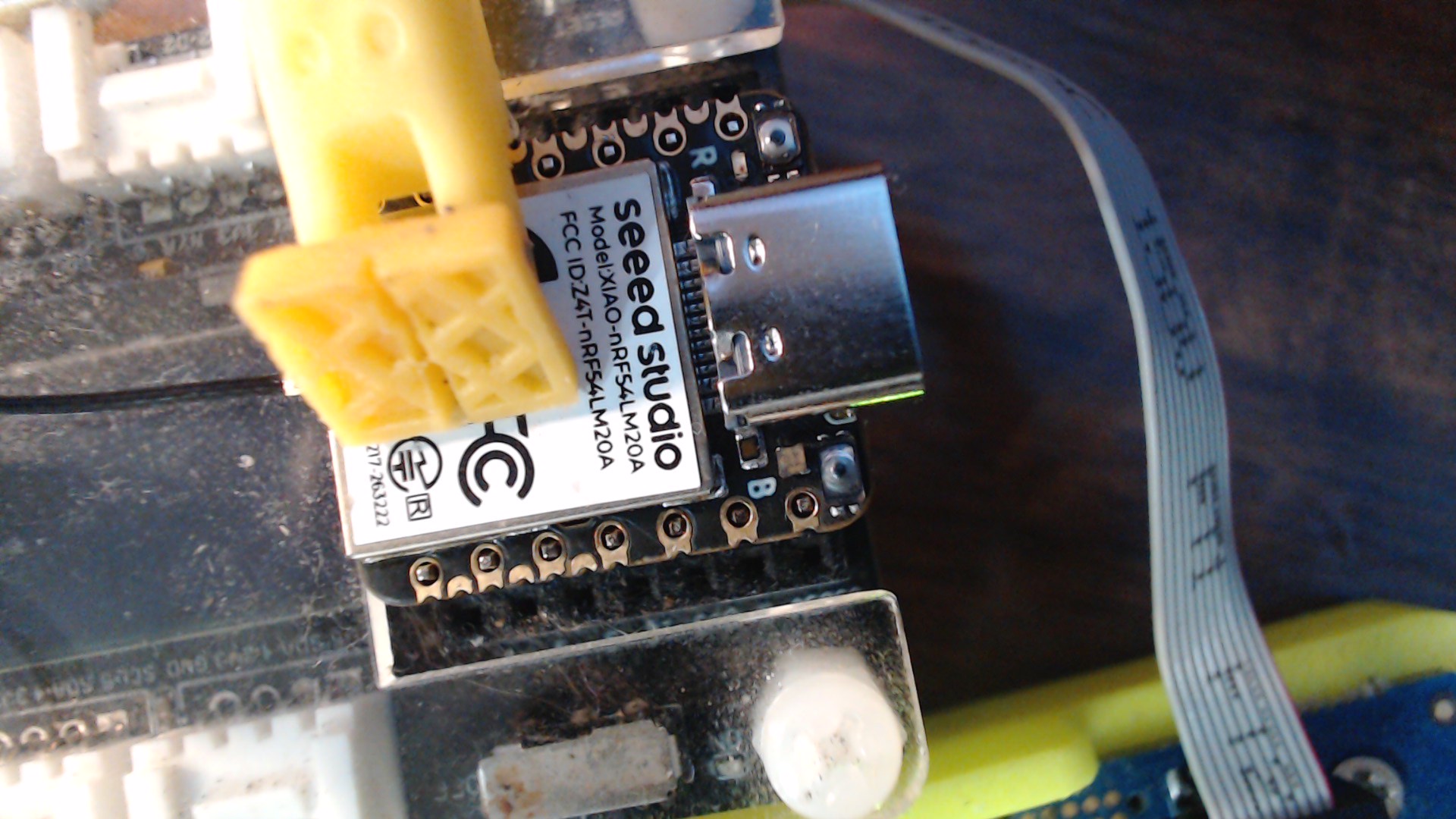
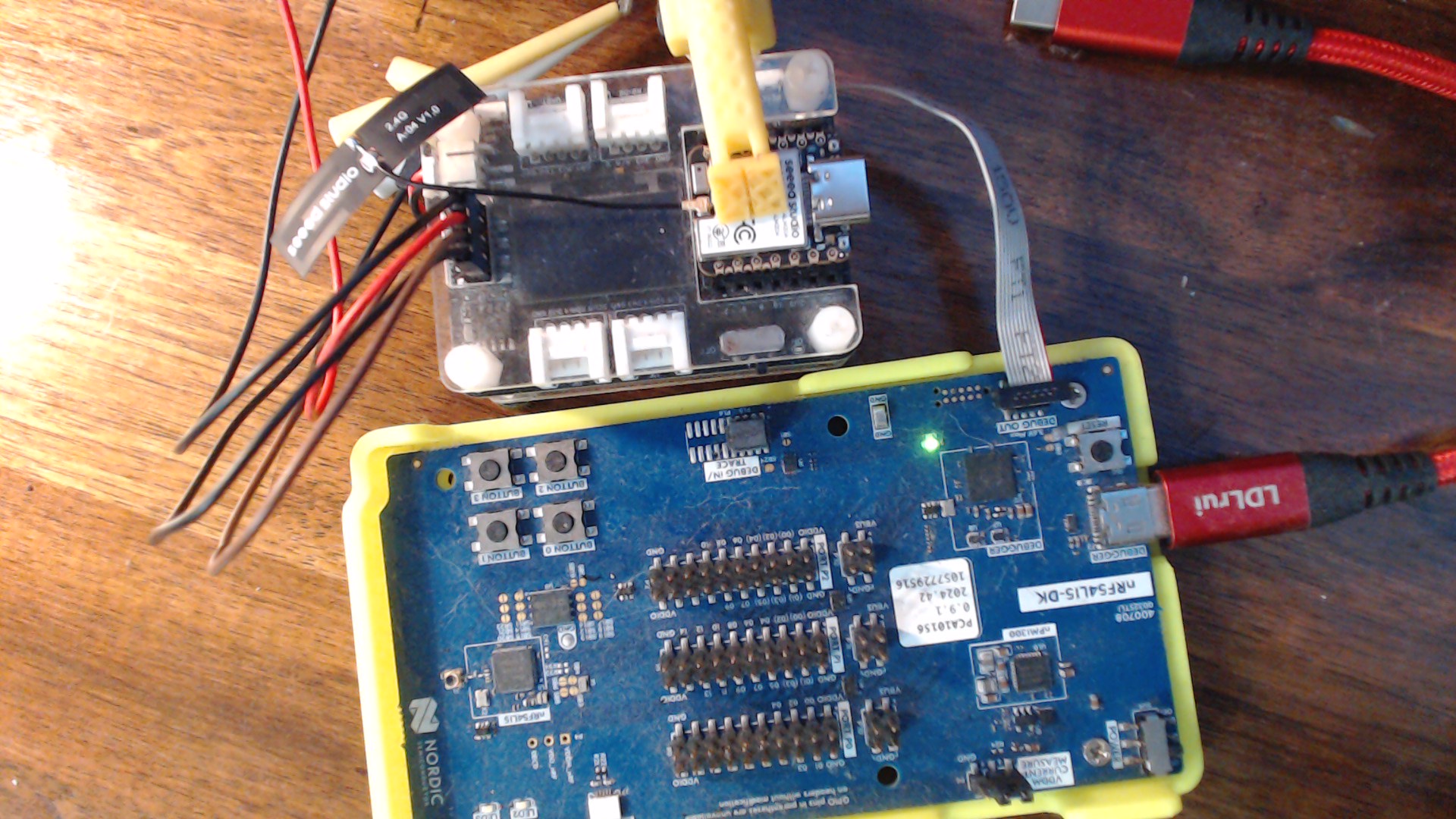
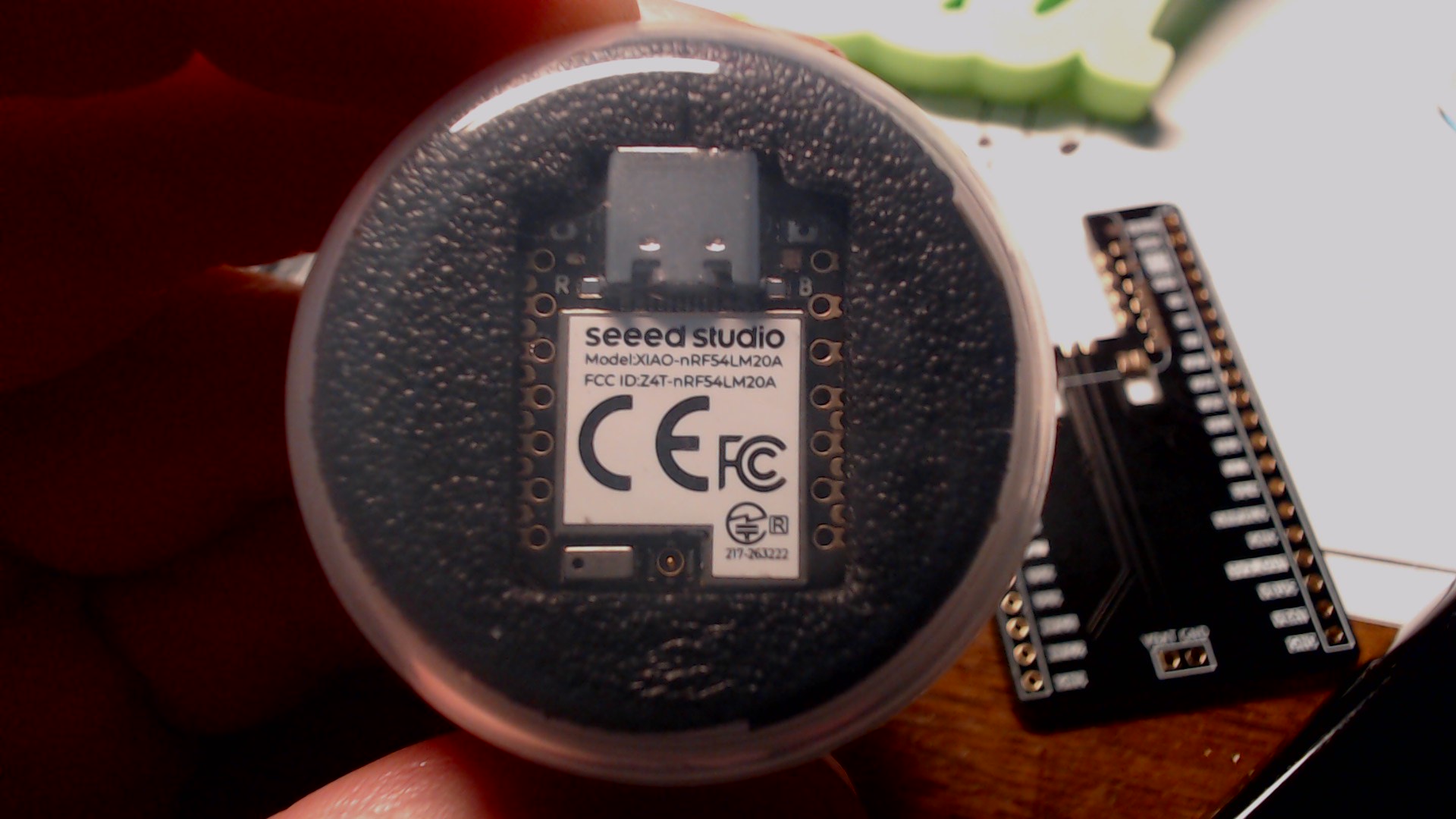
After some experimentation, I have the Seeed XIAO nRF54LM20A building and flashing under Nordic nRF Connect SDK v3.2.1.
This is a summary of the complete process that got me there.
Hardware Used
- Seeed XIAO nRF54LM20A
- Seeed Expansion Board (SWD)
- Nordic nRF54L15 DK (P19)
- USB-C cable to both boards (not at the same time)
- Windows 11
- nRF Connect SDK v3.2.1
Step 1 - Connect the Hardware
The XIAO was plugged into the Expansion Board.
The Expansion Board SWD connector was wired directly to the External Debug (P19) connector on the nRF54L15 DK.
Connections:
SWDIO
SWCLK
RESET
3.3V
GND
Power was supplied normally through USB.
Step 2 - Verify J-Link Can See the Target
Open J-Link Commander.
connect
Device:
NRF54LM20A_M33
Expected output:
Found SW-DP
Found Cortex-M33
Secure debug enabled
This confirms:
- SWD wiring good
- Target powered
- Debug unlocked
Step 3 - Halt CPU
halt
Expected:
PC = xxxxxxxx
Registers should be readable.
Step 4 - Verify Flash
mem32 0x00000000,16
Expected:
20000C60
000002CD...
If the vector table is readable,
the connection is working.
Step 5 - Backup Factory Firmware
Backup first 64 KB
savebin d:\ncs\tmp\nrf54lm20a_factory_stub_64k.bin,0x00000000,0x10000
Expected
Reading 65536 bytes...O.K.
Convert to HEX
arm-zephyr-eabi-objcopy-I binary-O ihex
Result
factory_stub_64k.hex
Now factory firmware is preserved. 

Step 6 - Install Seeed Board Files
Clone
platform-seeedboards
Extract only
boards/soc/
to
D:\ncs\seeed-lm20a-only
Avoid copying xiao_nrf54l15 because it conflicts with NCS 3.2.1.
Step 7 - Verify Board Exists
west boards --board-root D:\ncs\seeed-lm20a-only
Expected
xiao_nrf54lm20a
Step 8 - Build Hello World
west build
Board
xiao_nrf54lm20a/nrf54lm20a/cpuapp
Extra CMake
-DBOARD_ROOT=D:/ncs/seeed-lm20a-only
Expected
FLASH:RAM:Generating merged.hex
No errors.
Step 9 - J-Link Flash Failure
Attempting
west flash
or
loadfile merged.hex
failed with
Timeout while preparing targetRAMCode did not respond
This turned out NOT to be an SWD problem.
It was the flash loader.
Step 10 - Install nrfutil
Found inside
C:\ncs\toolchains\936afb6332\nrfutil\bin
Version
7.12.0
Step 11 - Verify Debugger
nrfutil device list
Expected
1057729516ProductJ-LinkBoardPCA10156
Perfect.
Step 12 - Flash Successfully
nrfutil device program
Firmware
merged.hex
Output
Programmed
Success!
Step 13 - Reset
nrfutil device reset
Step 14 - Open Serial Port
Immediately after reset
COM port begins printing
XIAO nRF54LM20A Demo, LED ONaccel data:...gyro data:...
Then
LED OFFaccel...gyro...
Repeated continuously.
Final Result
The following are now verified:
NCS v3.2.1 builds successfully
Custom XIAO board support works
nRF54L15 DK external SWD works
J-Link debugging works
Flash backup completed
Factory firmware preserved
nrfutil flashing works
Serial output works
IMU working
LED working
SEGGER J-Link Commander V8.94 (Compiled Dec 10 2025 14:46:23)
DLL version V8.94, compiled Dec 10 2025 14:45:18

Connecting to J-Link via USB...O.K.
Firmware: J-Link OB-nRF5340-NordicSemi compiled Jul  8 2025 10:15:34
Hardware version: V1.00
J-Link uptime (since boot): 0d 00h 01m 49s
S/N: 1057729516
License(s): RDI, FlashBP, FlashDL, JFlash, GDB
USB speed mode: Full speed (12 MBit/s)
VTref=3.300V


Type "connect" to establish a target connection, '?' for help

J-Link>connect
Device "NRF54LM20A_M33" selected.


Connecting to target via SWD
ConfigTargetSettings() start
ConfigTargetSettings() end - Took 2us
InitTarget() start
InitTarget() end - Took 1.83ms
Found SW-DP with ID 0x6BA02477
DPIDR: 0x6BA02477
CoreSight SoC-400 or earlier
AP map detection skipped. Manually configured AP map found.
AP[0]: AHB-AP (IDR: Not set, ADDR: 0x00000000)
AP[1]: APB-AP (IDR: Not set, ADDR: 0x00000000)
AP[2]: MEM-AP (IDR: Not set, ADDR: 0x00000000)
Iterating through AP map to find AHB-AP to use
AP[0]: Core found
AP[0]: AHB-AP ROM base: 0xE00FE000
CPUID register: 0x411FD210. Implementer code: 0x41 (ARM)
Feature set: Mainline
Cache: No cache
Found Cortex-M33 r1p0, Little endian.
FPUnit: 8 code (BP) slots and 0 literal slots
Security extension: implemented
Secure debug: enabled
CoreSight components:
ROMTbl[0] @ E00FE000
[0][0]: E00FF000 CID B105100D PID 000BB4C9 ROM Table
ROMTbl[1] @ E00FF000
[1][0]: E000E000 CID B105900D PID 000BBD21 DEVARCH 47702A04 DEVTYPE 00 Cortex-M33
[1][1]: E0001000 CID B105900D PID 000BBD21 DEVARCH 47701A02 DEVTYPE 00 DWT
[1][2]: E0002000 CID B105900D PID 000BBD21 DEVARCH 47701A03 DEVTYPE 00 FPB
[1][3]: E0000000 CID B105900D PID 000BBD21 DEVARCH 47701A01 DEVTYPE 43 ITM
[1][5]: E0041000 CID B105900D PID 002BBD21 DEVARCH 47724A13 DEVTYPE 13 ETM
[0][1]: E0040000 CID B105900D PID 000BBD21 DEVARCH 00000000 DEVTYPE 11 TPIU
Memory zones:
  Zone: "Default" Description: Default access mode
Cortex-M33 identified.
J-Link>ShowHWStatus
VTref=3.300V
ITarget=0mA
TCK=0 TDI=1 TDO=1 TMS=1 TRES=1 TRST=?
Supported target interface speeds:
 - 128 MHz/n, (n>=64). => 2000kHz, 1969kHz, 1939kHz, ...
Build with West command
PS C:\ncs\v3.2.1> west build -p always `
>>   -b xiao_nrf54lm20a/nrf54lm20a/cpuapp `
>>   zephyr\samples\hello_world `
>>   -- "-DBOARD_ROOT=D:/ncs/seeed-lm20a-only"
-- west build: generating a build system
Loading Zephyr module(s) (Zephyr base): sysbuild_default
-- Found Python3: C:/Users/Dude/AppData/Local/Microsoft/WindowsApps/PythonSoftwareFoundation.Python.3.11_qbz5n2kfra8p0/python.exe (found suitable version "3.11.9", minimum required is "3.10") found components: Interpreter
-- Cache files will be written to: C:/ncs/v3.2.1/zephyr/.cache
-- Found west (found suitable version "1.3.0", minimum required is "0.14.0")
-- Board: xiao_nrf54lm20a, qualifiers: nrf54lm20a/cpuapp
Parsing C:/ncs/v3.2.1/zephyr/share/sysbuild/Kconfig
Loaded configuration 'C:/ncs/v3.2.1/build/_sysbuild/empty.conf'
Merged configuration 'C:/ncs/v3.2.1/build/_sysbuild/empty.conf'
Configuration saved to 'C:/ncs/v3.2.1/build/zephyr/.config'
Kconfig header saved to 'C:/ncs/v3.2.1/build/_sysbuild/autoconf.h'
--
   *********************************
   * Running CMake for hello_world *
   *********************************
yada,yada,yada,

[10/10] Generating ../merged.hex
Flash & Reset
PS C:\ncs\v3.2.1> nrfutil device list
C865297E600C
Product         nRF52 Connectivity
Ports           COM7
Traits          nordicUsb, nordicDfu, serialPorts, usb

1057729516
Product         J-Link
Board version   PCA10156
Ports           COM3, vcom: 0
                COM4, vcom: 1
Traits          jlink, seggerUsb, serialPorts, usb, devkit, boardController

Supported devices found: 2

PS C:\ncs\v3.2.1> nrfutil device program --firmware C:\ncs\v3.2.1\build\merged.hex --serial-number 1057729516
[00:00:00] ###### 100% [2/3 1057729516] Programmed
PS C:\ncs\v3.2.1> nrfutil device reset --serial-number 1057729516
v Reset was applied to 1057729516
PS C:\ncs\v3.2.1> nrfutil device reset --serial-number 1057729516
v Reset was applied to 1057729516
PS C:\ncs\v3.2.1>
Serial output
UART20_BOOT_PROBE
Hello, XIAO nRF54LM20A
accel data:0.134596,0.485144,11.073384gyro data: -0.131717,-0.000305,-0.023671
XIAO nRF54LM20A Demo, LED ON
accel data:-0.098703,0.303888,10.412965gyro data: -0.009162,-0.057726,0.060628
XIAO nRF54LM20A Demo, LED OFF
accel data:-0.018544,0.308075,10.399207gyro data: -0.008704,-0.054290,0.063224
XIAO nRF54LM20A Demo, LED ON
accel data:-0.046660,0.331405,10.368698gyro data: -0.010766,-0.054672,0.064217
XIAO nRF54LM20A Demo, LED OFF
accel data:-0.070588,0.270388,10.378269gyro data: -0.008628,-0.054748,0.061086
XIAO nRF54LM20A Demo, LED ON
accel data:-0.083748,0.315852,10.387242gyro data: -0.007406,-0.054519,0.063835
XIAO nRF54LM20A Demo, LED OFF
accel data:-0.042472,0.329013,10.401001gyro data: -0.005345,-0.049785,0.063988
XIAO nRF54LM20A Demo, LED ON
code is in the system
zephyr\samples\hello_world `
More discoveries to be made and more testing…
Lessons Learned
The biggest discoveries:
- The board files from Seeed work with NCS 3.2.1 after removing duplicate board definitions.
- The nRF54L15 DK makes an excellent external debugger for the LM20A.
- Raw J-Link Commander can debug the LM20A but cannot reliably program flash because of the RAMCode/flash algorithm issue.
nrfutilis currently the reliable flashing method.- Once this workflow is established, development becomes straightforward.
- Bleeding edge , expect some cuts…LOL
Stay tuned for more from this tiny firehorse
HTH
GL  PJ
PJ 
 The RAMCode errors are gone.