XIAO nRF52840 New units no longer power up from battery pins?

Hi Seeed team and community,

I own around 10 XIAO nRF52840 & Wio-SX1262 Kits (used with Meshtastic), all purchased earlier, and they power up correctly when supplied via the battery pins (VBAT/GND).

Recently, I purchased 2 additional kits from oficial store, and these do NOT power on when powered from the battery pins. They only seem to power up when USB is connected.

The wiring, battery, and test setup are confirmed working, since the older units still behave correctly under the same conditions.

This leads me to suspect that:

  • There may be a hardware revision change
  • The power management / VBAT path was modified
  • Manufacturing defect?

Questions:

Has there been a hardware revision that affects battery power behavior?

Were there changes to the VBAT / power path or enable logic?

Is there a schematic or changelog documenting differences between revisions?

Is there a required firmware or pin configuration to enable battery power on newer boards?

If helpful, I can provide PCB photos, silkscreen revision markings, and voltage measurements to compare older vs newer units.

1 Like

Hi there,

Can you say what versions of Meshtastic you are installing and How?

HTH
GL :slight_smile: PJ :v:

Welcome! and thanks for such a great detailed question

I will try to get the answer for you

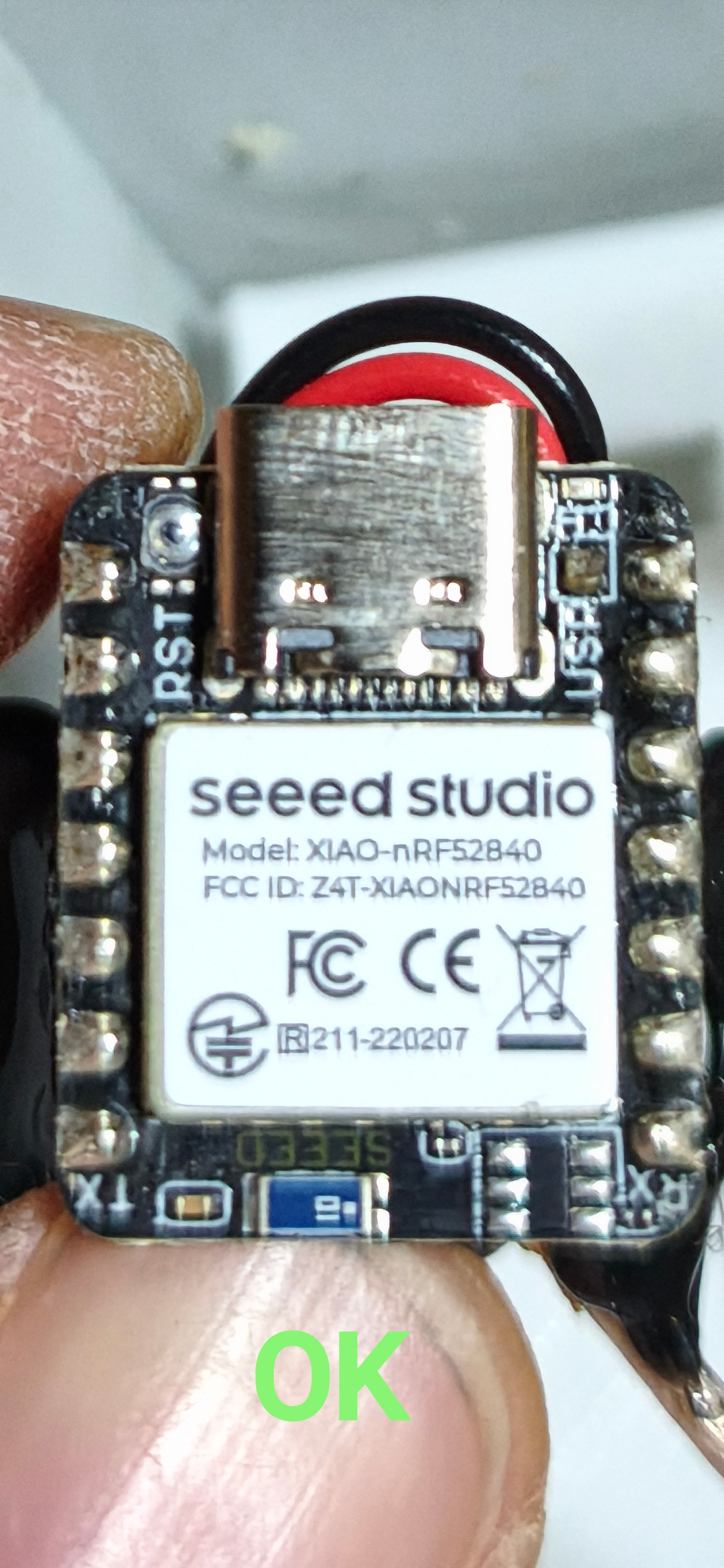
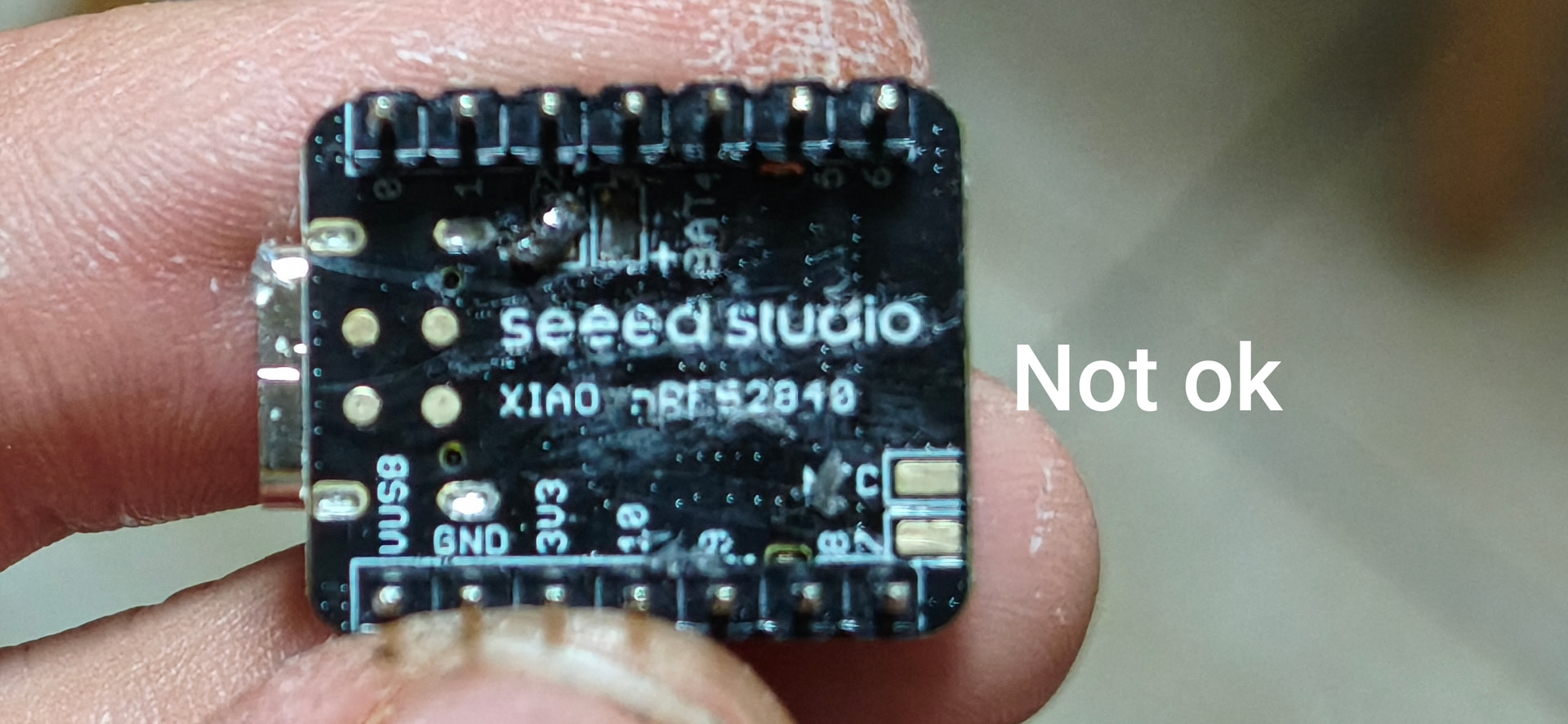
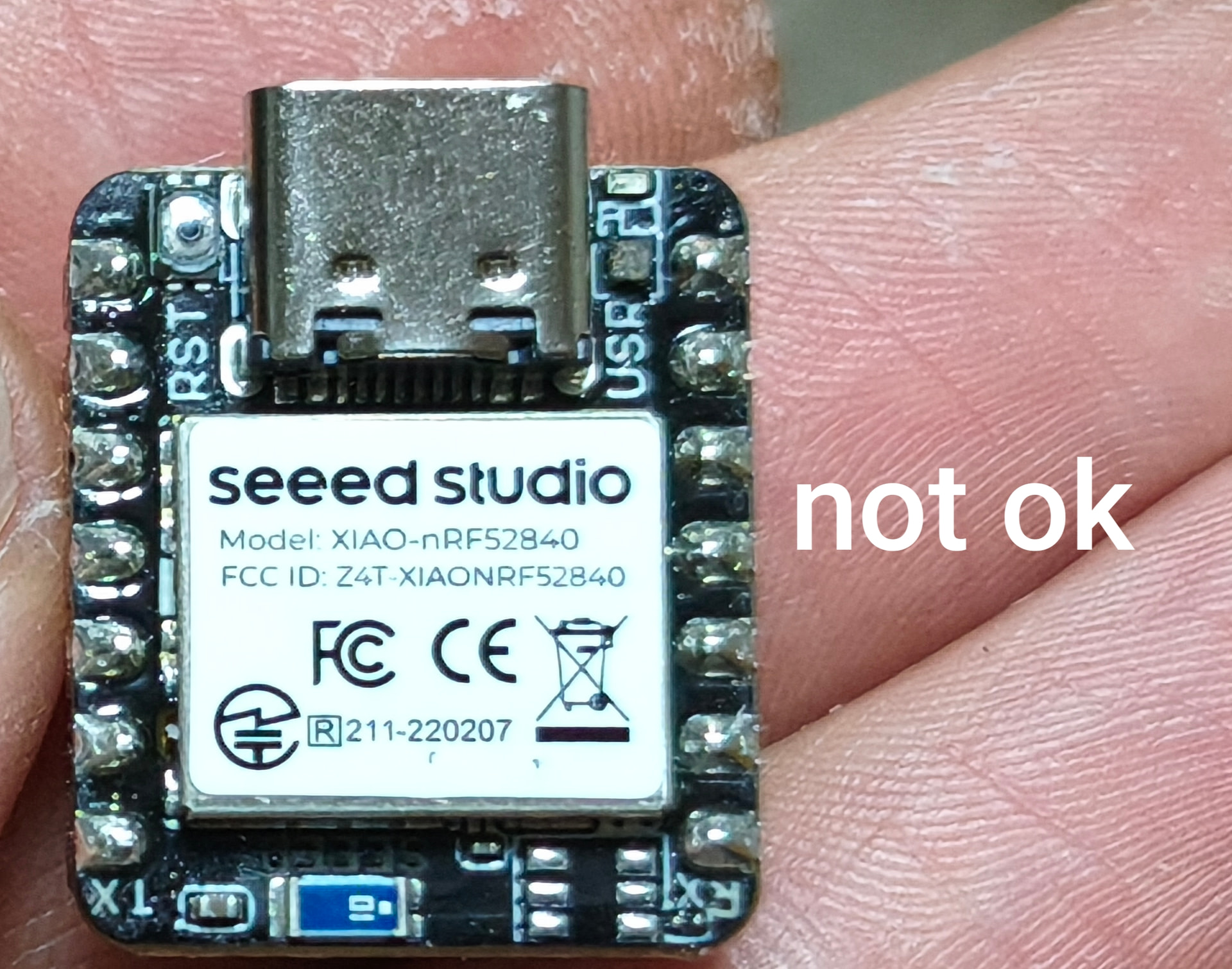
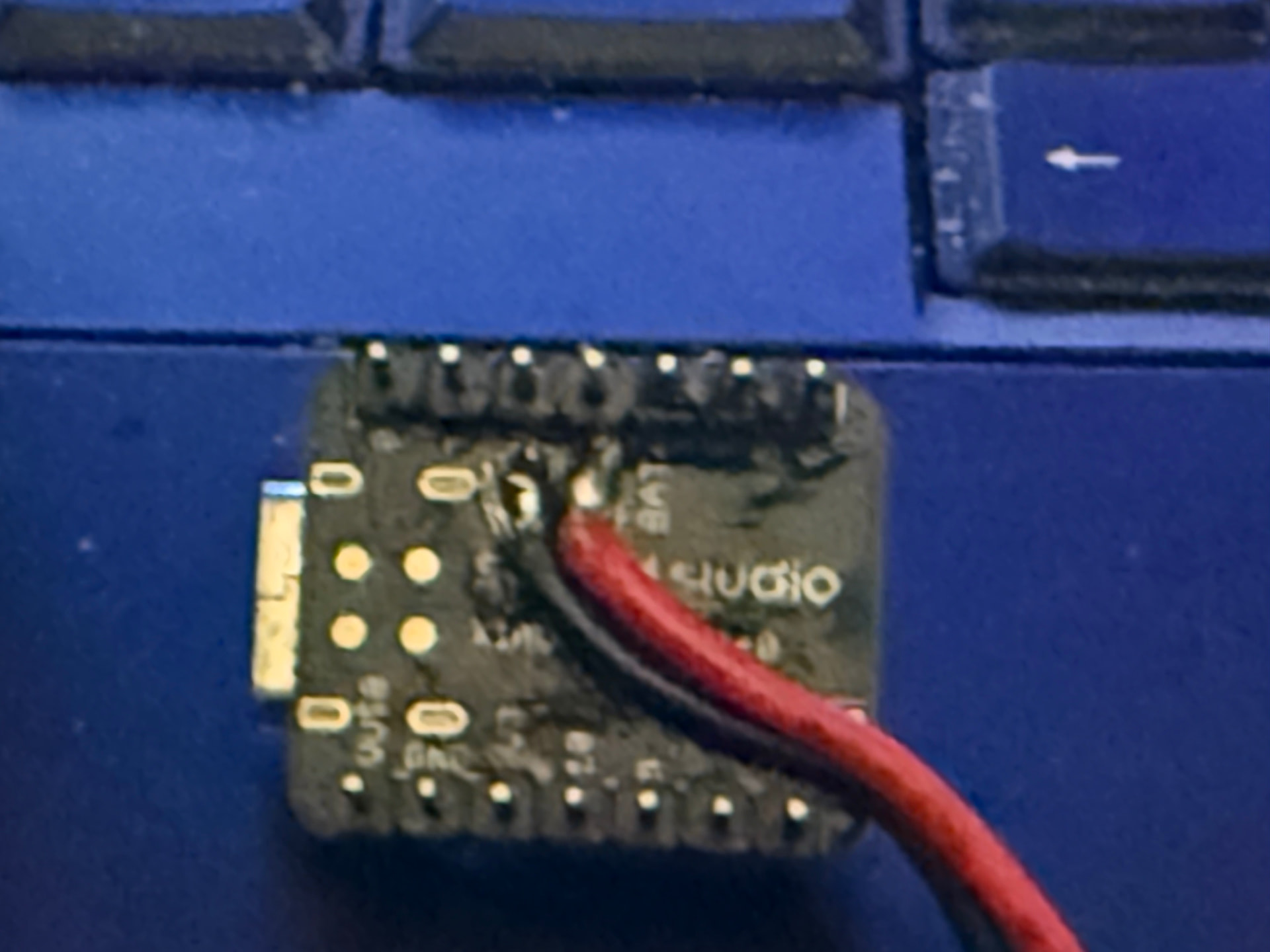
can you please add a photo of the offending and non-offending units, front and back so we can

possably identify the revision dates can you confirm the same operation when the two boards are attached and when they are detatched?

Tested both Meshtastic 2.7.18 / 2.7.17 via DFU

1 Like

Hi there,

Ok, Great , also if you put them each in Bootloader mode, Scan the contents of the UF2 on the drive Current.uf2 are they the same SD 1.140 or something?
Good place to start, Right out of the Bubble. :+1:

HTH
GL :slight_smile: PJ :v:

If nothing is connected, no possible strapping pin conflicts?
nothing on D0.


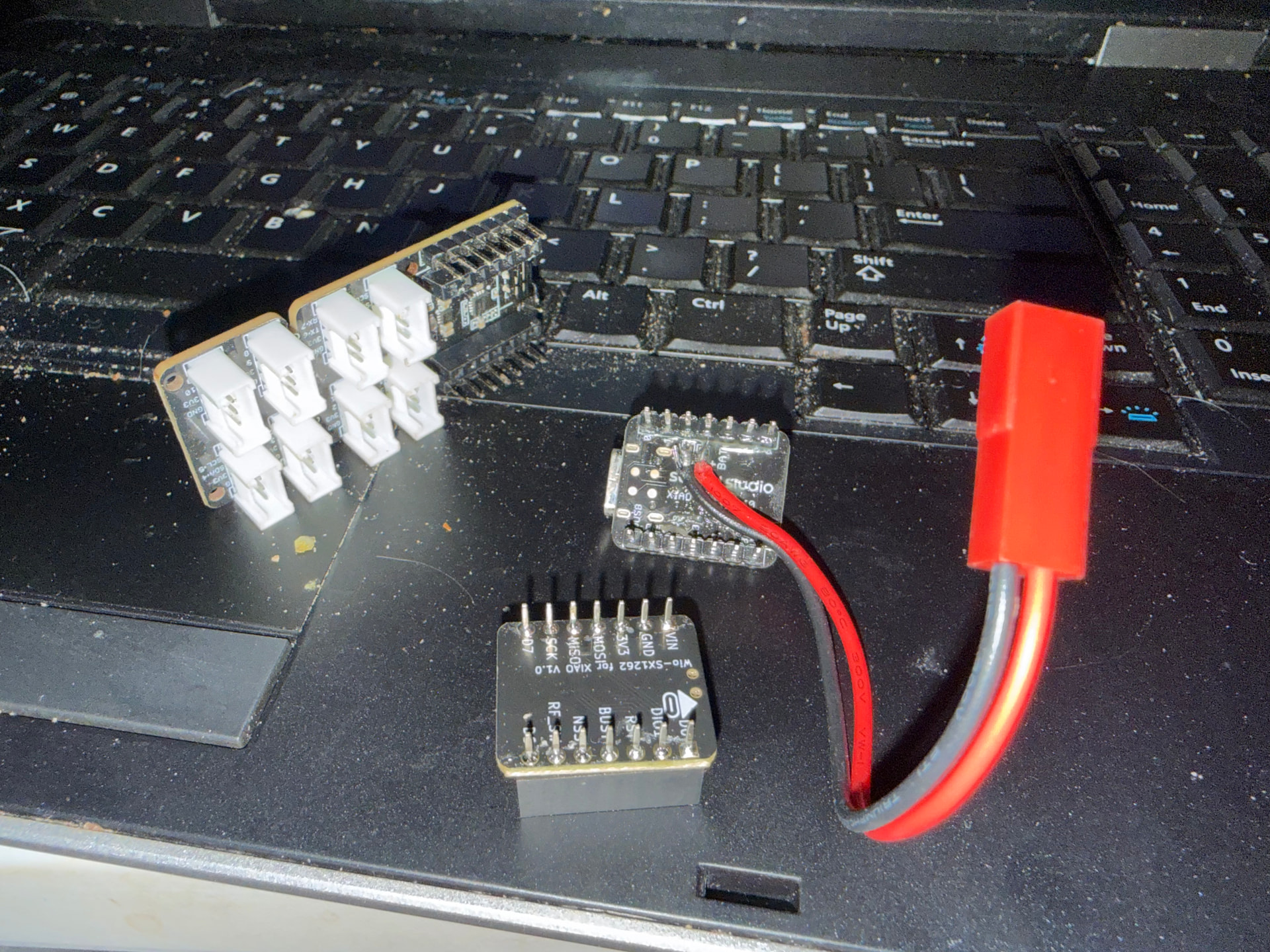
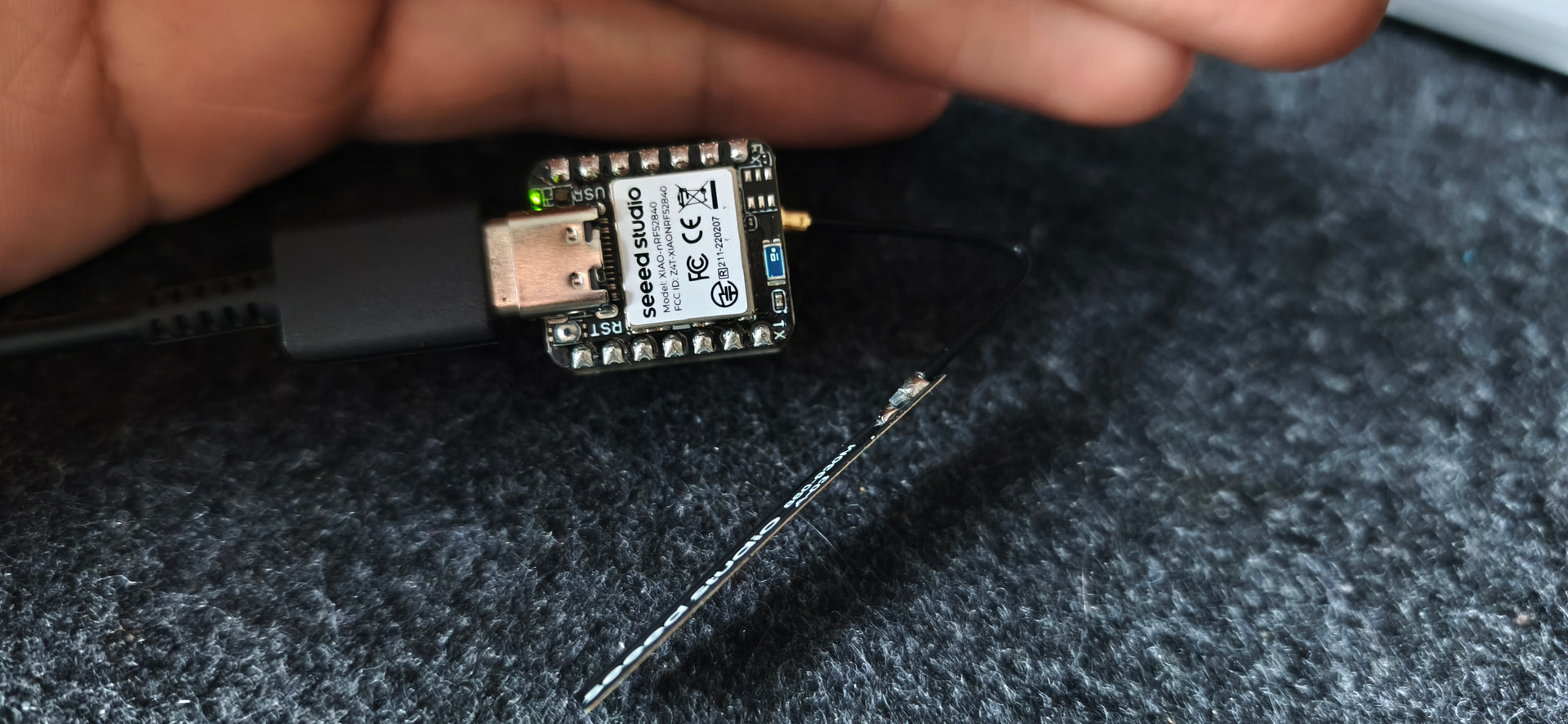
Here they are. Seems the same revision :disappointed_face:

i think one more the bottom of a good one…

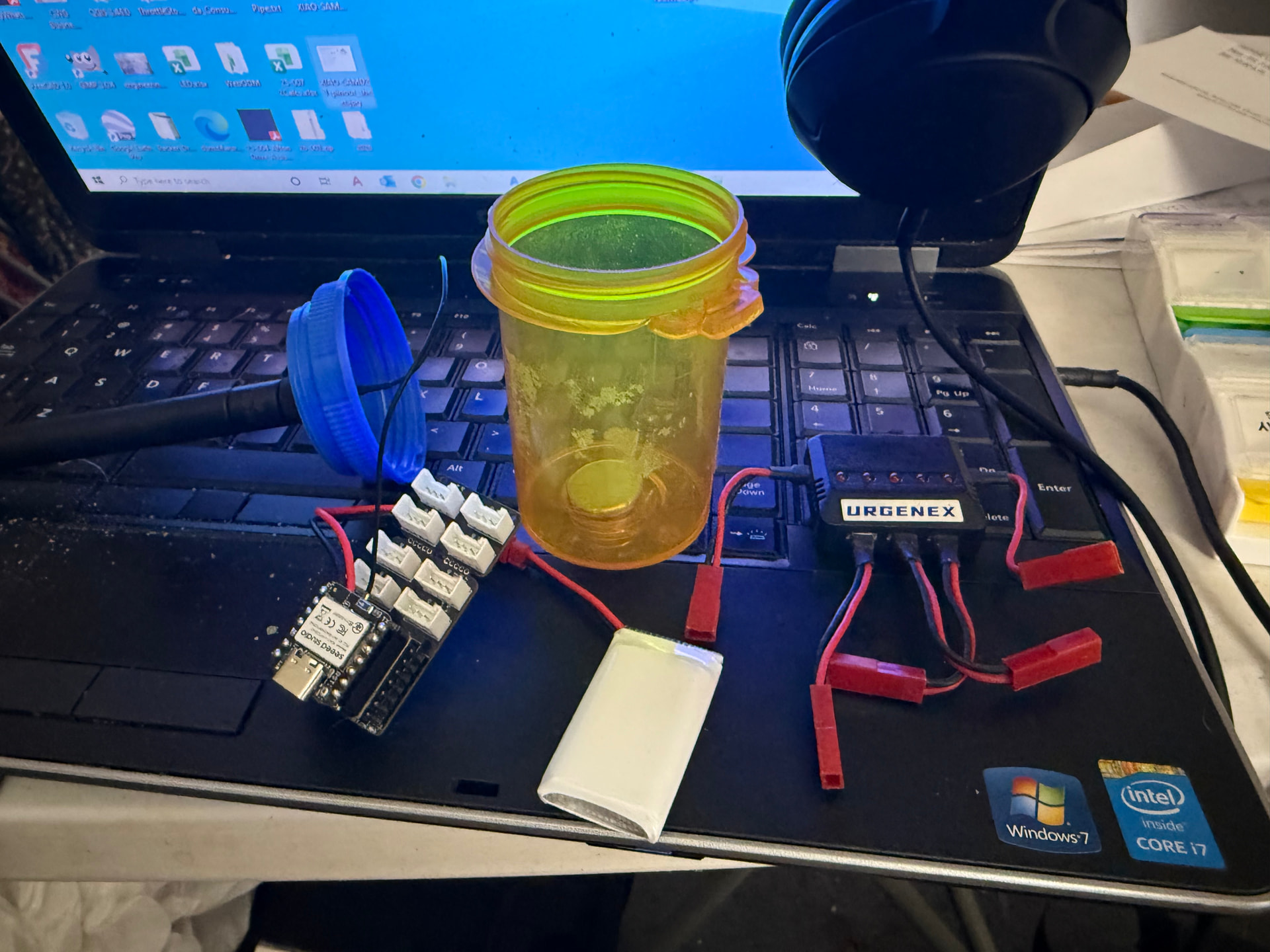
My personal XAIO NRF-LoRa sandwitch in a medical product bottle… Not the best solder job… but solid and made with flux and pre-tinned pads and not a thermal controlled iron and very bad tip… but the new tips are not compatable with my favorite radio shack iron set… what da?

dont get me wrong, but I don’t believe the issue is my solder quality. on the photo that blob was made when desoldering.
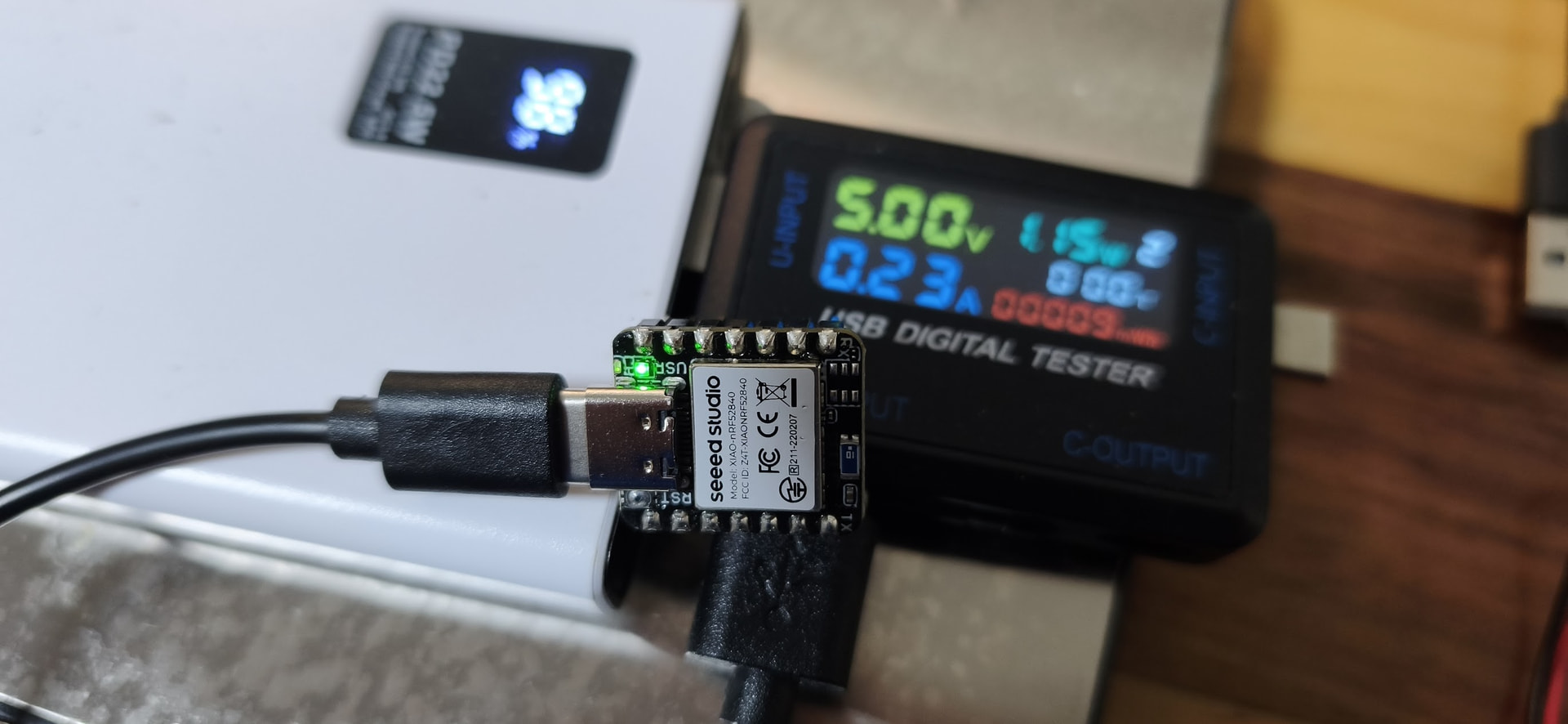
Also, the xiao pre soldering light up the charging LED.. as is always consuming 225miliamps

They are both on sd 140:
Model: Seeed XIAO nRF52840
SoftDevice: S140 version 7.3.0

Hi there,

Ok , that is in Order, I think you hit on it though, The Charge LED should NOT be ON.
No Battery connected, Usually indicate Reverse polarity damage or Charge controller failure , Only occurs on BLE non Sense versions. IDK y.
I have one the MCU sort of works, but battery charger is dead I connected a cheapo battery with a reversed JST connector from what I used. After it cooled off from SpaceHeater Mode…the current draw was similar with no battery connected. :face_with_open_eyes_and_hand_over_mouth:
I would return them for a forensic autopsy… It’s extremely RARE.

HTH
GL :slight_smile: PJ :v:

1 Like

Yes… nothing but love… dont get me wrong… just a little background this has nothing to do with you or your project specificly…

this is how it usually goes

someone posts that their seeed product is junk or broke

we ask them questions and go thru simple troublshooting tips

they say the simple troubleshooting tips are a waste of time and all they want a replacement unit

we say… we are not opposed to helping them… and also helping them get a replacement unit, but to get that far we need to validate and document a reproducable error that can indicate a hardware problem… as for software problems, we are hear to research and develop… but seeed is not a software company.

with all that being said, many people will view some of these posts when the first join the forum and ae trying to level up so they can post and want a quick solution… so some times, i have been working here for like 4 years or more I have seen alot of things and try to share the knowledge. Recently I have created the Excelent Solutions area where I am trying to add extra tips and tricks that are solutions that we have validated thru testing. This is a time consuming process

so dont get offended and please consider our sudgestions for our benefit, and yours and others. I have to admit i have sent more than one on a wild goose chase (not intentionally) but also as many have come back to say their problem has been fixed.

so with all that being said, i only go back to basics for others to learn, and also i asked for a picture of the front and back of a unit that works and one that does not work, and as i recall… both the pictures you provided did not show connections… one showed no attempt to ever connect via solder and one did, however appearing to be poorly and incompletely done

so to close this one off… when asking for help troubleshooting, please be as detailed as you can, writing paragraphs of information instead of words and please accept the help we provide in the nature that we provide it (I mean to say in a nice, free and joyious way, because we love the seeed products and we love our members)

2 Likes

I appreciate your help :slight_smile: (I didn’t show more photos because my working nodes has “protective glue“ covering the solder points/cables)
Understood your point. My point is, I really think the charging circuit has issues on this batch.

I have fresh news, seed support eng. team has analysed my evidences and the power consumption shown and decided to replace my units as “quality issue“replacement.

thank you all

2 Likes

thanks for that follow up! if you can add any more detail on this so we can help others… this is another problem i am working with seeed on… the technical support do not live on the forum and they only communicate directly with the user… and i understand the reasons… but they need to give us a followup…

so with all that being said… if you could give us a detailed rap-up of what you found… you said you send some current data to them… what was the data… how was it collected?

I measured the current with the only device I have :smiley: , but it clearly shows that the 0.2 Amps current draw and the battery charging led are on with no battery connected.
1 Like

awesome! yes this is not normal

I wonder if any heat is building up… I would assume .2 of heat is somewhere!

yes, its getting really hot in between the usb port and the SMT module

1 Like

Hi all, I have similar issue with 2 units: Meshcore, Meshtastic will not boot up. What I tried so far:

  • Powering by battery/USB/both
  • Updating bootloader with oltaco version
  • Erasing flash
  • Flashing by uf2 and web flasher via serial

No success so far. I’ll flash Meshtastic and get debug console output next