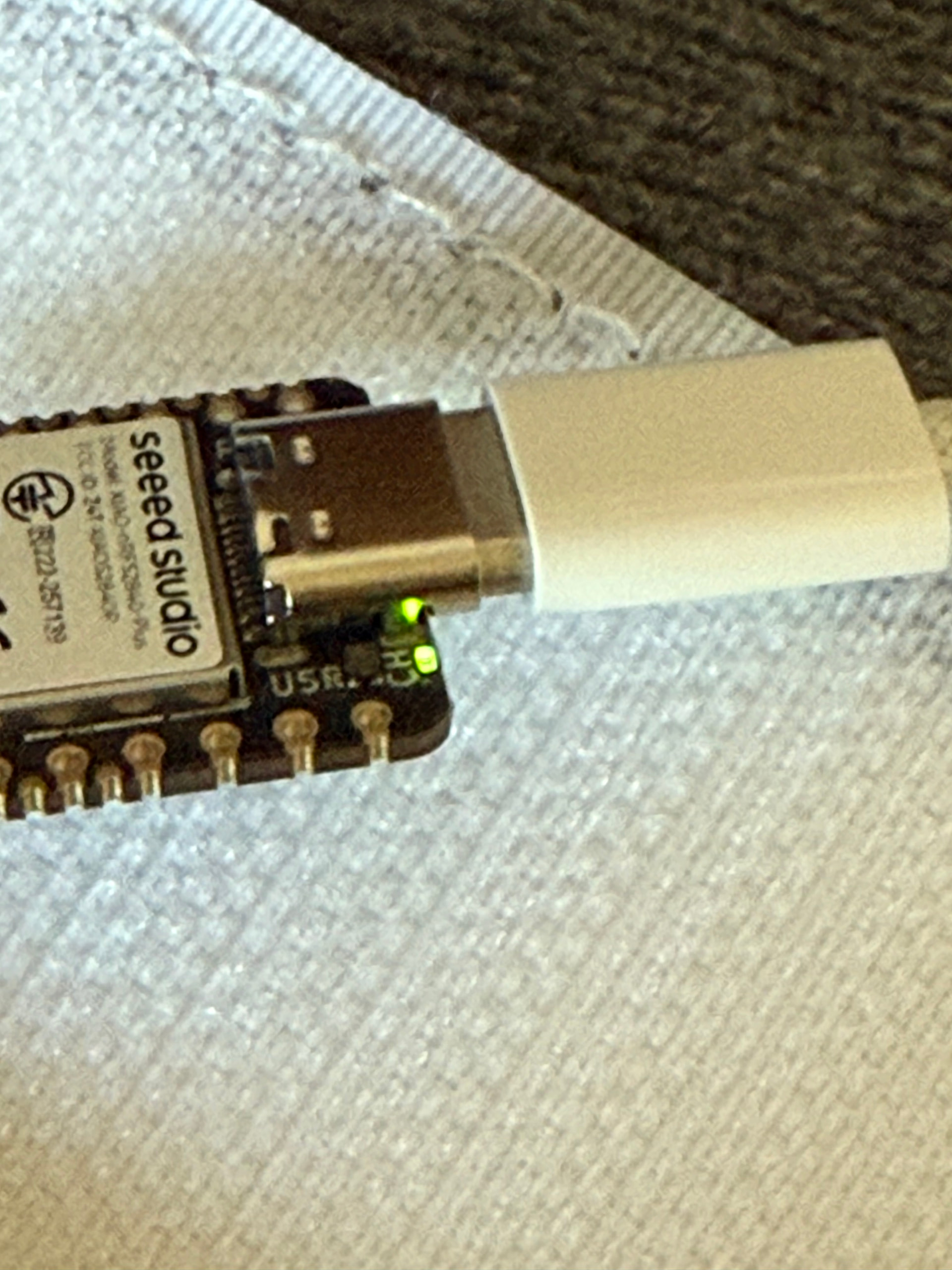
Hi, I’m currently using the XIAO nRF52 Sense Plus and have connected a LiPo battery to it. When I plug in the USB, the charging LED turns green. Is it supposed to be green while charging, or only when it’s fully charged? I’ve seen other posts mentioning that it should be blinking red.
I’m also trying to read the battery voltage and percentage. It started at around 73%, and after a while it increased to about 4079 mV (86%). That means it’s charging, right?
If so, is the charging LED supposed to be green when the USB is plugged in? if not, how can i fix this?
For reference: im testing “Tjoms99” code on github right now and using a 3.7V 1200mAh Lipo.
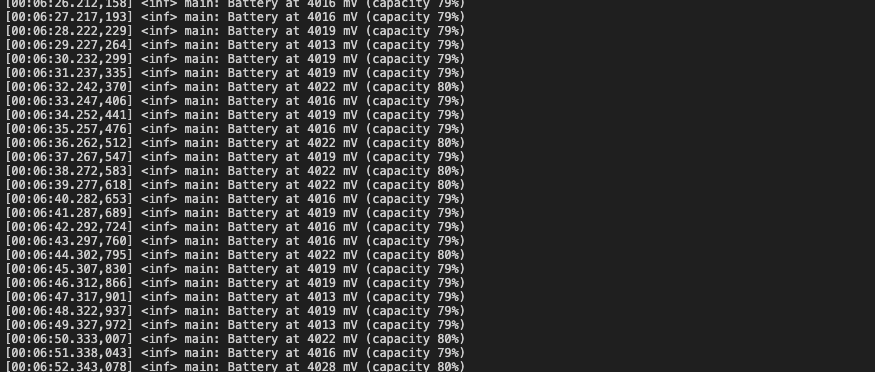
Lastly, in my terminal, is it normal for the voltage to be fluctuating like this? Thanks in advance!
I’m still new to VSCode & the board and i’m not sure how to do that, is it the build configuration in the project? & just for confirmation, the LED supposed to be red when charging and green when full? or does it turn off? But i will look into the BSP, thank you!!
So , no worries VScode & board work well together. The Charge LED will be GREEN when charging and will GO out when charged. Jump into the PlatformIO, or add it to VSCode, Open the Examples and you get lots of good stuff to try.
Before you do , be sure you can run a blank build FIRST, that will save a lot of headache later. If you empty build works , then your environment is Good to go.
You know then the (PLIO.ini) is the secret handshake to getting things to compile /build and run.
Lots of smart folks on here willing to help if you ask, and post and code to check, use the Code tags above.. “</>” paste it in there. You will get better quality help and more suggestions.

 PJ
PJ 