Hi there,
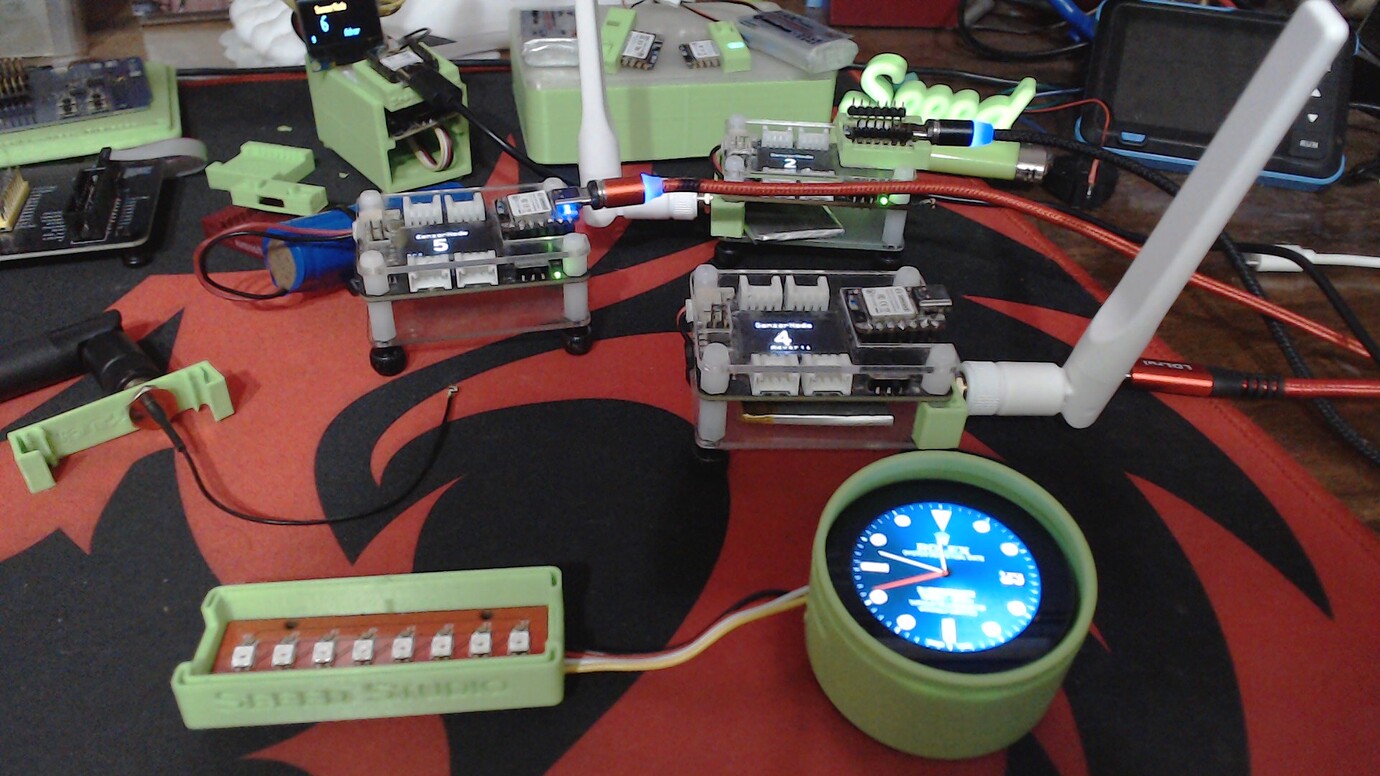
Here is the KIT addition dual Strips…code
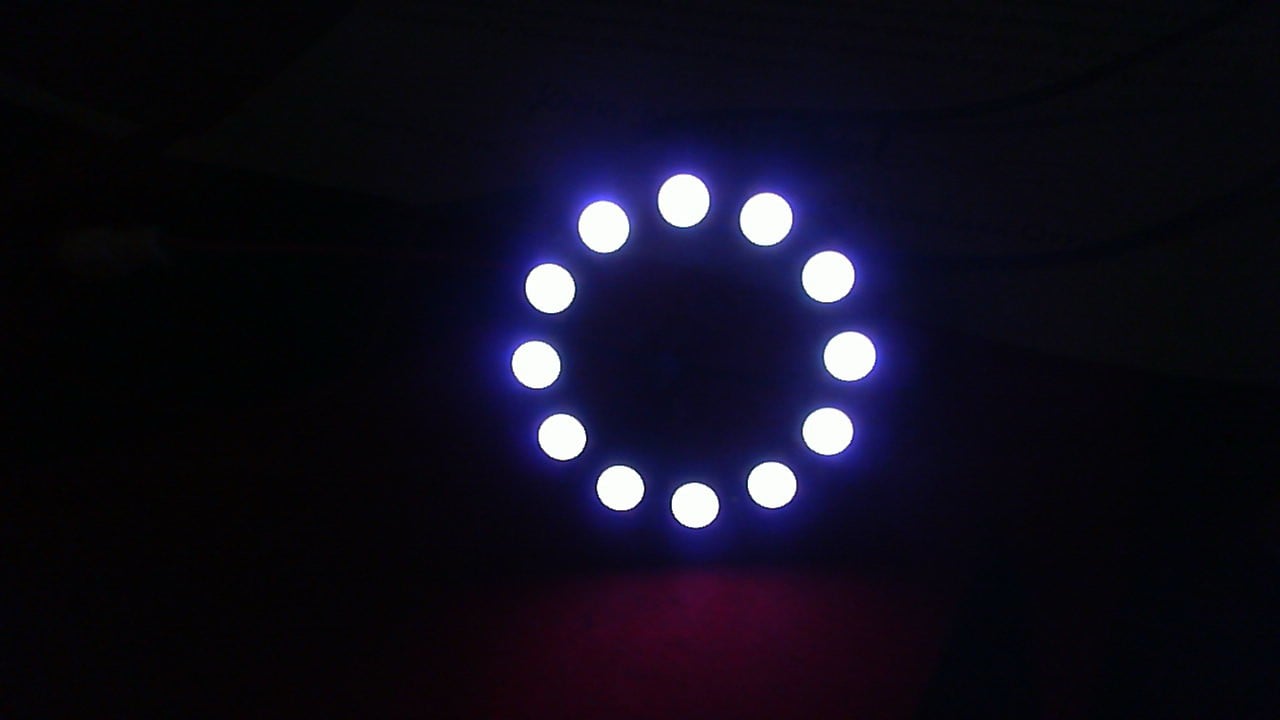
and the Ring, a.k.a. SUN 

// =============== Dual NeoPixel Test (Balanced, Sequential) ==================
// ESP32-S3 (BSP 2.0.17)
// Strip A: GPIO 38, 8px
// Strip B: GPIO 2,  8px
// Self-test: Strip A then Strip B, each pixel R->G->B (1s each)
// Patterns (low-stress): For each color, run KITT on A (B off), then KITT on B (A off),
// then Barber on A (B off), then Barber on B (A off), repeat through color list.
// ============================================================================

#include <Arduino.h>
#include <Adafruit_NeoPixel.h>

// --- Pins & sizes ---
#define PIN_A              38
#define PIN_B               2
#define PIXELS_A            8
#define PIXELS_B            8

// --- Global brightness & timing ---
#define BRIGHTNESS         96     // raise cautiously if power allows
#define STEP_DELAY_MS      55
#define RUN_MS_PER_COLOR   3000   // per strip, per pattern
#define TEST_HOLD_MS      1000    // self-test: 1s per color per LED

// --- Color balance (pull R/G down so blue matches) ---
#define RED_CORR          150
#define GREEN_CORR        150
#define BLUE_CORR         255

Adafruit_NeoPixel stripA(PIXELS_A, PIN_A, NEO_GRB + NEO_KHZ800);
Adafruit_NeoPixel stripB(PIXELS_B, PIN_B, NEO_GRB + NEO_KHZ800);

// ---------- Helpers ----------
static inline uint32_t balancedColor(uint8_t r, uint8_t g, uint8_t b) {
  uint16_t rr = (uint16_t)r * RED_CORR   / 255;
  uint16_t gg = (uint16_t)g * GREEN_CORR / 255;
  uint16_t bb = (uint16_t)b * BLUE_CORR  / 255;
  if (rr > 255) rr = 255;
  if (gg > 255) gg = 255;
  if (bb > 255) bb = 255;
  return Adafruit_NeoPixel::Color((uint8_t)rr, (uint8_t)gg, (uint8_t)bb);
}

static inline uint32_t scaleColor(uint32_t c, uint8_t s) {
  uint8_t r = (c >> 16) & 0xFF, g = (c >> 8) & 0xFF, b = c & 0xFF;
  r = (uint16_t(r) * s) >> 8;
  g = (uint16_t(g) * s) >> 8;
  b = (uint16_t(b) * s) >> 8;
  return Adafruit_NeoPixel::Color(r, g, b);
}

static inline void allOff(Adafruit_NeoPixel &s) { s.clear(); s.show(); }
static inline void bothOff() { allOff(stripA); allOff(stripB); }

// ---------- Self-test: per-pixel R->G->B (1s each) ----------
void selfTestStrip(Adafruit_NeoPixel &s, int nPixels) {
  for (int i = 0; i < nPixels; i++) {
    s.clear();
    s.setPixelColor(i, balancedColor(255, 0, 0)); s.show(); delay(TEST_HOLD_MS);
    s.setPixelColor(i, balancedColor(0, 255, 0)); s.show(); delay(TEST_HOLD_MS);
    s.setPixelColor(i, balancedColor(0, 0, 255)); s.show(); delay(TEST_HOLD_MS);
  }
  allOff(s);
}

// ---------- KITT scanner for a single strip ----------
void runKITT(Adafruit_NeoPixel &s, int nPixels, uint32_t color, uint32_t runMs) {
  uint32_t t0 = millis();
  int pos = 0, dir = 1;
  while (millis() - t0 < runMs) {
    s.clear();
    s.setPixelColor(pos, color);
    int p1 = pos - dir, p2 = pos - 2*dir;
    if (p1 >= 0 && p1 < nPixels) s.setPixelColor(p1, scaleColor(color, 90));  // ~35%
    if (p2 >= 0 && p2 < nPixels) s.setPixelColor(p2, scaleColor(color, 40));  // ~15%
    s.show();
    delay(STEP_DELAY_MS);
    pos += dir;
    if (pos <= 0 || pos >= nPixels - 1) dir = -dir;
  }
}

// ---------- Barber pole for a single strip ----------
void runBarber(Adafruit_NeoPixel &s, int nPixels, uint32_t color, uint32_t runMs) {
  uint32_t t0 = millis();
  uint8_t phase = 0;
  uint32_t dim = scaleColor(color, 80); // ~31%
  while (millis() - t0 < runMs) {
    for (int i = 0; i < nPixels; i++) {
      bool on = ((i + phase) & 0x01) == 0;
      s.setPixelColor(i, on ? color : dim);
    }
    s.show();
    delay(STEP_DELAY_MS);
    phase++;
  }
}

// ---------- Color list (balanced) ----------
uint32_t COLORS[] = {
  balancedColor(255,   0,   0), // Red
  balancedColor(  0, 255,   0), // Green
  balancedColor(  0,   0, 255), // Blue (balanced)
  balancedColor(255, 255,   0), // Yellow
  balancedColor(  0, 255, 255), // Cyan
  balancedColor(255,   0, 255), // Magenta
  balancedColor(255, 255, 255)  // White
};
const int NUM_COLORS = sizeof(COLORS) / sizeof(COLORS[0]);

void setup() {
  Serial.begin(115200);
  delay(200);
  Serial.println("\nDual NeoPixel (GPIO38 & GPIO2) — Seq Self-Test + KITT/Barber");

  stripA.begin(); stripA.setBrightness(BRIGHTNESS); stripA.show();
  stripB.begin(); stripB.setBrightness(BRIGHTNESS); stripB.show();

  // Self-test: A then B
  selfTestStrip(stripA, PIXELS_A);
  delay(150);
  selfTestStrip(stripB, PIXELS_B);
  delay(150);
}

void loop() {
  // For each color: run patterns on A while B is off, then on B while A is off
  for (int c = 0; c < NUM_COLORS; c++) {
    uint32_t col = COLORS[c];

    // KITT A, B off
    allOff(stripB);
    runKITT(stripA, PIXELS_A, col, RUN_MS_PER_COLOR);
    allOff(stripA);

    // KITT B, A off
    runKITT(stripB, PIXELS_B, col, RUN_MS_PER_COLOR);
    allOff(stripB);

    // Barber A, B off
    runBarber(stripA, PIXELS_A, col, RUN_MS_PER_COLOR);
    allOff(stripA);

    // Barber B, A off
    runBarber(stripB, PIXELS_B, col, RUN_MS_PER_COLOR);
    allOff(stripB);
  }
}
They can get Bright as the Sun… 
HTH
GL  PJ
PJ 


 if they add all the Bells and whistles with a few extras.