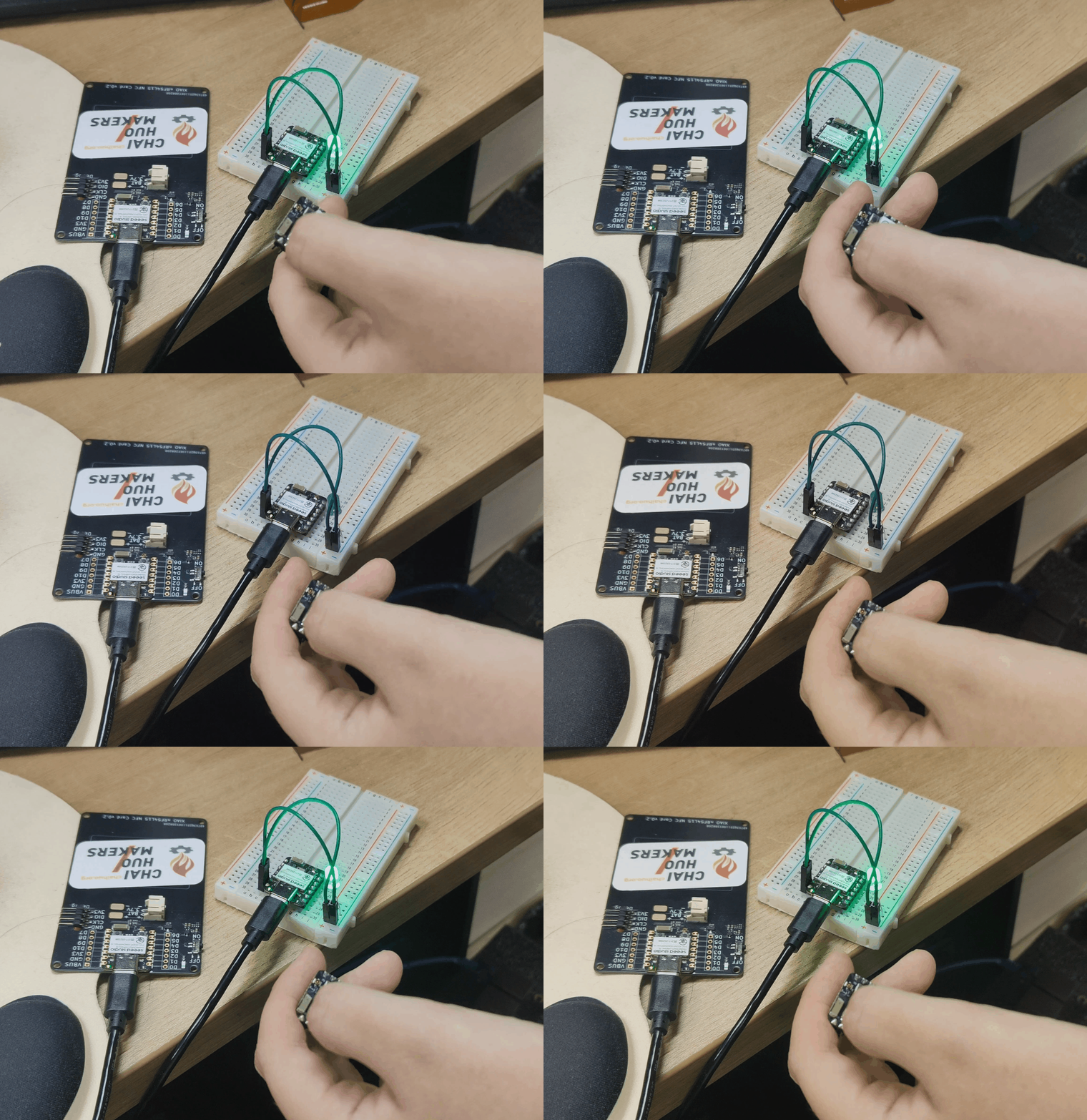
Jet-goggles:
V2.9.2:
Install the NRF extension in VSCode as per the Seeed guide . I have the SDKs installed to C:/ncs/v2.9.2.
Download the R23 Zigbee Add-on . I installed to C:/ncs/ncs-zigbee.
Update the xiao board files
xiao_nrf54l15_nrf54l15_cpuapp.dts
// Add in
&radio {
status = "okay";
};
&ieee802154 {
status = "okay";
};
&temp {
status = "okay";
};
// Comment out the include and replace it with the below.
// #include <nordic/nrf54l15_partition.dtsi>
&cpuapp_rram {
partitions {
compatible = "fixed-partitions";
#address-cells = <1>;
#size-cells = <1>;
boot_partition: partition@0 {
label = "mcuboot";
reg = <0x0 DT_SIZE_K(64)>;
};
slot0_partition: partition@10000 {
label = "image-0";
reg = <0x10000 DT_SIZE_K(664)>;
};
slot1_partition: partition@b6000 {
label = "image-1";
reg = <0xb6000 DT_SIZE_K(664)>;
};
storage_partition: partition@15c000 {
label = "storage";
reg = <0x15c000 DT_SIZE_K(36)>;
};
};
};
Kconfig.defconfig: rename HAS_BT_CTRL to BT_CTRL.
Create a new file zigbee.cmake in the ncs-zigbee download (for me that is C:/ncs/ncs-zigbee/zigbee.cmake:
# Determine the directory of this script
get_filename_component(COMMON_DIR "${CMAKE_CURRENT_LIST_FILE}" DIRECTORY)
# Use the directory to set ZEPHYR_EXTRA_MODULES
list(APPEND ZEPHYR_EXTRA_MODULES "${COMMON_DIR}")
function(add_pm_configs config_file)
get_filename_component(pm_path ${config_file} REALPATH)
get_filename_component(pm_filename ${config_file} NAME)
if (NOT EXISTS ${pm_path})
message(FATAL_ERROR "Could not find specified partition manager configuration file " "${config_file} at ${pm_path}")
endif()
set_property(GLOBAL APPEND PROPERTY PM_SUBSYS_PATHS ${pm_path})
set_property(GLOBAL APPEND PROPERTY PM_SUBSYS_OUTPUT_PATHS ${CMAKE_CURRENT_BINARY_DIR}/${pm_filename})
endfunction()
add_pm_configs("${COMMON_DIR}/subsys/partition_manager/pm.yml.zboss")
Copy a sample project from the ncs-zigbee add-on (e.g. C:/ncs/ncs-zigbee/samples/light-switch/) to where you want the project - e.g. C:/user/projects/light-switch.
Modify the CMakeLists.txt of the project (e.g. C:/user/projects/light-switch/CMakeLists.txt) and add the line include("C:/ncs/ncs-zigbee/zigbee.cmake") above the find_packare(Zephyr...).
Build your project with the modified board config, v2.9.2 SDK & Toolchain.
Hi,
I try what you describe but i get this error:
E: ***** MPU FAULT *****
E: Instruction Access Violation
E: r0/a1: 0x20001258 r1/a2: 0x00000001 r2/a3: 0x20005c80
E: r3/a4: 0x5600693f r12/ip: 0x000000ff r14/lr: 0x0000747b
E: xpsr: 0x09100000
E: s[ 0]: 0x00008601 s[ 1]: 0x20001258 s[ 2]: 0x20001294 s[ 3]: 0x000075ab
E: s[ 4]: 0x00000000 s[ 5]: 0x00000001 s[ 6]: 0xffffffff s[ 7]: 0x200061d0
E: s[ 8]: 0x0005e548 s[ 9]: 0x0005e560 s[10]: 0x2000c7f0 s[11]: 0x00018d95
E: s[12]: 0xffffffff s[13]: 0xffffffff s[14]: 0xffffffff s[15]: 0x000507f7
E: fpscr: 0x000507e9
E: Faulting instruction address (r15/pc): 0x5600693e
E: >>> ZEPHYR FATAL ERROR 20: Unknown error on CPU 0
E: Current thread: 0x20005c80 (unknown)
I: nRF5 802154 radio initialized
E: ***** MPU FAULT *****
2 Likes
tutorials would really be nice⦠i think the problem is they dont know how it works eitherā¦
2 Likes
I managed to get the light_bulb sample working. Here are the steps I followed:
Install Zigbee R23 as described here:
Technical Documentation
In the light_bulb sample, I:
Created the file
boards\xiao_nrf54l15_nrf54l15_cpuapp.overlay
with the following content:
/ {
chosen {
ncs,zigbee-timer = &timer20;
};
};
// Restore full RRAM and SRAM space - by default some parts are dedicated to FLRP
&cpuapp_rram {
reg = <0x0 DT_SIZE_K(1524)>;
};
&cpuapp_sram {
reg = <0x20000000 DT_SIZE_K(256)>;
ranges = <0x0 0x20000000 0x40000>;
};
// TODO: re-enable HWFC once it's fixed
&uart20 {
/delete-property/ hw-flow-control;
};
&timer20 {
status = "okay";
};
// Disable lsm6dso to avoid MPU FAULT error
&lsm6dso {
status = "disabled";
};
// Disable uart21 to avoid MPU FAULT error
&uart21 {
status = "disabled";
};
In the file
platform-seeedboards/zephyr/boards/arm/xiao_nrf54l15/Kconfig.defconfig,
I replaced:
config HAS_BT_CTLR
default BT
with:
config BT_CTRL
bool
default BT
However, I donāt understand why uart21 triggers an MPU FAULT . This is annoying because it prevents me from using the UART on pins D6/D7 .
If anyone has a solution, Iād be very interested.
2 Likes
Thanks for the updated summary. I have the code working and connected to my (Zigbee2MQTT based) network.
BTW - The ZCL Attribute 0x4003 (Start Up On/Off) of the Light Cluster (0x0006), isnāt implemented
Has anyone managed to get ZAP working with NRF-SDK and Zigbee?