Thanks so much, I appreciate the help
2 Likes
Hi,
I am trying to use YOLO11 with the Grove Vision AI Module V2 (YOLO11_on_WE2), but I am running into compatibility issues.
The exported TFLite models from the current Ultralytics YOLO11 do not match what the example apps expect. The models seem to include postprocessing, while the firmware expects raw outputs.
Because of this, the models cannot be used directly with the example apps.
Is the YOLO11_on_WE2 workflow still valid with current Ultralytics versions?
Are there recommended versions or updated instructions?
Thanks!
Hi there,
And Welcome here.
So your not wrong…It’s stale  the firmware/examples appear tied to a known YOLOv8-style raw-output flow, not whatever current Ultralytics happens to emit by default for YOLO11 TFLite. at first I thought workflow mismatch, looking further
Those were tied to older Yolo8,
We know the Ultralytics’ current export pipeline for TFLite explicitly supports options like nms for embedding post-processing into the exported model, and its exporter code includes an NMSModel wrapper for TensorFlow-family exports such as TFLite.
That way the local XIAO code runs and for others, that means modern Ultralytics can produce TFLite files with post processing baked in, instead of raw detector heads.
Each part has to support the other..
AND just when you think it matches There is also a public YOLO11_on_WE2 repo from Himax, and the main Seeed Grove Vision AI Module V2 repo was updated more recently than that YOLO11 example repo. That makes me suspicious that the YOLO11 walkthrough may not be fully caught up with the latest Ultralytics exporter behavior and the Grove Vision AI Module V2 example apps expect the older raw detector outputs used by the existing tflm_yolov8_od flow.
It’s in a state of flux right now, with model export and ultralytics out of sync with WiKi and examples.
I’ll looked at Hymax
bottom line is:
So when you feed it a model with built-in postprocessing, the output tensor format doesn’t match what the firmware expects → result: incompatible model. "
I suppose you could try rolling back Ultralytics:
pip install ultralytics==8.0.xxx
then export again.
Hymax ahs this  The closest thing to a known-good combo from Himax’s own current YOLO11 workflow is: Ubuntu 20.04, Python 3.10, TensorFlow CPU, and Himax’s fork of Ultralytics (
git clone https://github.com/kris-himax/ultralytics then pip install .). Their README says that setup was tested, and their example notebook uses the yolo11n.pt asset from Ultralytics v8.3.0 "
YMMv, but it’s worth some smashing around 
HTH
GL  PJ
PJ 
I would NOT be surprised to see some updates and change in this area, and more and Newer products more companies are getting into the Space because the Local ML is actually becoming useful and more mainstream.
1 Like
Thanks a lot for the quick and detailed reply.
That confirms what I was starting to suspect. The existing model from model zoo performs quite well.
Before I spend much more time on YOLO11, I wanted to ask one more thing:
Is the older YOLOv8 example/workflow still a usable starting point if I want to train and deploy my own custom models for the Grove Vision AI Module V2?
I am mainly interested in custom person detection, so I am trying to understand whether the YOLOv8 path is currently the more practical and stable option compared to YOLO11.
PeopleNet also looks interesting, but I am not sure how quickly I could get that working in this pipeline.
Thanks again for the help.
Hi there,
Glad to help, So I would say YES to using the older workflow, I does work and I have a demo , with code and video on the process. I can say TRAIN it, TRAIN it again, and train it some more The more samples the better it performs.
I trained to detect when a device was on or off in the camera, a second one was a FACE recognition. Have a peek at those , maybe something useful there.
I hope they (seeed) keeps going with it , I really think it will be the standard if they put in the time.
HTH
GL PJ
With the Xiao ESP32S3 in the seat it works really fast too.
1 Like
Hey PJ,
Thanks for the info — that sounds really interesting.
You mentioned you have a demo with code and video — where can I find those? Are they on GitHub or somewhere else you can share?
Would love to check them out
Thanks!
I have a question regarding the reTerminal, and this seems to be a required step to start a topic!
1 Like
Hello there,
just one update from my side. I also tested everything one more time and tried to understand the code better. It looks like even without using the separate branch, everything still works for the no_post=False scenario. In practice, it seems enough to install Ultralytics, generate the Vela file, and set #define YOLO11_NO_POST_SEPARATE_OUTPUT 0 in cvapp_yolo11n_ob.cpp. Of course, the input image size also needs to match.
So yes, everything works.
It was worth playing around:)
2 Likes
Guess I need to post here first or something, really not obvious.
2 Likes
Thats a strange kind of forum-software …
2 Likes
Level up comment. Does this really work?
2 Likes
I got the basic badge, but still don’t see a new post buton anywhere.
”New user restrictions have been lifted; you’ve been granted all essential community abilities, such as personal messaging, flagging, wiki editing, and the ability to post multiple images and links.”
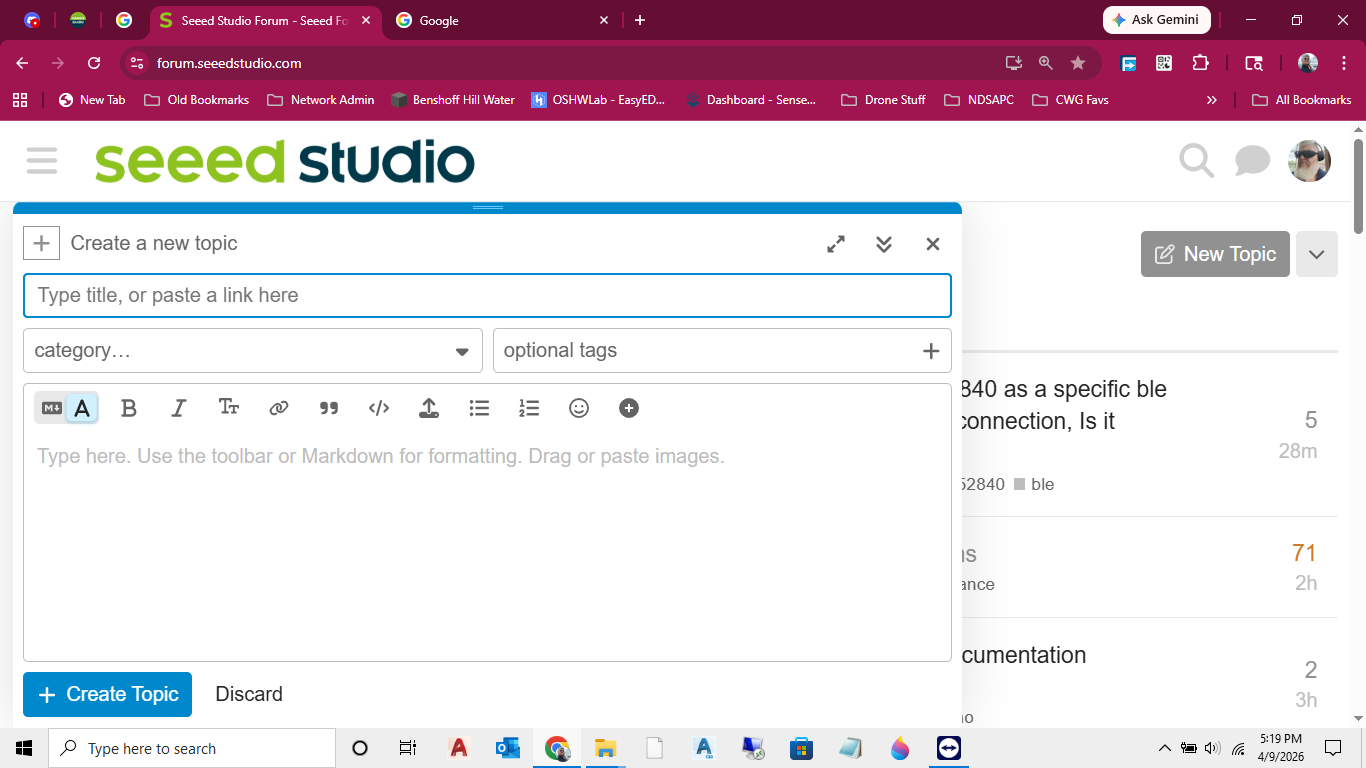
Level up comment for future use
2 Likes
i am new here, how do i get to create a post?
Hi all ! Thanks for the explanation on the post !
1 Like
is there any thread where i can discuss issues related to the nrf52840 ?
2 Likes
Commenting here in case it makes a difference
2 Likes
Commenting to see if I can make a post !
2 Likes
Perhaps if I post here, it will do the same for me?
2 Likes