i tried to follow this tutorial and i am stuck when i chat it returns a
[error:LLM Call Failed]
at whats the chip temperture a 16:30
any ideas?
I suggest you try troubleshooting from the network perspective, for example, by checking the LLM provider’s URL, API key, model, and so on.
1 Like
Hi there,
So I gave it a go , with an S3 it flashed but woulden’t get past the reboot after setting the Wifi Creds,
I switched to the DEV module , and It worked as Specified, I had to change ports on the DEV module to get the serial console, SO I’m sure that is where your issue is , connect up a seconserial port, Use a dongle. or edit the source if there’s a git hub for it.
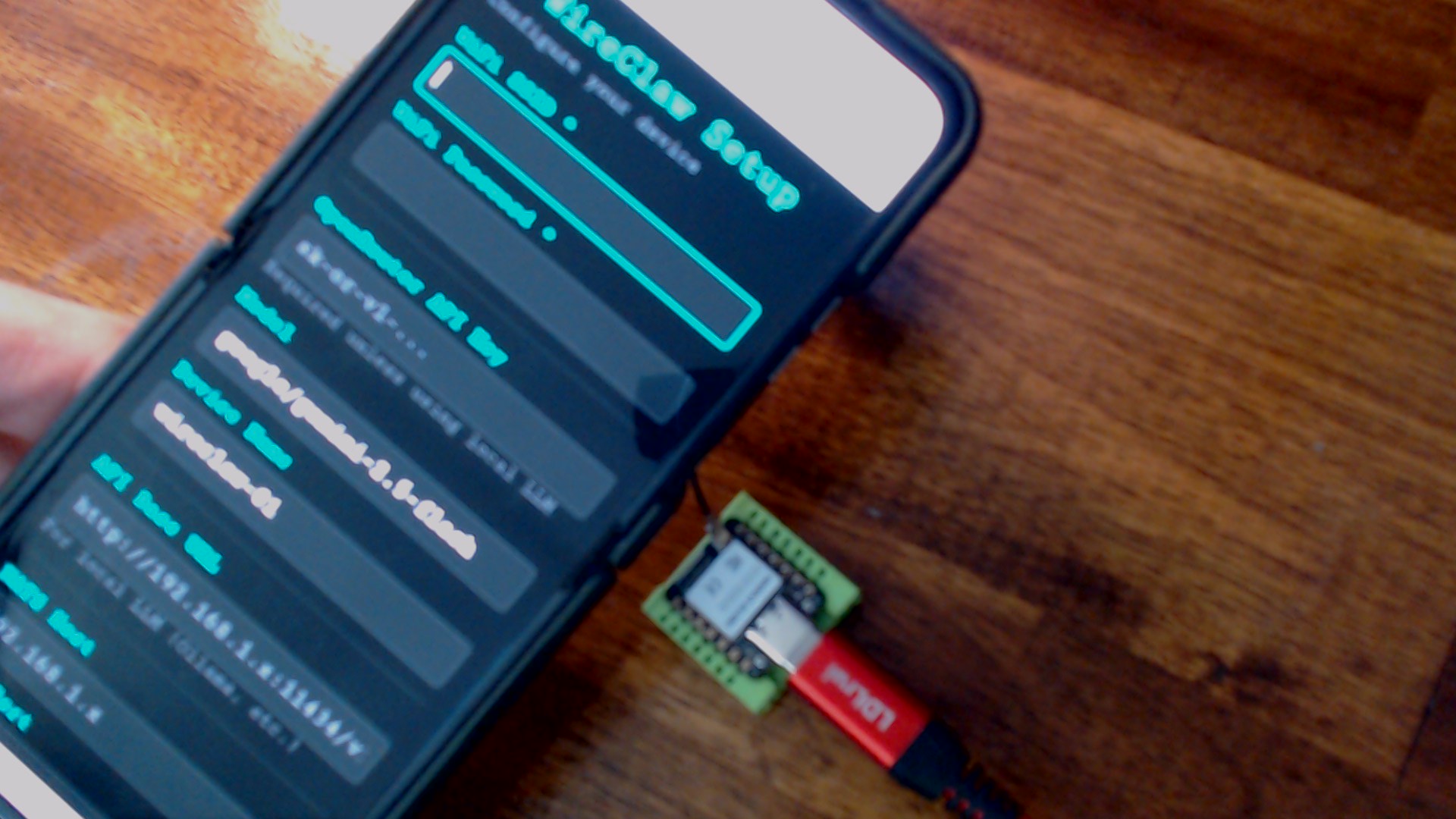
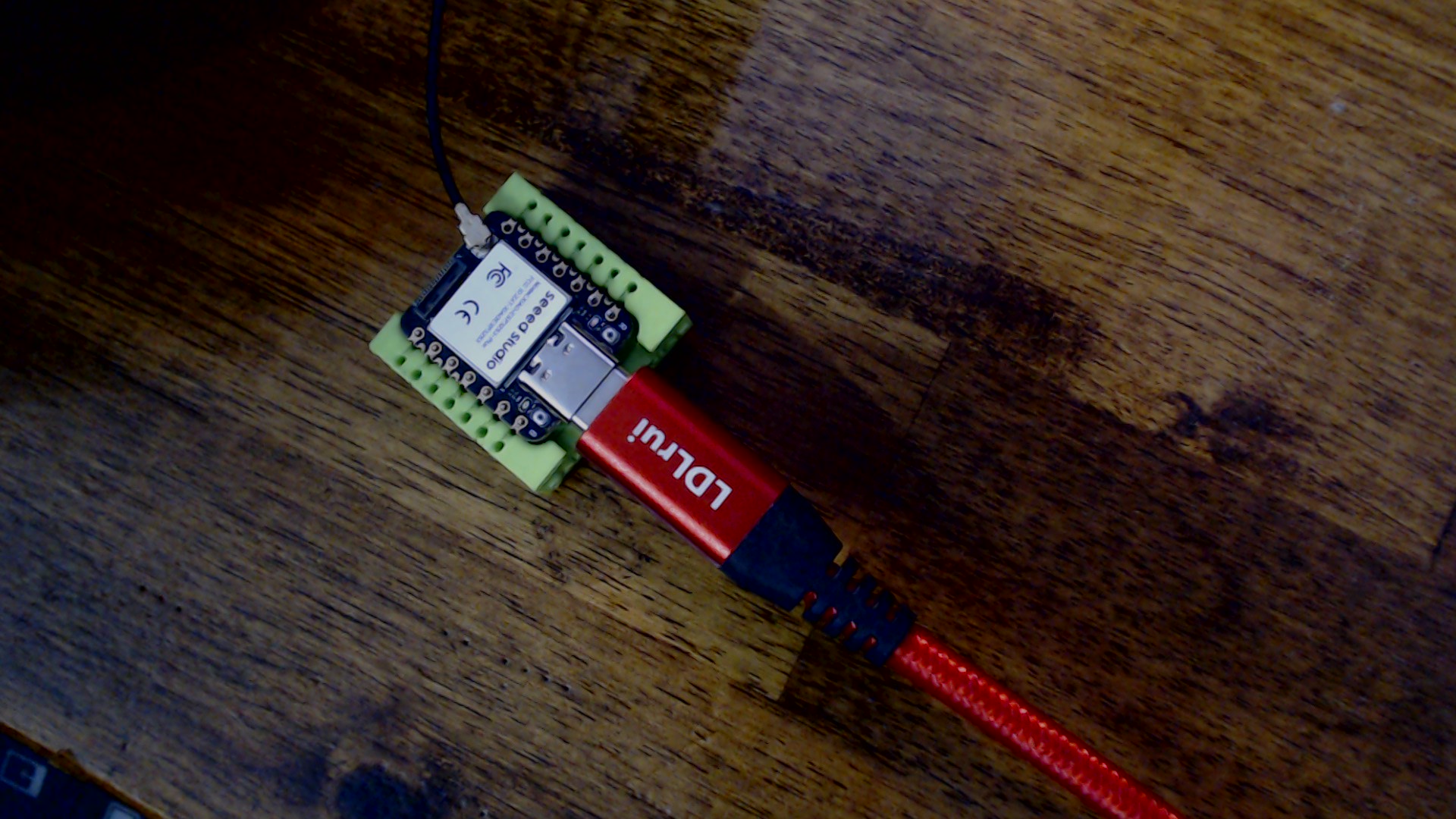
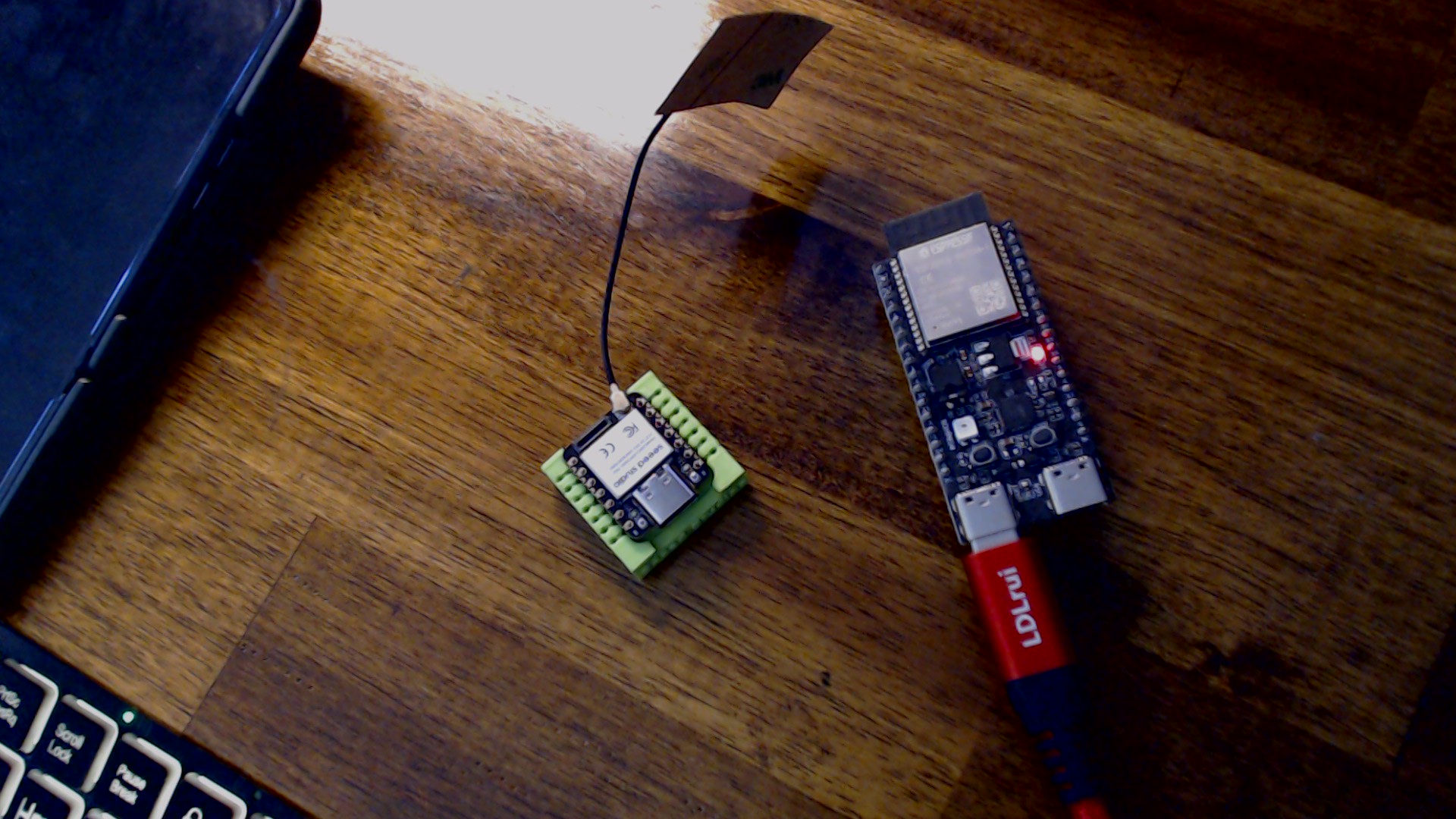
The true dev module works AOK
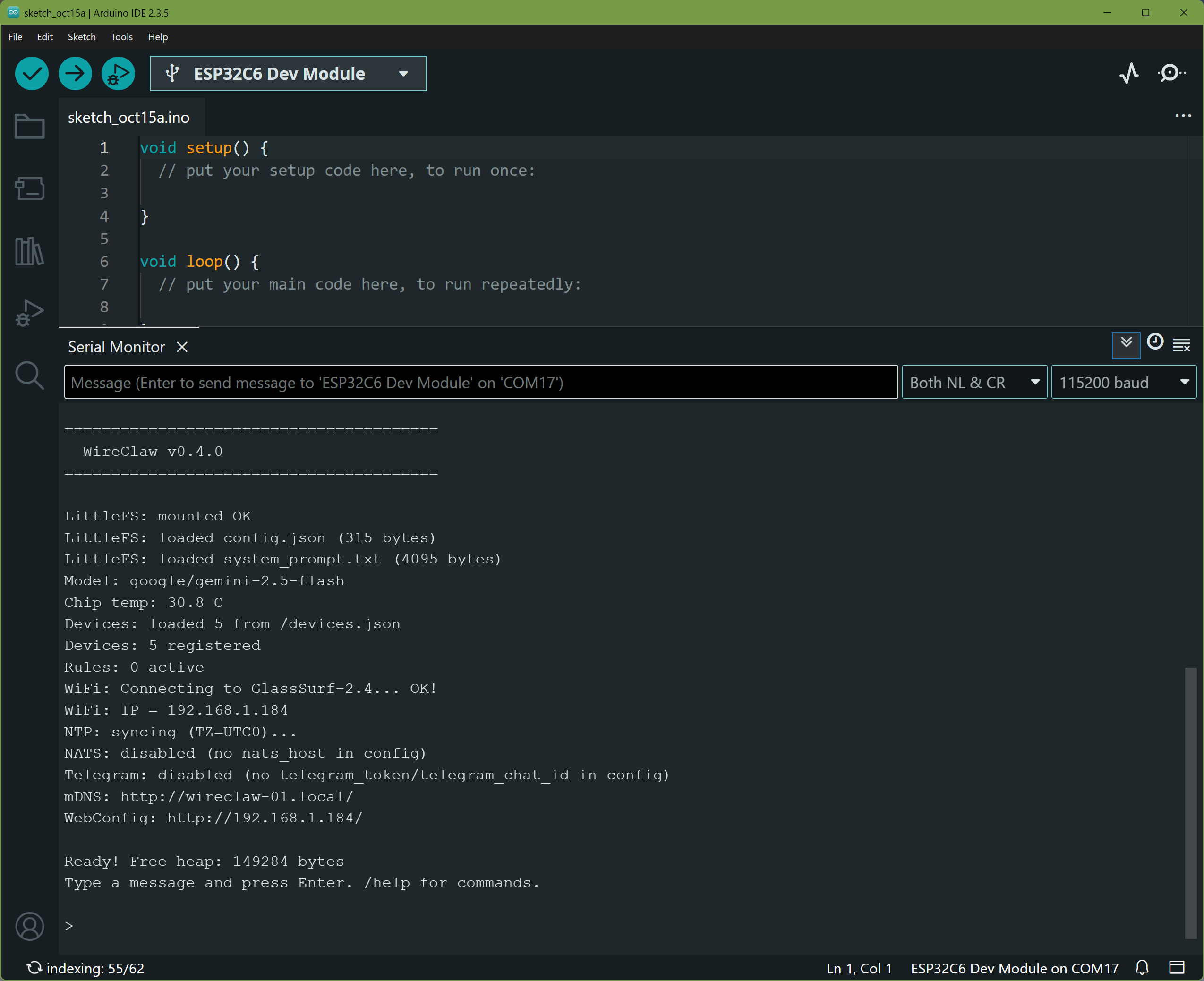
and if you don’t give it an AI API key you get same,
LittleFS: mounted OK
LittleFS: loaded config.json (315 bytes)
LittleFS: loaded system_prompt.txt (4095 bytes)
Model: google/gemini-2.5-flash
Chip temp: 30.8 C
Devices: loaded 5 from /devices.json
Devices: 5 registered
Rules: 0 active
WiFi: Connecting to GlassSurf-2.4... OK!
WiFi: IP = 192.168.1.184
NTP: syncing (TZ=UTC0)...
NATS: disabled (no nats_host in config)
Telegram: disabled (no telegram_token/telegram_chat_id in config)
mDNS: http://wireclaw-01.local/
WebConfig: http://192.168.1.184/

Ready! Free heap: 149284 bytes
Type a message and press Enter. /help for commands.

> Hello, what is your Name?

--- Thinking... ---

[ERROR] LLM call failed: No cookie auth credentials found

>

took a few tries, had to flash it twice once to clear out stuff the second time it worked I re-added the openRouter Api Key and it works AOK, turns on / off LED’s etc. by prompt.
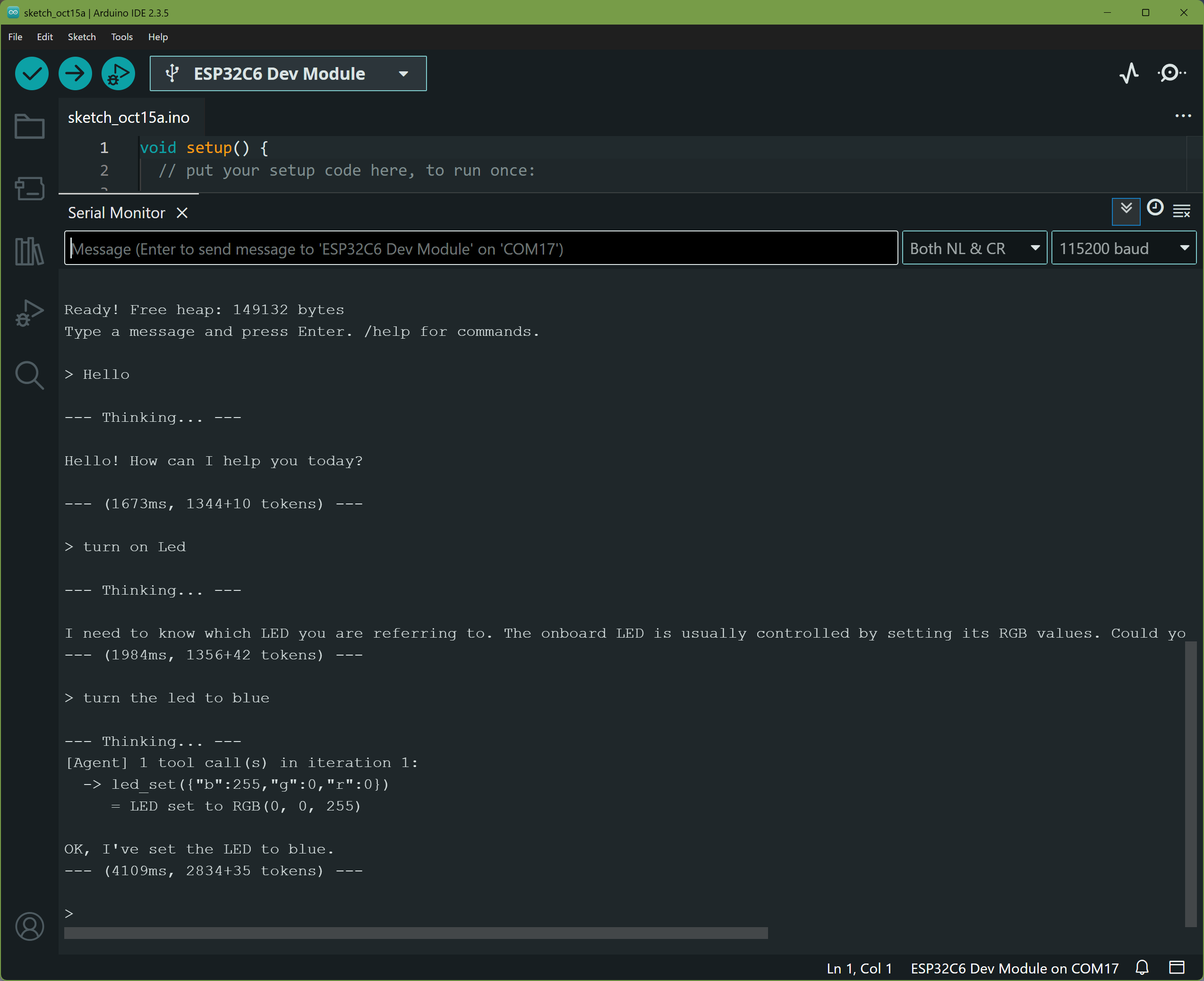
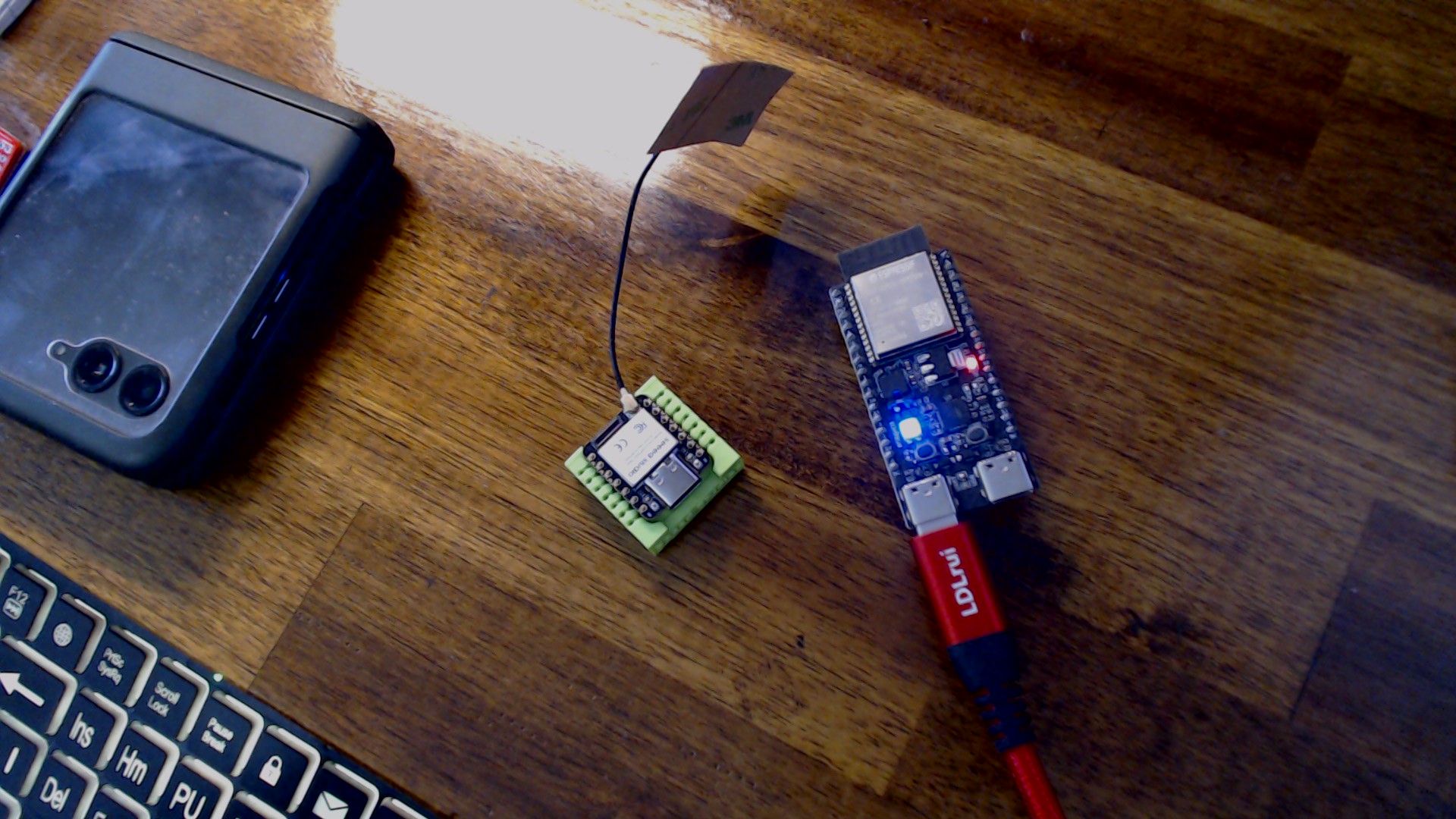
The Blue LED turned ON..
HTH
GL  PJ
PJ 
google/gemini-2.5-flash, was the model that worked. 
Go add a API key in OpenRouter for $10.
paste it in , and Reboot, use the Arduino console to converse or setup the telegram.
wow… so it wont run on a seeed XIAO? Cant be true because my XAIO C6 got all the way to LLM.. did not hang in the reboot stage… maybe I will try with a S3
I think you have to hard reboot with the button to get the Accesspoint to show up
Also my web interface does show the chip temperture… so it is reading and reporting
I think I m going to have to give up the credit card
Hi there,
NOT if you follow the guide and just swap in a Xiao, I had to go dig up an Actuall dev board and it works , I used a ESP32C6 dev II board (pictured)
The seeed Xiao probably would work, but you need to switch comm ports or PUT it in BL mode so it flashed in one PORT , then reboots and returns the console as a different port. I didn’t test that , but probably how it works on XIAO since in BL mode the ports often change on Xiao, YMMV ?
Give it a go , that way.
open the web browser to it, after it reboots and connects to your wifi. check out the tabs for config, I saved the memory tab with some statements, and see, the results 
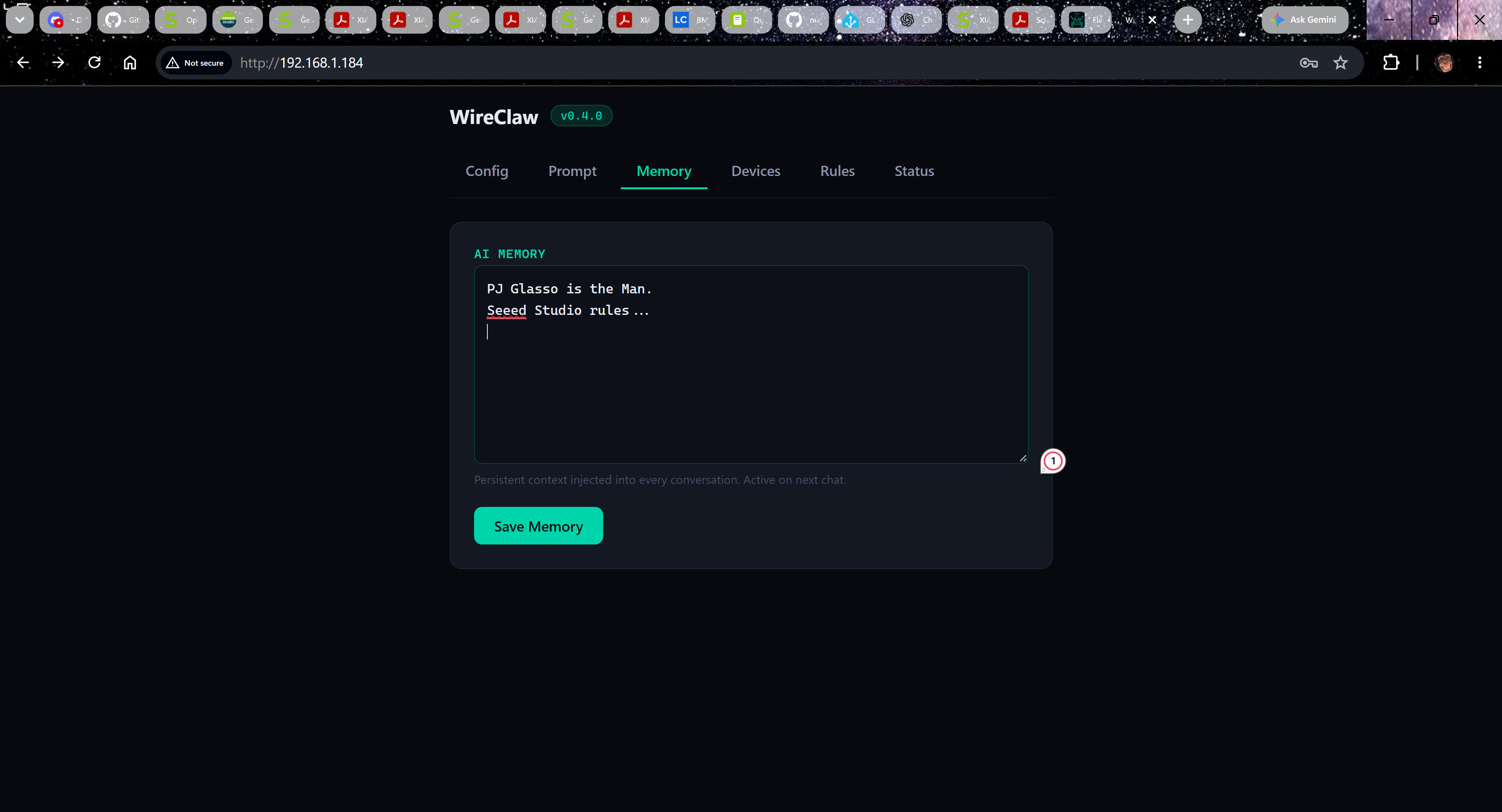
then when you ask…
 WireClaw v0.4.0
========================================

LittleFS: mounted OK
LittleFS: loaded config.json (388 bytes)
LittleFS: loaded system_prompt.txt (4095 bytes)
History: loaded 4 turns from /history.json
Model: google/gemini-2.5-flash
Chip temp: 29.8 C
Devices: loaded 5 from /devices.json
Devices: 5 registered
Rules: 0 active
WiFi: Connecting to GlassSurf-2.4... OK!
WiFi: IP = 192.168.1.184
NTP: syncing (TZ=UTC0)...
NATS: disabled (no nats_host in config)
Telegram: disabled (no telegram_token/telegram_chat_id in config)
mDNS: http://wireclaw-01.local/
WebConfig: http://192.168.1.184/

Ready! Free heap: 149148 bytes
Type a message and press Enter. /help for commands.

> Who is the Man?

--- Thinking... ---

PJ Glasso is the Man.
--- (1639ms, 1496+7 tokens) ---
SO yea , you’ll need to check it out, on Serial 1 (second serial port Pin 6&7)
HTH
GL PJ