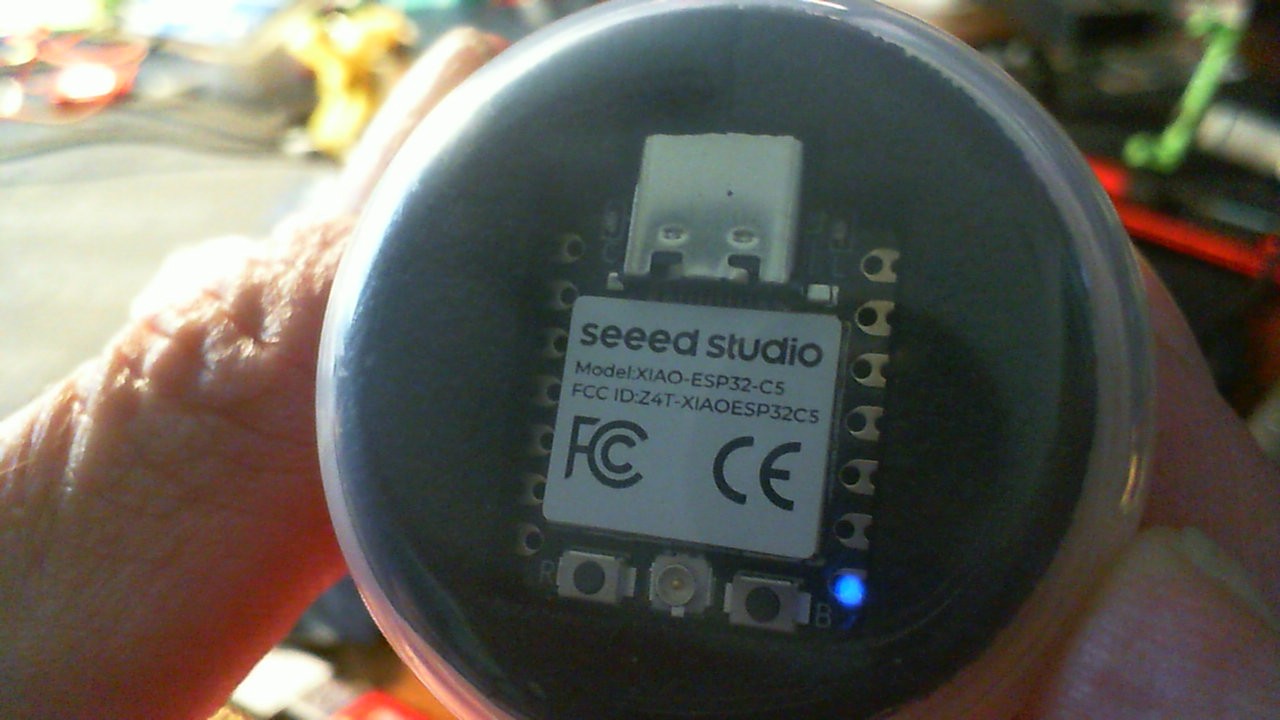
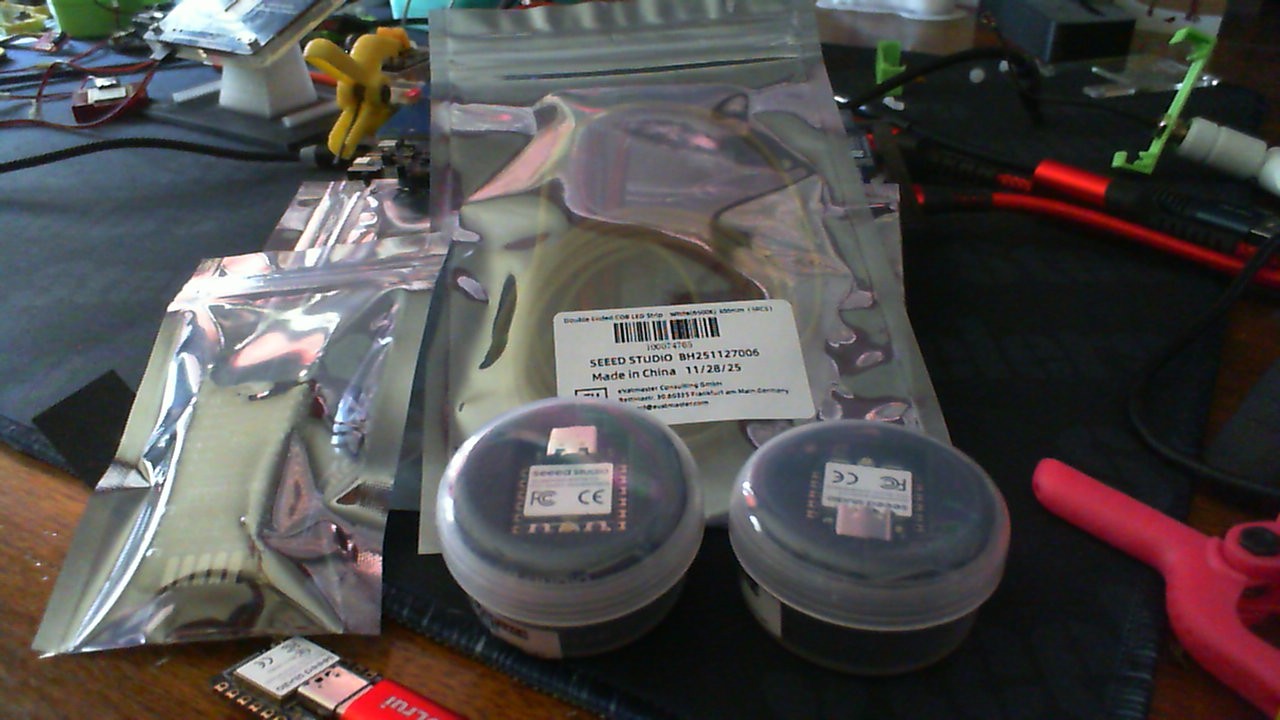
Under the tree is a set of twins and some New Cob led strips and Controller
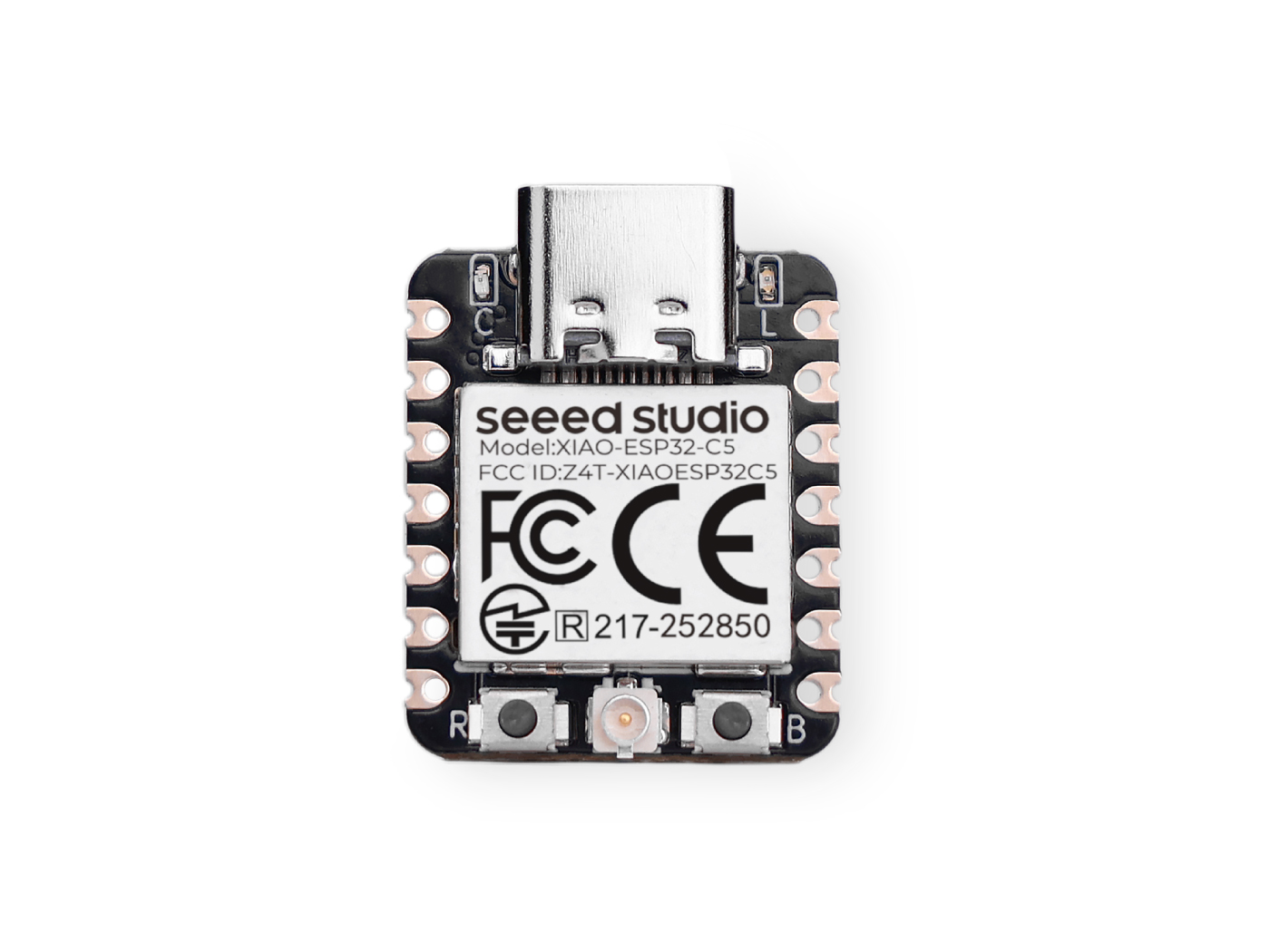
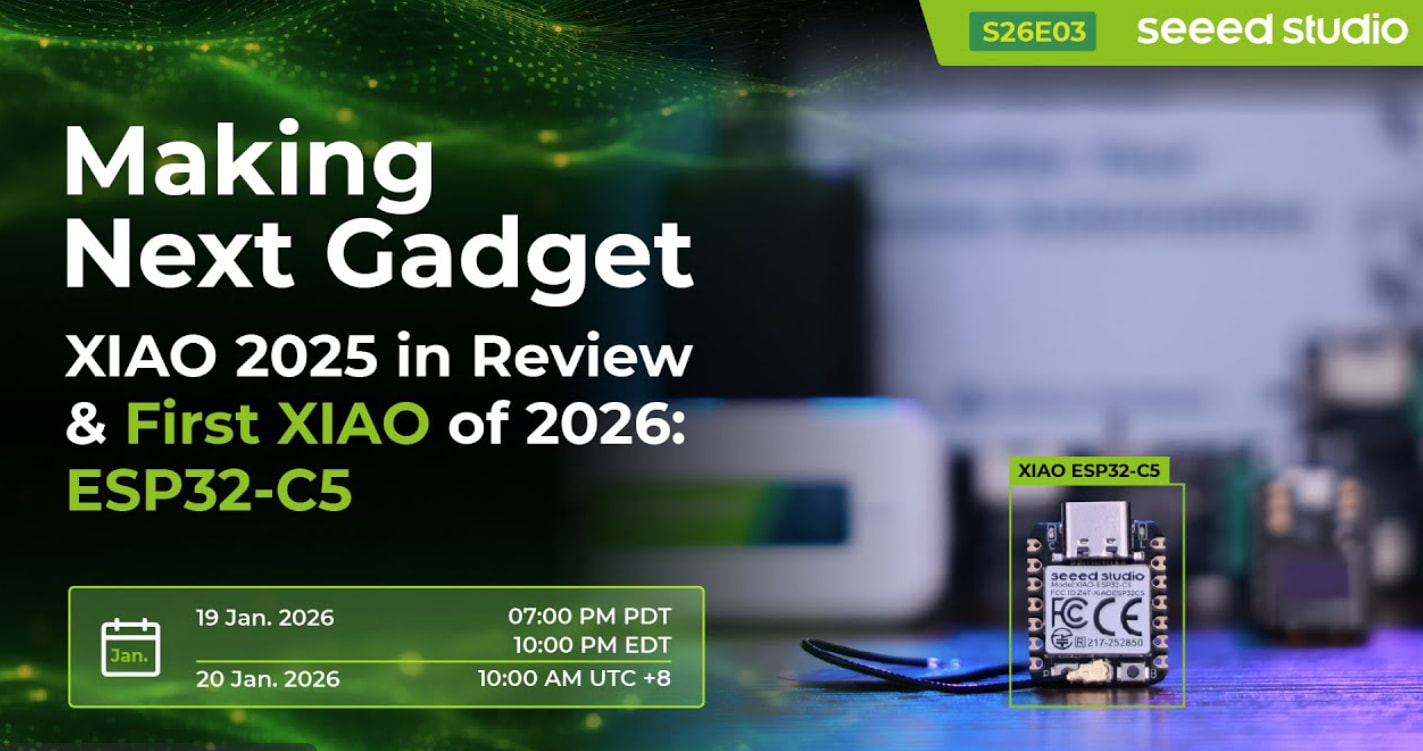
So we have here the fresh of the Factory FAB Floor the Newest of the Xiao Family offerings from Seeed Studio & Espressif. The Esp32C5 variation with smashing features like WiFi 6 and MORE … A Lot More
Looking Forward to the Year of the FIREHorse , and much technology from the Great Seedineers in China.
Seasons Greetings
PJ
The ESP32-C5’s key features are its RISC-V core , Dual-Band Wi-Fi 6 (2.4/5GHz) , and support for Bluetooth 5 (LE) & 802.15.4 (Zigbee/Thread) , making it a powerful, multi-protocol IoT chip for high-efficiency, low-latency connectivity. It boasts excellent security, rich peripherals, and is designed for compact, portable smart devices, integrating Wi-Fi 6 with legacy protocols for versatile smart home, industrial, and consumer applications.
The wiki links to the product return a 404, and searches for this also fail. You are either on the cutting edge - or else they’ve temporarily stopped selling these (found a serious bug)? Excited to see these and to hear your success stories! So glad Seeed Studio is a great alternative to Qualcomm - who has apparently bought out Arduino & reversed their open-source vision…
So Try again, It is working fine… No issue’s , You may be experiencing DNS network issues in America’s Gateway so REFRESH
HTH
Seasons Greetings
GL PJ
here is a peek at the spec’s ;
Ultra-low-power SoC with 32-bit RISC-V single-core microprocessor
2.4 and 5 GHz dual-band Wi-Fi 6 (802.11ax), Bluetooth® 5 (LE), Zigbee, and
Thread (802.15.4)
Support connection to external flash and PSRAM
29 GPIOs, rich set of peripherals
QFN48 (6×6 mm) package
So, You can send me a direct message on here or post your questions here so everyone can benefit or if it’s of a proprietary nature Click on my profile picture send me a message.
HTH
GL PJ
I received my new C5s and have been running into programming issues. I had success in arduino ide and moved on to the use I bought them for (Homeassistant). Initially, the only way to load start yaml was thru adafruit web serial and then I used OTA to update changes as I developed. Now it will not accept OTA and normal update is locked. Thoughts???
So, it appears from the sound of things , that perhaps the OTA , overwrote a portion of the bootloader memory or scrambled the partition..
Because these chips use Native USB for the serial connection, if the firmware crashes on boot, the USB port never has a chance to initialize, making the board appear “locked” or dead to your computer.
To recover it, you need to force the chip into Hardware Download Mode (which bypasses the corrupted flash memory and boots from the read-only ROM):
Unplug the XIAO from your computer.
Press and hold the BOOT button on the board.
While holding the BOOT button, plug the USB cable back into your computer.
Release the BOOT button.
Your computer should now recognize a new COM port (the hardcoded ROM serial port). From there, you can go back into the Arduino IDE, ESP Web Tools, or esptool.py and perform a Full Chip Erase before re-flashing your initial Home Assistant YAML bin.
HTH
GL PJ
And Welcome to Level 2 Your not learning if you don’t crash a few PC’s
Thank you for your help. I followed your steps and all is well. I still don’t understand why I can not program the module with esphome web flasher. The only way to program initially was to use Adafruit webflasher esptool. After that, normal OTA works for changes. Thanks again for your help.
 Merry Christmas to All my Fellow Technologists…
 and some New Cob led strips and Controller

 , and much technology from the Great Seedineers in China.