Desk Watch JOY STUDENT: a joystick-driven Grove + UNO desk console for students

Hi Seeed community,

after Desk Watch and the JOY AIR teaser, here is the student model of the Desk Watch JOY range.

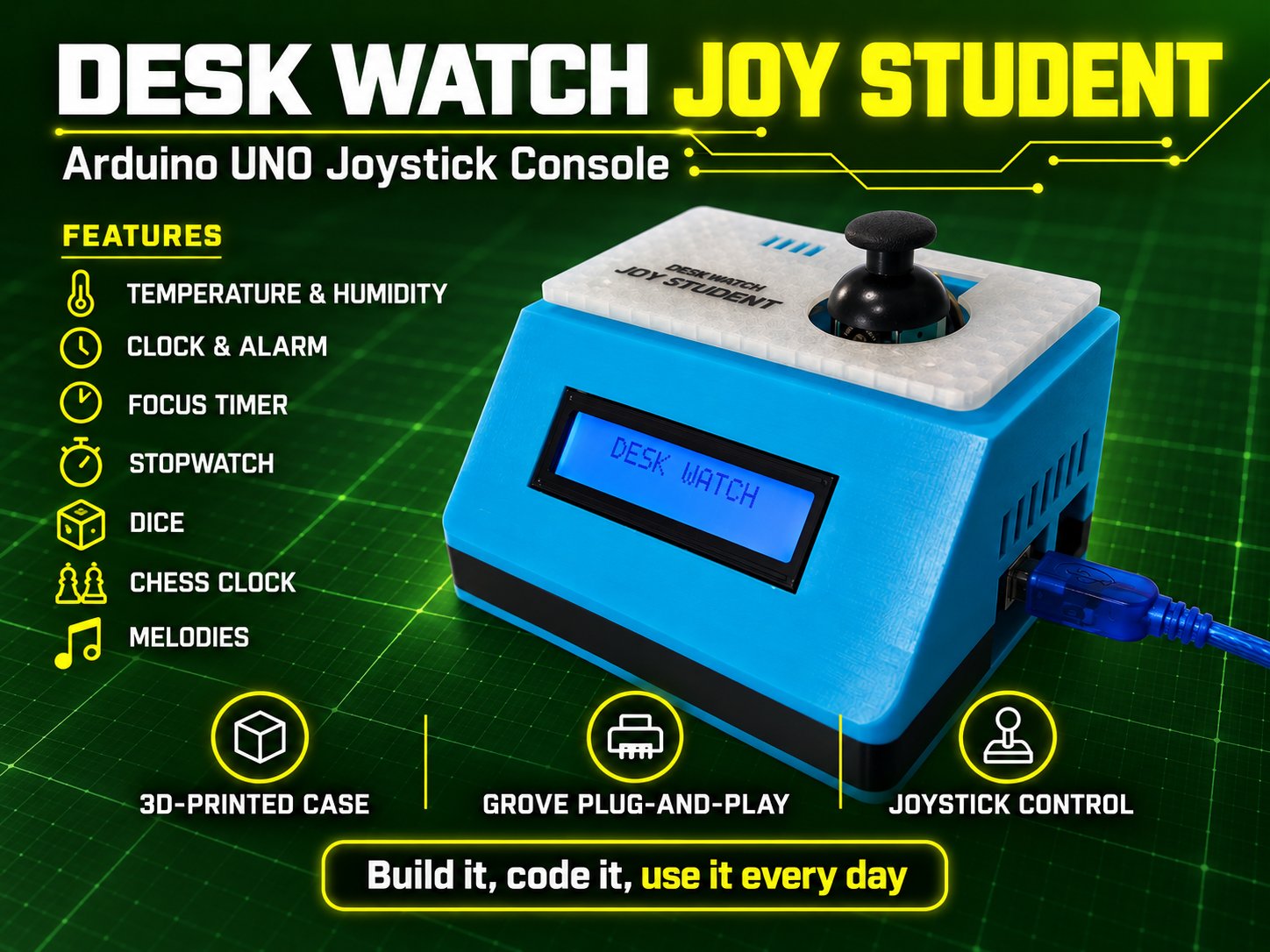
It is an Arduino UNO with the Grove Base Shield, a Grove LCD RGB Backlight, a Grove Thumb Joystick, a Grove Buzzer, a Grove RTC and a Grove SHT31 or SHT40. One joystick drives everything: temperature and humidity alerts, Pomodoro timer, stopwatch, counter, dice, chess clock and melodies. No soldering, only Grove cables.

A first unit is printed, assembled and tested. The code (English and French sketches, GPL3+), the guides and the wiring diagram are on GitHub, the printable case is on MakerWorld, and the full write-up is on Hackster:

Feedback welcome, especially from teachers who use Grove in class.
1 Like

Hi Seeed community,

A quick update: Desk Watch JOY STUDENT now has a dedicated page on MiniTech Club, my educational technology website:

Desk Watch JOY STUDENT — guides and USB installer

The page brings together assembly instructions, Grove wiring, and PDF guides in English and French.

It also includes a browser-based USB installer for the Arduino UNO R3. Choose your language, connect the board with a USB data cable, and click Install JOY STUDENT. The installer writes and verifies the program without requiring the Arduino IDE or libraries.

Use Chrome or Edge on a computer, and leave the joystick untouched when the console restarts. The commented source code remains available for students who want to explore and modify it.

A support form is available at the bottom of the project page if you need help.

Feedback from teachers and makers is welcome!

The browser-based installer sounds genuinely useful for classrooms where lab machines can’t run the Arduino IDE or install libraries — that removes a real barrier for teachers. I’m also glad the commented source stays available, since students who want to change melodies or timing should be able to dig in. One question: does the installer check the board before writing, or would a wrong board selection just fail verification? Either way, pairing plug-and-play flashing with readable code seems like a sensible balance for student projects.

1 Like