I have a simple set of DS18B20 temperature sensors running on an XIAO MG24. It connects via Thread to Home Assistant and everything is working nicely.
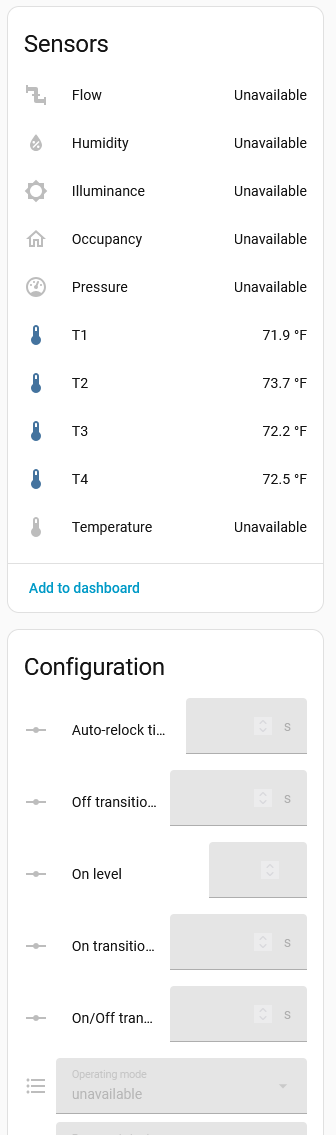
Now for a little refinement. In Home Assistant I see “sensors” for flow, humidity, occupancy and more. There are also many control, configuration, and diagnostic items which either don’t exist or I don’t need for this project.
I am guessing that when the Matter class is defined there is a list of clusters which the device will report to the server when it is commissioned and interviewed. Is there a way to control that list? Is there some function call to make before or after Matter.begin()?
I may be using a few terms incorrectly, but the bottom line is that I don’t want Home Assistant to expect and display things which will never exist.
I am enough of a programmer that if you tell me to edit a header file or read the docs for a function call, that would be great. On the other hand, I’m not prepared to set up a build chain and understand huge chunks of the Matter source code. In that case, I will just have to live with this.
Suggestions?
Which “Matter Device” did you use for your project? What framework did you use?
I started from the matter_temp.sensor.ino example which comes with the board definition, which is Silicon Labs 4.0.0. It uses MatterTemperature. I’m not sure what you mean by framework.
I’m using the Arduino IDE 2.3.9. I’ll happily upload the full code, but here are some key lines to show what features I’m using.
#include <Matter.h>
#include <MatterTemperature.h>

MatterTemperature matter_temp_sensors[NT];

// In setup()
Matter.begin();
for (i=0; i<NT; i++) matter_temp_sensors[i].begin();
> code to check that device is commissioned, on the Thread network, and online (discovered)

// In loop():
> code to get temperature from DB20* sensors
matter_temp_sensors[i].set_measured_value_celsius(t);
Below is just a part of the HA device page. T1 through T4 are the actual things I want. I would love to not see most of the greyed-out items.
Thanks - Framework is Arduino (as opposed to Silabs SDK and Simplicity Studio).
I have just created the 4 x Temp Sensor and added to my HA Dev System. All is OK?
Perhaps remove the device, clear the credentials and do a factory reset, before rejoining HA Matter fabric?
What are you using for the Border Router?
That looks great. I did fail to mention that this was the MG24 Sense, not the plain MG24.
I will try starting over as you suggest and I will report back. My only concern is that Home Assistant doesn’t like to completely forget things, so I may not get as clean a start as it might seem.
I have HA Yellow hardware with a ZBT-1. I’m running OTBR 3.0.1. There are no other Thread Border Routers in my home.
OK - I can make a ZBT-1 here, along with OTBR 3.0.1 for “similar” testing.
Not sure that the MG24 Sense version should add Matter Endpoints without them being implemented somewhere on the device?
It could be possible that using the same device (eg MG24) for multiple Matter “projects” leave some “straggling” information on the Matter Server - but I haven’t really come across that. Key is to ensure a complete removal of a device from Matter when replacing it with another different device type.
Short version: I bricked my MG24 Sense in the attempt to reset it, and will report back after setting up another fresh from the factory package.
Long version:
Here’s what I did.
That did it! I have no idea how all those extra entities appeared. I had previously set up that device as a tilt sensor. But the other things were never used.
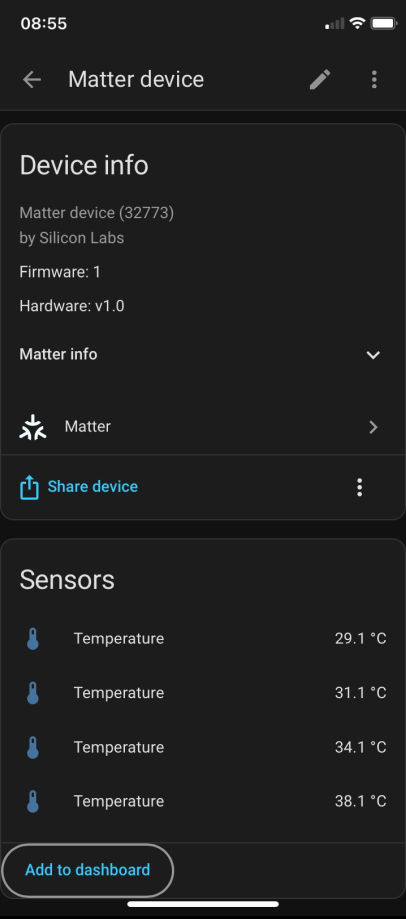
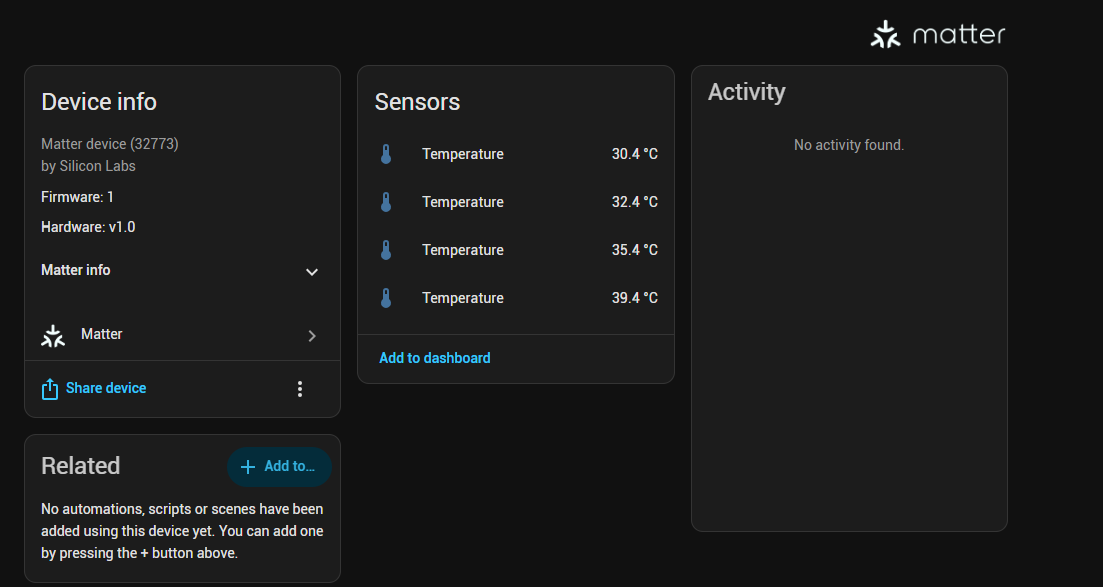
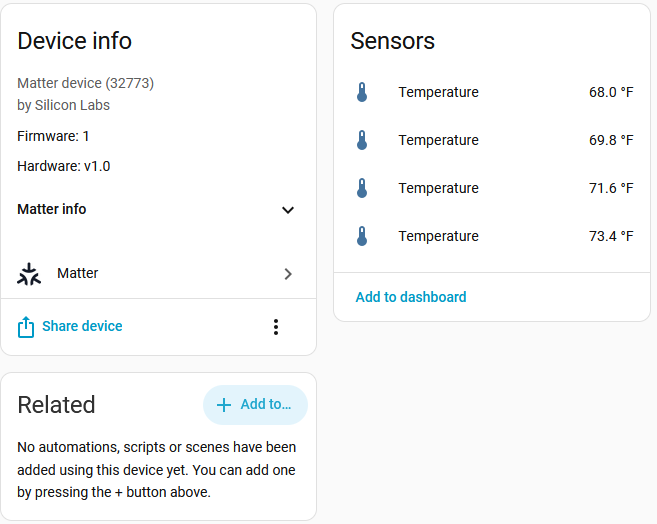
Now with a clean start it looks great.
Thank you very much for prodding me in the right direction, even if the only solution was “start over”!
Sounds like you’re not having fun yet.
Let me know how the “fresh” device goes.
We’ll recover the “bricked” device later. You may need a new bootloader after the flash erase.
Got your reply while typing last response! Cool. You’re having fun now!
Try burning a bootloader on the “old” device. The D1 is only really necessary for devices “put to sleep” semi-permanently.
Yay! I have a working sensor set and the other board is no longer bricked. I didn’t immediately find the right bootloader tools, but then I found your github.
Thanks again!