Hi there,
So I was able to download the ino and try it , same as you.
I see a couple issues, I refactored for the no spam to console and added some cleanup.
On my MOT Razer it looks good 
I get this serial output.on boot.
ESP32 Access Point Mode
SoftAP started successfully
Connect to IP address: 192.168.4.1
HTTP server started
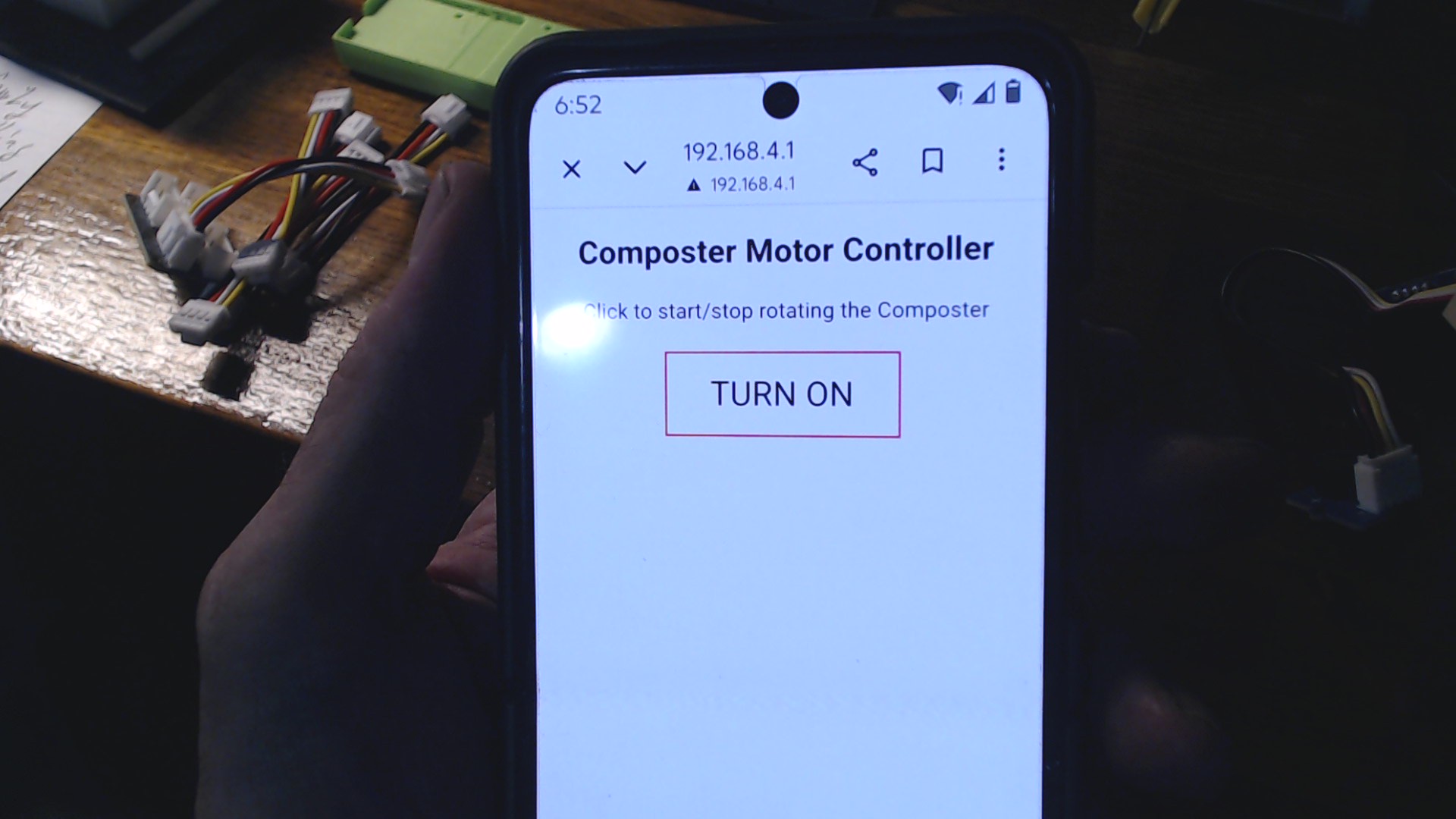
Upon connecting to the composter with password, (no internet NAG) select options on mobile to continue to use the connection anyway , and I then Browse to the IP
and Bobs your Uncle.
I get this on Connection
Client connected
Client timeout
Client connected
Request received:
GET /LED_OFF HTTP/1.1
Host: 192.168.4.1
Connection: keep-alive
Cache-Control: max-age=0
DNT: 1
Upgrade-Insecure-Requests: 1
User-Agent: Mozilla/5.0 (Linux; Android 10; K) AppleWebKit/537.36 (KHTML, like Gecko) Chrome/145.0.0.0 Mobile Safari/537.36
Accept: text/html,application/xhtml+xml,application/xml;q=0.9,image/avif,image/webp,image/apng,*/*;q=0.8,application/signed-exchange;v=b3;q=0.7
Referer: http://192.168.4.1/LED_ON
Accept-Encoding: gzip, deflate
Accept-Language: en-US,en;q=0.9,zh-CN;q=0.8,zh;q=0.7


Motor Stopped
Client disconnected
If I press the button on the page I get this…
Client connected
Request received:
GET /LED_ON HTTP/1.1
Host: 192.168.4.1
Connection: keep-alive
DNT: 1
Upgrade-Insecure-Requests: 1
User-Agent: Mozilla/5.0 (Linux; Android 10; K) AppleWebKit/537.36 (KHTML, like Gecko) Chrome/145.0.0.0 Mobile Safari/537.36
Accept: text/html,application/xhtml+xml,application/xml;q=0.9,image/avif,image/webp,image/apng,*/*;q=0.8,application/signed-exchange;v=b3;q=0.7
Referer: http://192.168.4.1/LED_OFF
Accept-Encoding: gzip, deflate
Accept-Language: en-US,en;q=0.9,zh-CN;q=0.8,zh;q=0.7


Motor Rotating
Client disconnected
Client connected
Client timeout
Client connected
Client timeout
then off again…
Client connected
Request received:
GET /LED_OFF HTTP/1.1
Host: 192.168.4.1
Connection: keep-alive
DNT: 1
Upgrade-Insecure-Requests: 1
User-Agent: Mozilla/5.0 (Linux; Android 10; K) AppleWebKit/537.36 (KHTML, like Gecko) Chrome/145.0.0.0 Mobile Safari/537.36
Accept: text/html,application/xhtml+xml,application/xml;q=0.9,image/avif,image/webp,image/apng,*/*;q=0.8,application/signed-exchange;v=b3;q=0.7
Referer: http://192.168.4.1/LED_ON
Accept-Encoding: gzip, deflate
Accept-Language: en-US,en;q=0.9,zh-CN;q=0.8,zh;q=0.7


Motor Stopped
Client disconnected
Client connected
Client timeout
Appears to work well…with the edits i’ve made. 
First, this is bad:
if(!client)
{
 Serial.println("connection failed");
 return;
}
That does not mean failure. It only means no browser is connected right now. So it keeps printing that over and over, spamming the console.
Second, these links are broken:
client.print("<p><a href=\"/LED_ON\n\"><button class=\"button button_ON\">OFF</button></a></p>");
client.print("<p><a href=\"/LED_OFF\n\"><button class=\"button button_OFF\">ON</button></a></p>");
The \n is inside the URL. That should not be there.
Third, softAPConfig() is better set before softAP().
Fourth, LED_Status should be initialized.
Fifth, the request handling should be cleaned up a bit so the page reliably loads.
this fixes the real trouble spots:
- removes the fake
"connection failed" spam
- fixes the broken
href strings
- initializes
LED_Status
- starts AP with static IP in a safer order
- waits for a real HTTP request before replying
- sends a proper page every time
AMA…
HTH
GL  PJ
PJ 
sketch_mar16a_composter.zip (1.5 KB)


 Turned up some interesting responses when I googled the phrase. Thanks.