I have had nothing but issues since receiving this product. I attempted to do the bootloader setup initially, but when following the guide the panel did absolutely nothing after pressing the buttons. Since that didn’t work I opted to try to do the Arduino setup steps and have had even bigger issues.
After following the steps to a T with the example code, the panel does not do anything anymore, even pressing reset doesn’t change the screen. Code still compiles and uploads, but the serial monitor never shows anything and the screen never changes.
I’m at a loss for what to do next since all the documentation I’ve found doesn’t seem to work and I can’t even get the screen to change anymore. Any help would be great
I have to ask , Are you familiar with the Arduino eco system and the ESP32C3 ?
Do you understand the difference in Bootloader mode vs normal reset ?
I’ll consider you do.
Does the Terminal get detected by the computer when you plug it into the USB-c port (do you get the windows Gong)?
From since the moment you received the device did it turn on and display the basic pages (startup pages) ?
Have you determined which method of programing you would use ?
you have 3 choices ?
Each method requires differing steps to be successful it’s not often folks get confused and add or mss one step. Then we get the KItchen Sink approach , they try everything at once.
Can you describe at which point you are at in the procedure to enter into Bootloader mode for example. Have you downloaded any files from the GIT ? I would have the Original firmware or backup also before I start going YOLO on any of the new hardware as well.
Add a pic of the setup too, now that your able.
We will get you going, lots of smart folks on here willing to help
I’m going to be completely honest, I’m not familiar with Arduino at all, I was under a totally different impression when looking up info before buying this product.
I don’t think I know the difference between bootloader and normal reset. When I tried to do anything with the bootloader, nothing happened, so I was under the assumption it did not work. That’s why I was trying to just print some basic arduino program so I could see if it worked at all.
It displayed the startup pages and my PC detects and is able to connect to it. For Bootloader mode I was pressing the buttons on the back in the same order it said in the guide and nothing at all happened, so I don’t believe I even started anything.
I tried getting it set up with some arduino examples, but after that the screen didn’t change at all and the reset button no longer does anything.
Also there isn’t really much to show for pictures, I haven’t gotten very far and the screen just shows one of the basic display pages.
Hi, I’m a complete newbie and I bought a XIAO 7,5 display in the case. I have been playing around with it, and gt it mostly to work on Home Assistant (with the help o AI). However, now, even though the code seems fine and worked before, the display doesn’t refresh anymore. At all. It shows half a dashboard. Even after unplugging the battery and the display band. It won’t budge. Can I force it to refresh or anything? None of it seems to work. Thanks
So , You should know that is How they work, It won’t/can’t change unless it refreshes the screen. Did you follow the Steps in the wiki?
FWIW I have a 4.2 inch e-ink with “Hello World” still on it from more than a year ago..
(needs a blank refresh)
What AI steps were they…? It is always recommended to use the Seeed Studio certified Links and gits from the WiKi to achieve proper product performance.
These are cutting edge technologies and thus require a specific procedure to update and program these newer devices. that being said…
Are you familiar with the Boot-loader mode of the Xiao inside the Panel?
I tried to use the wiki steps first as well but none of them worked or did what was described on the site, as such I’m in the predicament described above
I’m hoping the Live stream Win Unit arrives SOON!
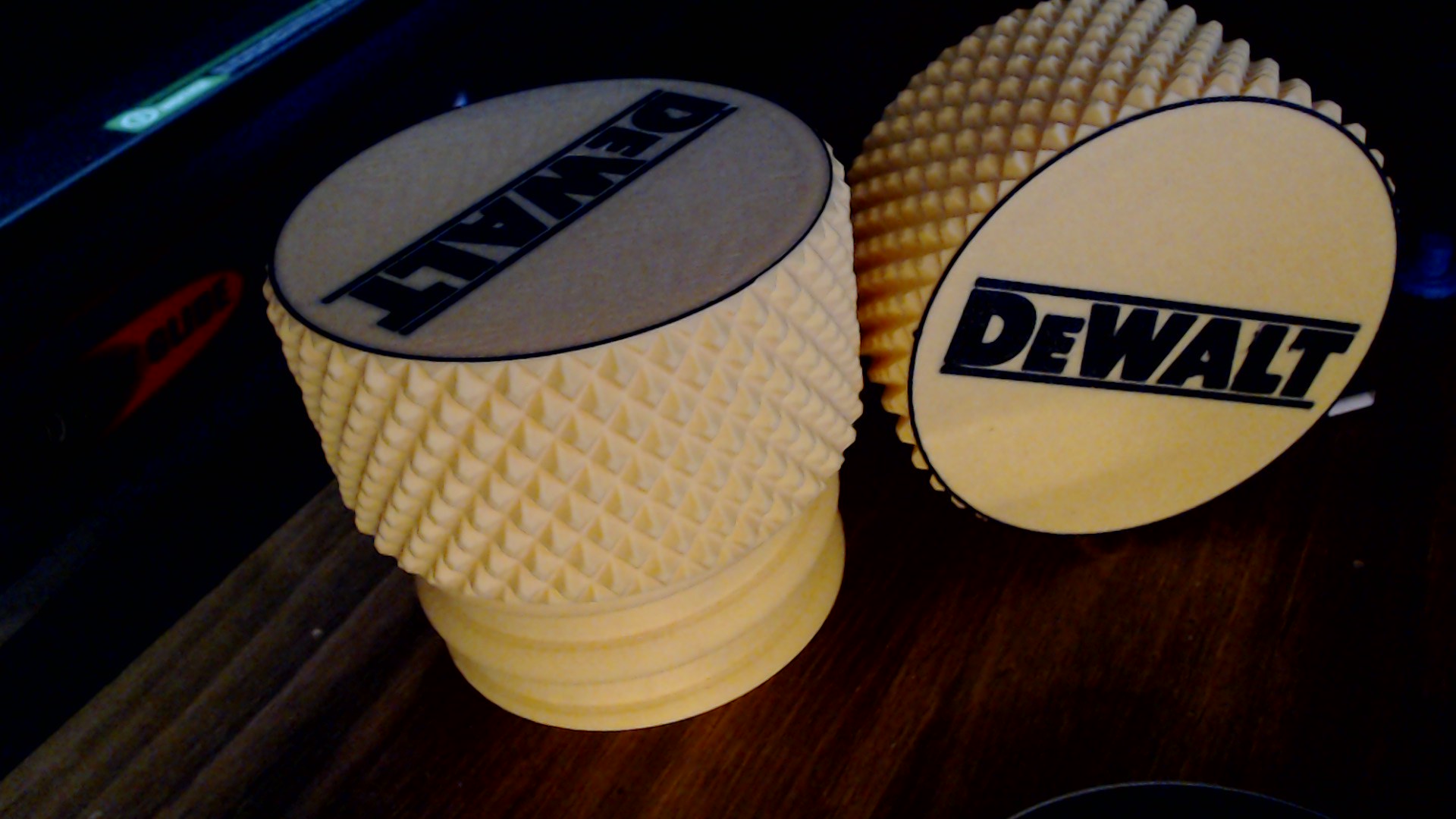
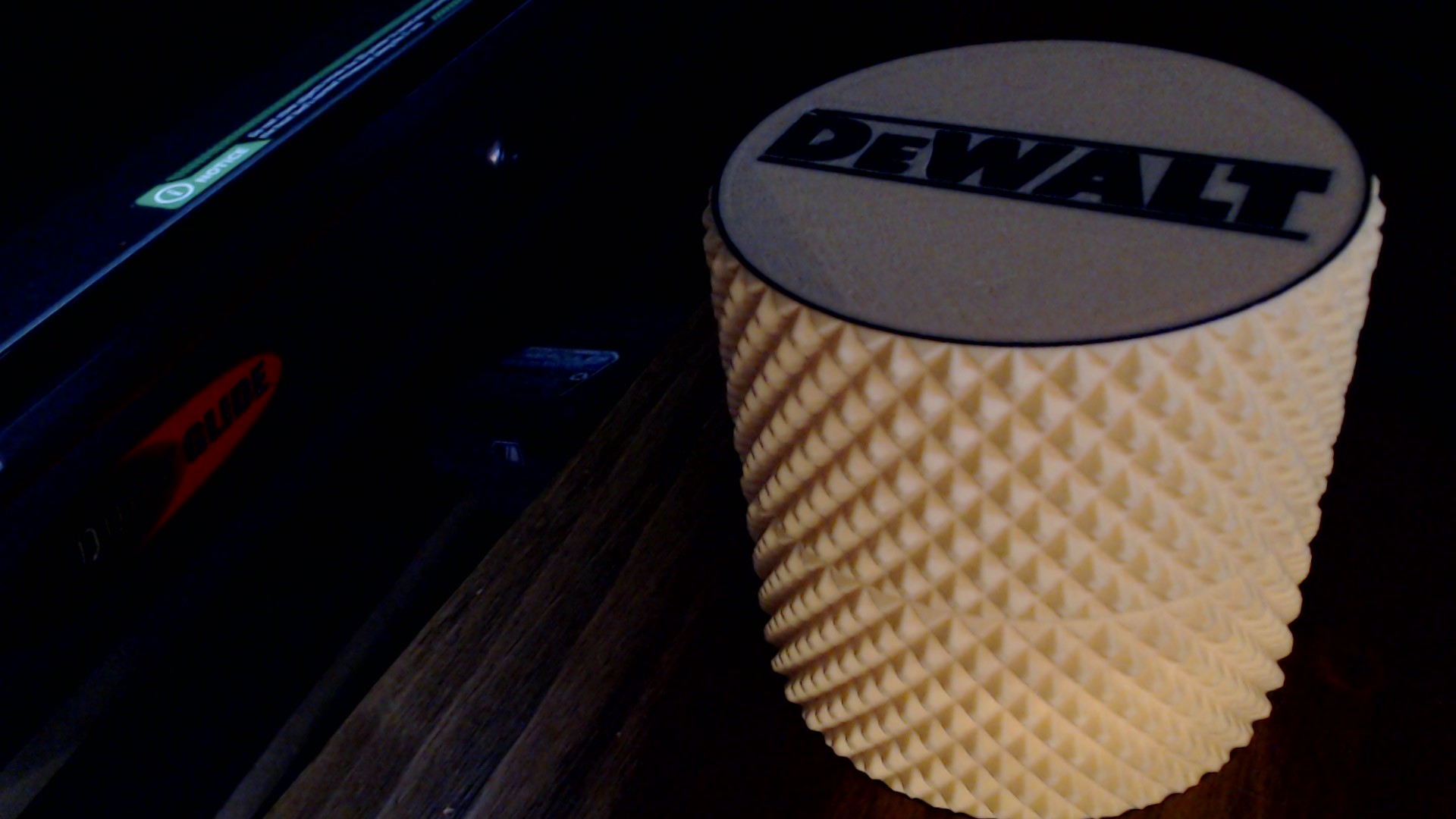
I’ll print something up in that Nice Seeed green
I like the one the guy on Discord made with the magnets
Hi there,
So are they the same physical size and dimensions? the Color and the B/W units.
I won the KIT & will need to make one so I got Red, Green(seeed), Black, White, or Yellow (almost dewalt)
to choose from, I need to polish my embedded color text game so look for it soon.
Sounds like the panel might be bricked or stuck in a bad state. Try reflashing the firmware with a known-good bootloader or double-check your wiring and power before giving up.
Coming back to this, I’m not sure why you decided to participate in the discussion if you’re only here to distract from the conversation… Is it so difficult to not be unproductive?
So , I’ll bite ? What is the exact issue you are having… still that same as original.
?
Get past the “noise” on the subject here and discord often. it’s a newer area of tech for seeed so there is bound to be some bumps.
Dos it still "
If it still UPLOADS
it is NOT dead YET then..
I have some experience with them (demo w/Code) on here. But others have more so
I actually got it working after just recently coming back to it. Thank you for offering your assistance. It seemed to be an issue with the library I had installed. Once I fully deleted the old Seeed_GFX library and installed the latest version, the wiki guides went off without a hitch.


 PJ
PJ