The title says it all. i just changed the base camera coming with the XIAO ESP32-S3-Sense for this : OV5640 Camera for XIAO ESP32S3 Sense (With Heat Sink) - from QVGA(320*240) up to QSXGA(2592*1944), 8/10-bit RGB RAW Output, auto-focusing - seeed studio and without changing anything with the example code i now see lines in the image.
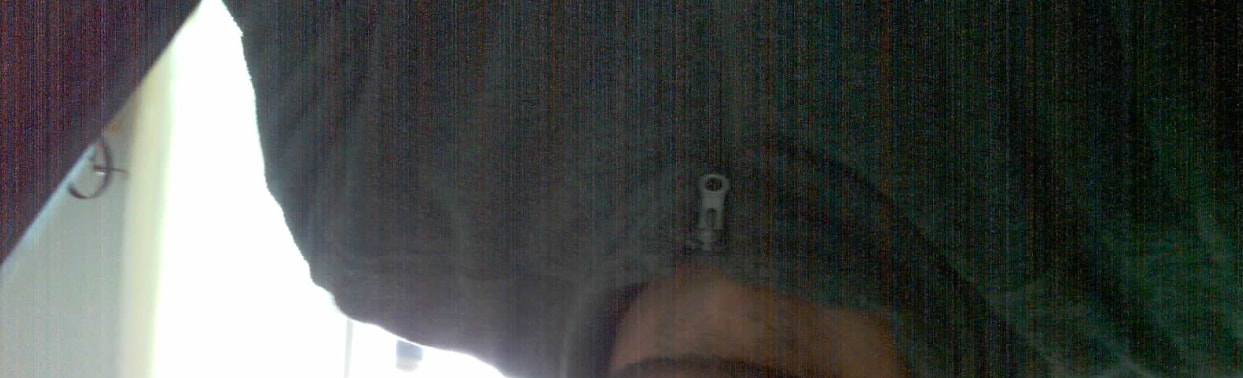
im wondering if i have to change things in the example paramaters. I first looked at the connection and it doesnt seems to have much room for misalignement so i guess its a software problem.
Any ideas ?
Id like to know if can upgrade quality with this new cameraas well. i dont see much improvement…
thank you guys !


 PJ
PJ 
 PJ
PJ 