I’m trying to upload my own model to SenseCAP A1101 using the very useful tutorial “Train and Deploy Your Own AI Model Into SenseCAP A1101”.
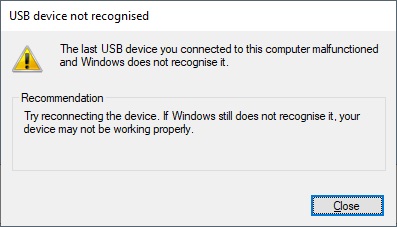
However, when I try and connect to the device and by double clicking the boot button and I keep getting the following error message.
"The last USB device you connected to this computer malfunctioned and Windows does not recognise it.
Try reconnecting the device. If Windows still does not recognise it, your device may not be working properly."
I assumed this was to do with the driver, but I have not managed to find a driver for the device. Is there anything else I am missing?
Thanks
 PJ
PJ 