Hi,
I’m trying to send values from Seeed Studio Xiao nrf52840 Sense to my Android and I’m building app in App Inventor with which I will connect my board to my phone and recive date from it. I’m stuck on how to read values from i2c and send them to my phone. I managed to recrate app which can connect to board and send values like turn on leds/send signal but I don’t know how to recive values from i2c sensors like “Onboard 6-axis LSM6DS3TR-C IMU” and show it in app on my smartphone. I tried to find solution on forums and YouTube, but so far I didn’t managed to find solution.
Hi there,
Sure there is plenty,
I have used the App Inventor II awesome app maker quick easy and deployable.
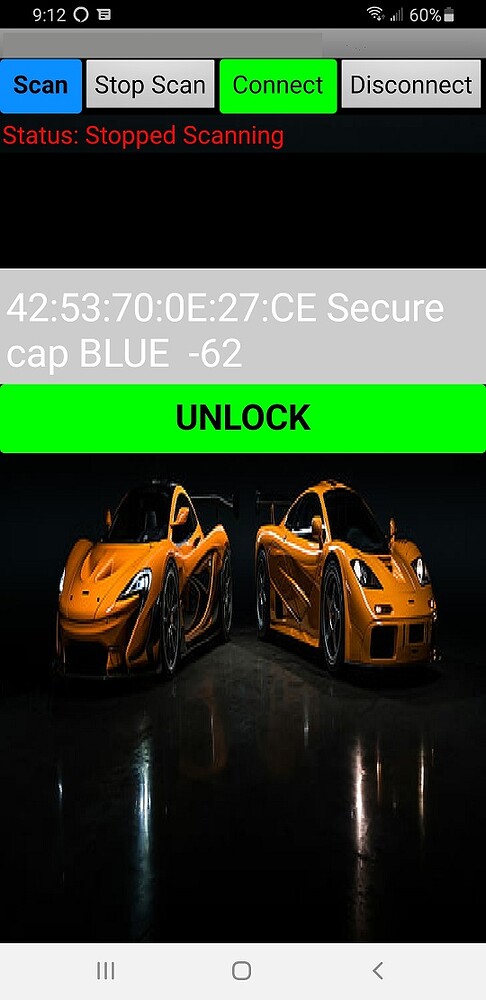
Here is one I posted a while back. Are you sending TEXT or value of the IMU data?
Try this
https://how2electronics.com/send-receive-data-to-mobile-app-with-xiao-ble-nrf52840-sense/
HTH
GL  PJ
PJ
Thank you mate. That was I really fast. I will look into it.
If anything will work that will be enough for start.
Well there is A web version that I used to get started on mines’. 
Pretty cool.
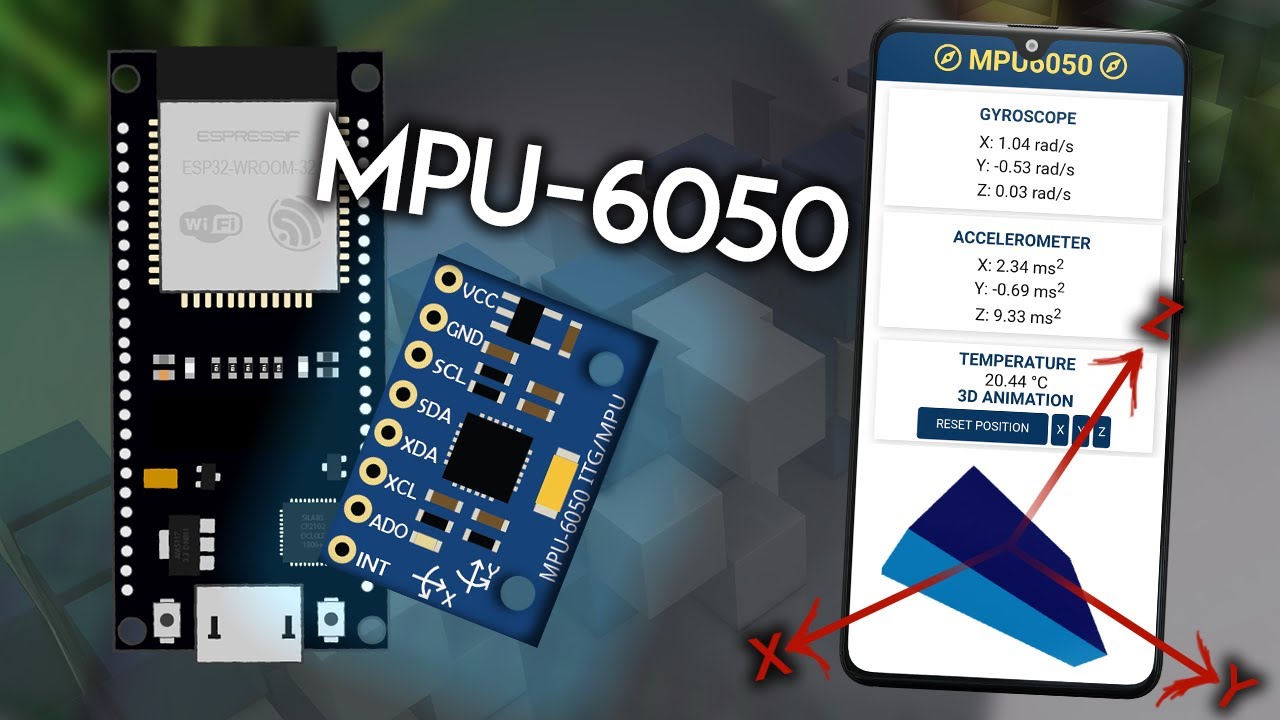
To overcome the Drift and Calibration check out the "Parked IMU " demo
I did for guidance, Also th chip has internal calibration numbers in factory registers.
HTH
GL PJ
Interesting, I will try that when I buy esp32 or when I will into upgrading. For now I’m trying to keep it small as possible.
Thanks in advance