LPWAN Asset Tracker Dev Kit for Amazon Sidewalk – Wio Tracker 1110
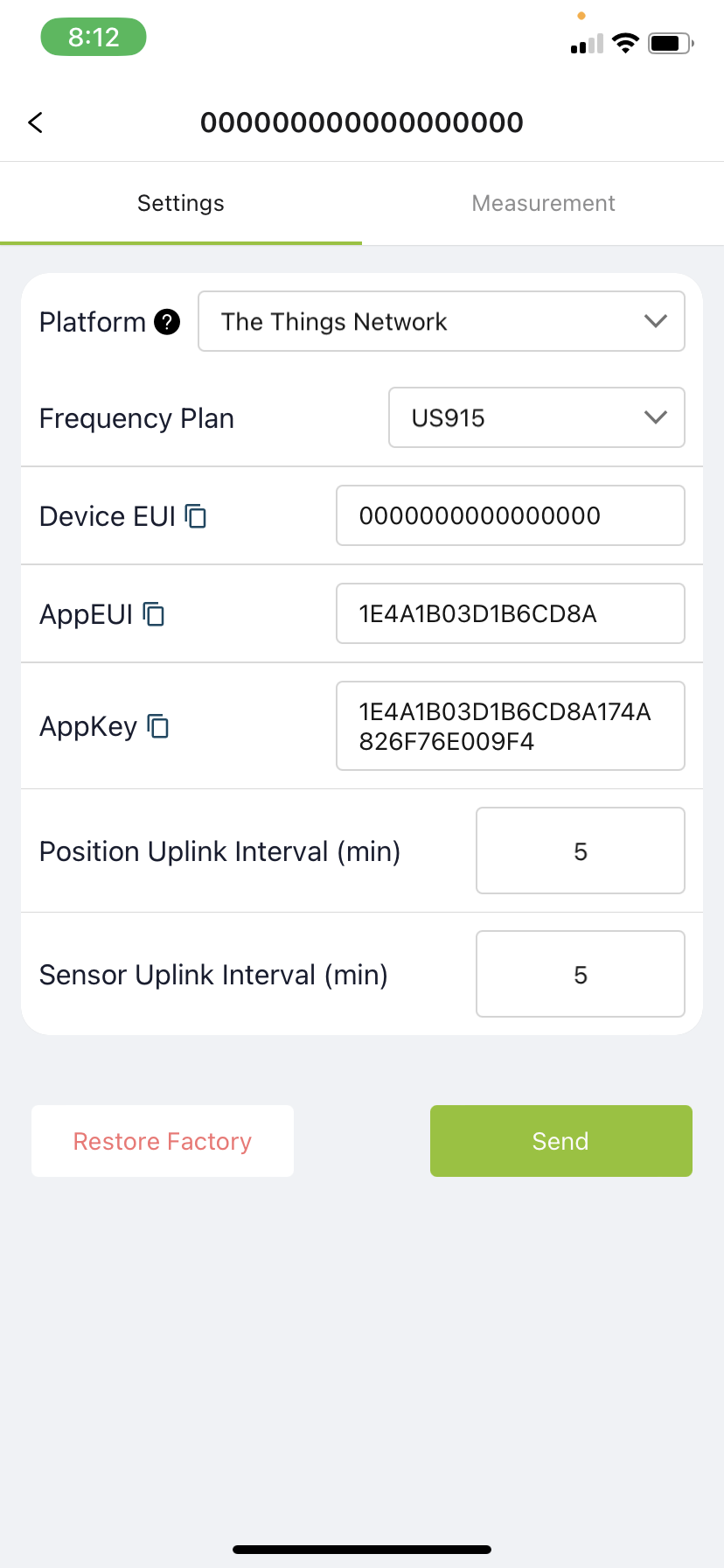
Trying to use seseCAP Mate app, when scanning QRcode it says wrong device EUI. Trying to configure it via ble and then selecting us915 MHZ plan and selecting thingsnetwork for Helium it comes with EUI
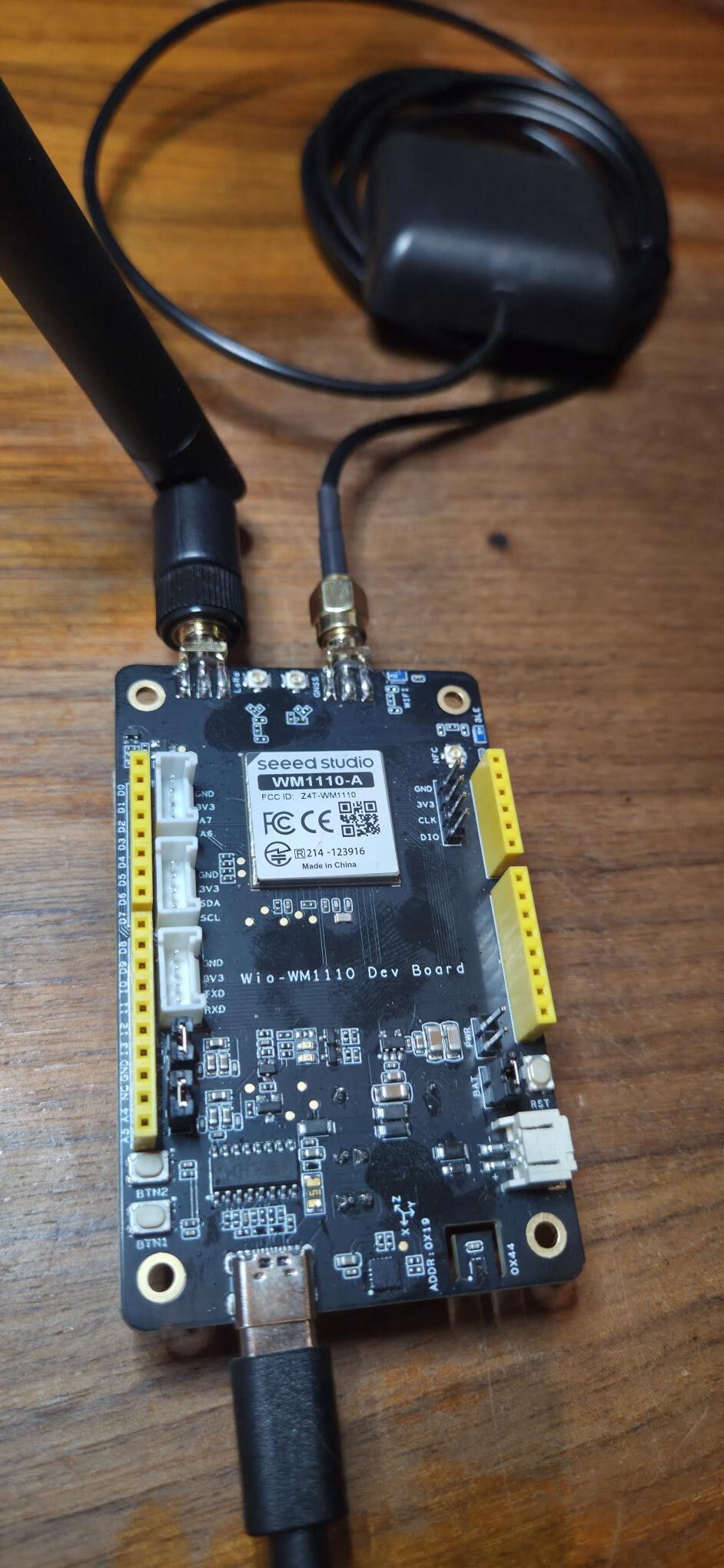
I’ve the newer(?) 23May2023 WIO WM-1000-A dev kit and they do not have an EUI/Key printed on them. How do I find this out? Scanning the label on the MCU brings up “202003537231900560”, but that isn’t accepted as a EUI.
This is sad… I wish seeed would update.. but i understand it takes money to do these things
I just am sure someone in SenseCAP has the knowledge and power to make this easy fix in software with a little extra time, I am sure they are buisy working on a new project that is high pressure as well
you may want to take a look at this device… it is also old but i think it still works… make sure to get the correct unit because they have different firmware…. my used to be connected to sensCAP… i reflashed it to Meshtastic, and i cant get it back yet, but i plan to work on it again
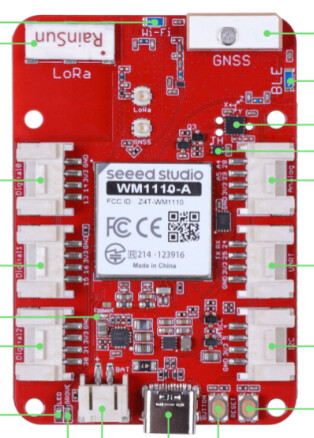
The red board has a Nordic nRF52840 module, but the black one’s wiki page does not list a MCU.
So I’ve an extra Nordic nRF52840, and my next effort will be to see if I can make the black board into a Meshtasic repeater. I WILL have to overwrite the factory firmware (as mentioned in the wiki), but otherwise I don’t have a use for it.
If all that works, then maybe I’ll try reflashing it for MeshCore, though SeeedStudio tech support says it won’t work - or is unsupported. (Which is it?!)
Onward & thanks for your work & tutorial on making the red board work with Meshtastic. I’ll follow that process closely…
YES also let usknow if you are able to flash it to something… I know Seeed “wont work or is not supported” is code for we dont do software
Also the red board onboard GPS does not work (not supported) I am wanting to get more into LoRa and SenseCAP… i aready have the equipment but have no idea how to use it because their is no documentation
To update the bootloader on a Seeed Studio XIAO nRF52840, enter bootloader mode by double-clicking the reset button, allowing the device to appear as a USB flash drive (e.g., “XIAO-SENSE”). Then, drag and drop the latest .uf2 bootloader file—available via the Adafruit_nRF52_Bootloader GitHub repository or CircuitPython/Seeed download pages—onto the drive.
I made some errant assumptions about these boards.
My current understanding is that
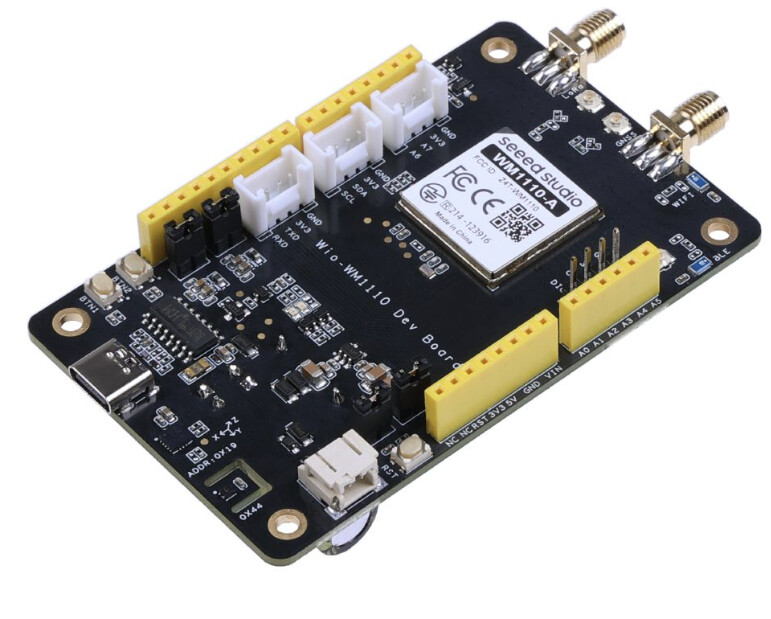
Wio-WM1110 Dev Kit (the black board) is intended for LoRaWAN, and there is no firmware for Mestastic or MeshCore currently, though users could create some conceivably. It has antenna connectors for WIFI & LoRa and also a battery connector.
Wio Tracker 1110 Dev Board (the red board) was created for the Mestastic market, and has more Grove connectors, a very dubious on-board GPS, and perhaps other differences.
I am not about to get into how to port Meshcore onto another architecture (yet) so am leaving my big black board and mini dev board on the side of my desk for now. Anyone want a deal to buy them from me?! (Seattle area)