I connected the 1.8V converter to the programmer USB, then the 200mm socket to the 1.8V converter, booted up AsProgrammer, and followed the steps here (AsProgrammer and other Windows utilities for CH341A · One Transistor) to scan for the winbond chip. I made sure to save a copy of the scanned firmware, just in case, and then on the dropdown next to “Write IC” I selected the “Unprotect → Erase → Program → Verify” option. This worked after a few minutes without any issues!
Anyone can feel free to reach out to me if they need assistance with this in the future, but I hope this breakdown helps! I had to do a lot of digging myself, so hopefully this saves someone some time and headache.
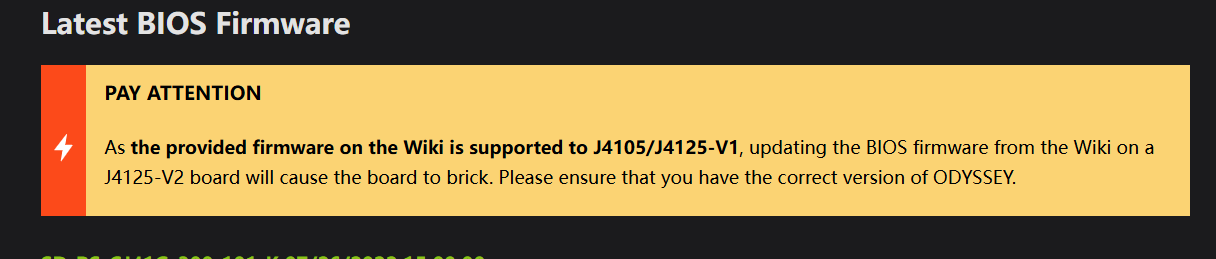
Hi. I have a similar problem (Odyssey J415-V2 blocked). I wanted to ask where I can currently download the bin file for flashing the BIOS? The product wiki page still only lists the version for J4105/J4125-V1. Thanks.
Hello. Thanks for the answer, but to which email address should I send the question? I sent it to [email protected], they replied that it was possible and suggested looking for information on the target forums. And that’s it, nothing more.
Hi adam, please kindly refer to the wiki. We do not provide the BIOS for the V2 version, and this product has already reached EOL (End of Life) and will no longer be maintained.
A failed BIOS update can definitely leave a system unable to boot, especially if the firmware image or board revision isn’t an exact match. It’s always worth checking the original BIOS version, hardware revision, and recovery options before attempting another flash. I found this overview of BIOS files and compatibility useful as background. ps2biosonline

 PJ
PJ