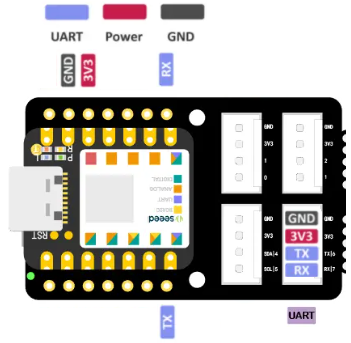
Explination of Arduino-XIAO-Grove Pin Technology

CapacitiveTouch Pin

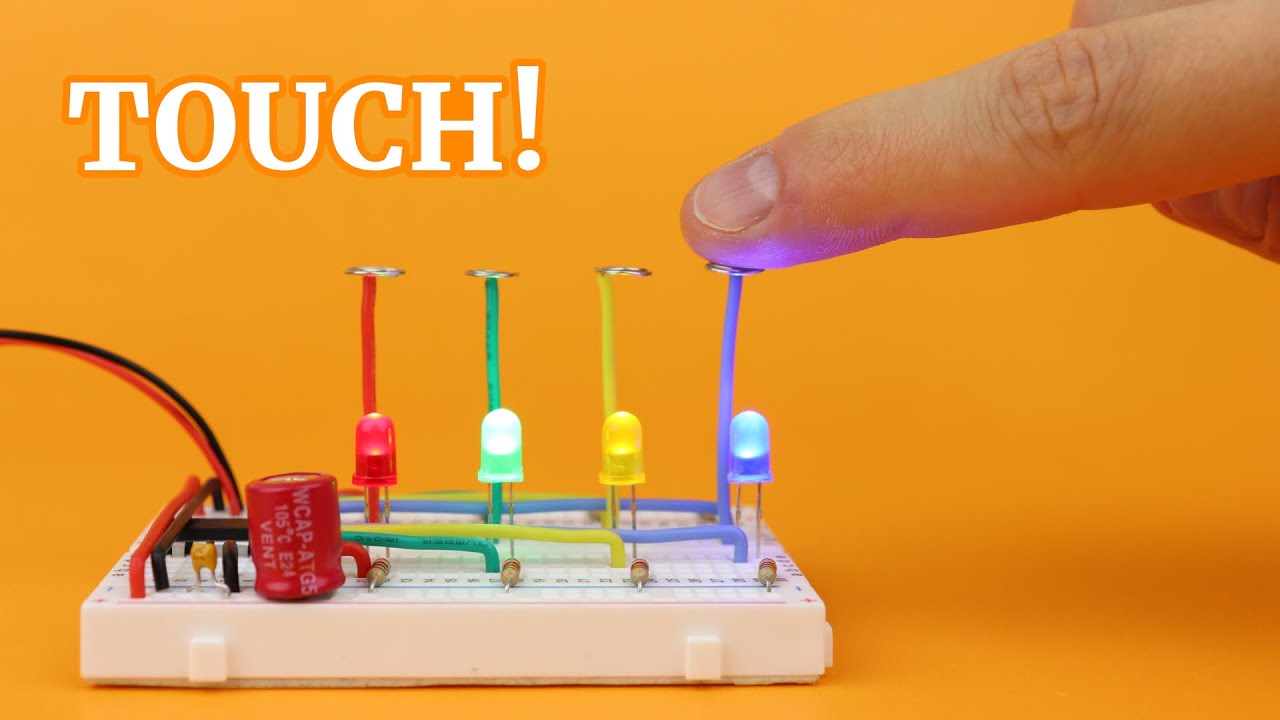
touch means it is capable of being used as a touch pin… a pin that is capable of capacitive touch sensing… This feature of some MCU (MicroController Unit)can be performed on the device itself, removing the need for an external device As opposed to a capacitive touch sensor, which performs the capacitive tough sensing on an external device and returns results to the MCU

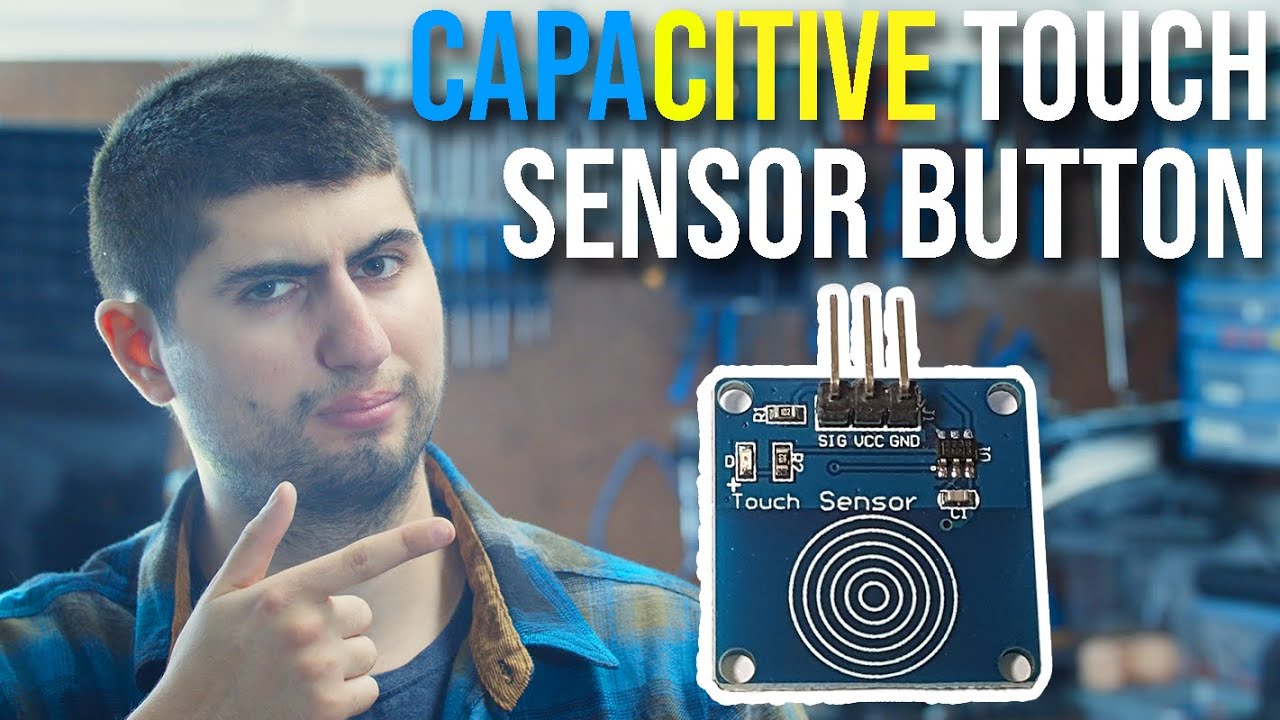
Capacitive Touch Sensor

GPIO Pins means General Purpose Input/Output … that is just the actual pin number from the chip point of view

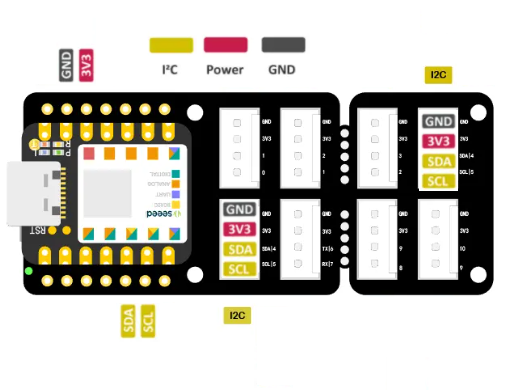
IIC Bus

IIC - say as “I Two C”
Inter-Integrated Circuit (I2C) Protocol

https://docs.arduino.cc/learn/communication/wire/

I like to use the term IIC BUS, which some may say is incorrect… but i feel it emphisizes the nature of the technology and that it indeed has several notable qualities different than other pins…

Definition of a BUS Architecture

A computer bus is a shared electronic pathway (wires/traces) on the motherboard that transfers data, addresses, and control signals between the CPU, memory, and peripherals, acting as the internal highway system for components to communicate efficiently, with key types including the high-speed System Bus (Data, Address, Control) and external PCI Express (PCIe) for expansion cards and USB for external devices.

Key Functions

  • Data Transfer: Moves actual data between components (e.g., CPU to RAM).

  • Addressing: Specifies where data needs to go (Address Bus).

  • Control Signals: Manages operations (read/write) and timing (Control Bus).

Main Types

  • System Bus: Connects core components like CPU, RAM, and chipset. It’s often split into:
    • Data Bus: Carries data (bi-directional).

    • Address Bus: Specifies memory locations (uni-directional).

    • Control Bus: Carries timing and command signals.

  • Expansion Bus (PCI/PCIe): Connects high-speed expansion cards (graphics, network) to the system.

  • I/O Bus: Connects peripherals, often via controllers (like southbridge).

  • External Bus (USB, Thunderbolt): Connects external peripherals like keyboards, mice, and storage.

How They Work

  • Shared Pathway: Multiple devices share the same physical wires, but protocols manage access to avoid data collisions.

  • Bus Width: Determines how many bits can be transferred at once (e.g., 32-bit, 64-bit), affecting speed.

  • Speed: Measured in clock speed (MHz/GHz) and bandwidth (GB/s).

Why They’re Important

  • Central Communication:

    Provide a standardized way for all parts of a computer to talk to each other.

  • Efficiency:

    Reduce the complexity and number of connections needed compared to point-to-point links.

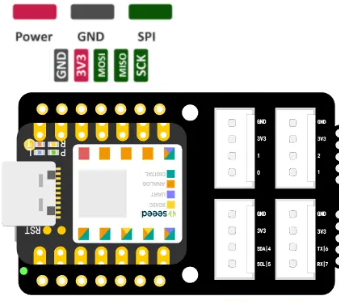
SPI is Serial Periferal Interface

Serial Peripheral Interface (SPI)

https://docs.arduino.cc/learn/communication/spi/

UART is Universal Asynchronous Receiver-Transmitter (UART)

https://docs.arduino.cc/learn/communication/spi/