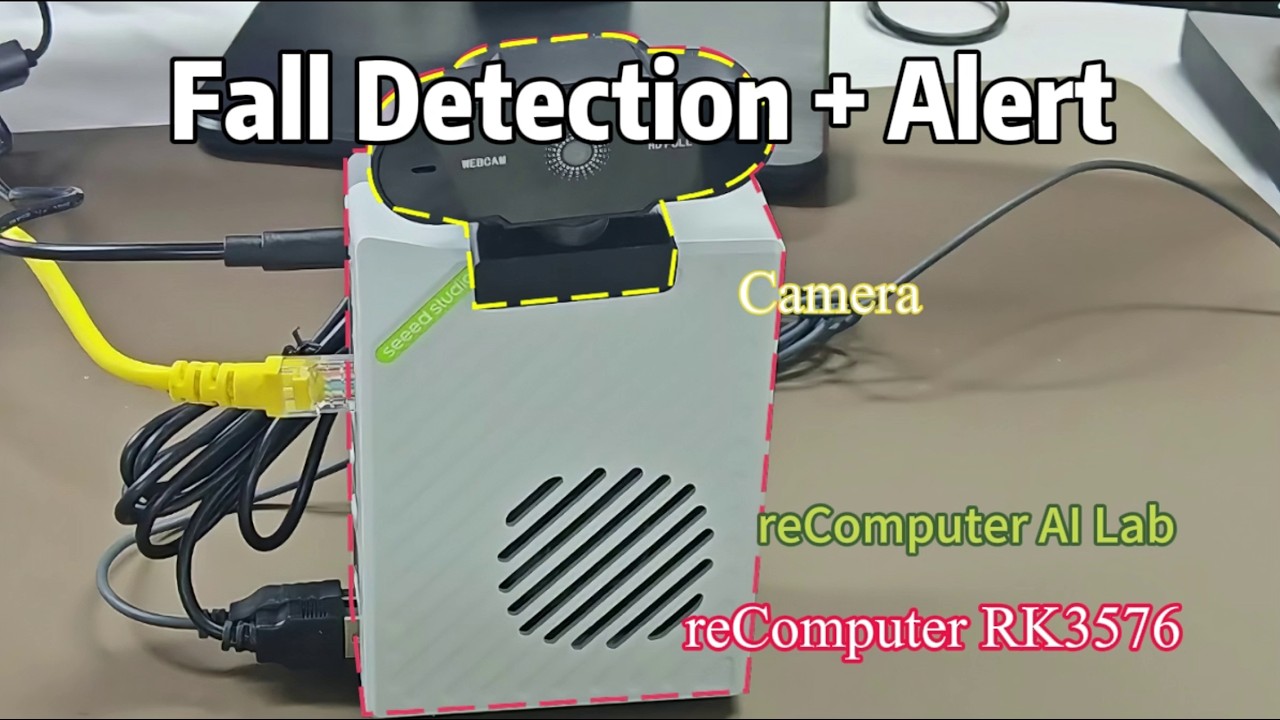
About the “reComputer AI Lab” Category

reComputer AI Lab is a one-stop development platform for reComputer edge hardware, enabling developers to deploy AI models in just two steps and drastically lowering the barrier to edge AI development.

This category is for discussing usage, troubleshooting, deployment cases, and feature requests.

2 Likes

Hi admin, I can’t create a new topic, so please let me post as a comment in this post.

I am currently using a Seeed reComputer Mini J501 kit with the official Seeed JetPack 6.2.1 image:

mfi_recomputer-mini-agx-orin-j501-6.2.1-36.4.3-2026-02-05.tar.gz

Hardware:

  • Seeed reComputer Mini J501

  • Jetson AGX Orin module

  • HDMI monitor connected directly

  • Serial debug console via ttyTCU0 working normally

Problem:
The system boots successfully, but the HDMI monitor remains completely black.

Initially during boot I observed repeated DRM errors such as:

[drm:nv_drm_atomic_commit [nvidia_drm]] ERROR [nvidia-drm] Flip event timeout on head 0
[drm:nv_drm_atomic_commit [nvidia_drm]] ERROR [nvidia-drm] Failed to apply atomic modeset

and also:

[nvidia-drm] Failed to grab modeset ownership

After modifying kernel parameters, the flip timeout errors disappeared, but HDMI output is still black.

Current kernel parameters:

nvidia-drm.modeset=1
nvidia-drm.fbdev=0

I also disabled Wayland:

WaylandEnable=false

and switched from gdm3 to lightdm + XFCE, but HDMI is still black.

Important observations:

  1. HDMI monitor is detected correctly

The following DRM node exists:

/sys/class/drm/card1-HDMI-A-1

Status:

connected

Supported modes include:

  • 2560x1440

  • 1920x1080

  • etc.

EDID can be read successfully.

  1. DRM drivers load successfully

lsmod shows:

  • nvidia_drm

  • tegra_drm

  • drm_kms_helper

  1. Framebuffer exists

cat /proc/fb

returns:

0 simple

fbset -i shows:

mode “2560x1440”

  1. Framebuffer write test succeeds

I tested:

sudo fbi -T 1 -d /dev/fb0 /usr/share/backgrounds/warty-final-ubuntu.png

No error is reported, but the HDMI monitor still stays black.

  1. Xorg starts but exits

startx output:

xinit: connection to X server lost
Server terminated successfully (0)
Couldn’t get a file descriptor referring to the console.

  1. Current suspicion

It looks like:

  • simplefb is active

  • framebuffer memory exists

  • HDMI EDID works

  • but the actual display scanout/display plane may not be active.

Questions:

  1. Is this a known issue on reComputer Mini J501 with JetPack 6.2.1?

  2. Is there a recommended DRM/KMS configuration for stable HDMI output?

  3. Should simplefb be disabled?

  4. Is there any known conflict between:

    • simplefb

    • tegra_drm

    • nvidia_drm

  5. Is there a recommended extlinux.conf configuration for HDMI stability?

Any help or recommended configuration would be greatly appreciated.

Thank you.

2 Likes

I flashed the official Seeed MFI image for reComputer Mini AGX Orin J501, JetPack 6.2.1 / L4T R36.4.4.

HDMI is now detected:

  • /sys/class/drm/card1-HDMI-A-1/status = connected

  • EDID is readable

  • xrandr shows HDMI-0 connected primary 2560x1440

But the screen remains black, and kernel logs show:

  • [drm:nv_drm_atomic_commit] Flip event timeout on head 0

  • tegra-mc ... nvdisplayr: secure read ... EMEM address decode error

  • arm-smmu ... Unhandled context fault

I checked the MFI flash.idx, and the display/DCE firmware is flashed from:
display-t234-dce_with_tegra234-j501x-0000+p3701-0004-recomputer-mini_with_odm_overlay.dtb_with_dce_overlay_aligned_blob_w_bin_sigheader.bin.encrypt

Is there a known issue with the DCE/display overlay loading order or DCB config for J501 + AGX Orin 32GB on R36.4.4?

1 Like

Hi There,

SO the latest video is pretty cool, I would couple it with a Xiao nRF54LM20A Sense wristband :grin:
Perfect closed-loop system

GL :slight_smile: PJ :v:

Subject: JetPack 7 (L4T r39.x) image for reComputer J4012 / J401 carrier — available or planned?

I’m running your JetPack 6.2 / L4T R36.4.3 GMSL image on a reComputer J4012 (Orin NX 16GB, J401 carrier). I need a newer NVIDIA display driver than the 540.x that ships with R36.4 — specifically the 580-series driver, which fixes a DisplayPort DSC (Display Stream Compression) bug that currently prevents me from driving a DSC-mandatory VR headset.

That driver only appears in JetPack 7 (L4T r39.x). My questions:

  1. Is there a JetPack 7 image for the J4012 / J401 carrier available or on the roadmap?
  2. If not yet, is stock NVIDIA JetPack 7 expected to boot on the J401, or does it require Seeed carrier support (device tree / pinmux) first?
  3. Does your current R36.4.x line have any point release with a display-driver update, or is 540.x fixed for all of JetPack 6.2?

Thanks.


Hi there,

And Welcome here…

So,You are completely right on the money here, and my strong advice is: No, definitely do not try to force-boot the stock NVIDIA JetPack 7 image.
Others have (many posts) thrown caution to the wind, and YOLO’d it anyway thinking they could hack there way back :face_with_hand_over_mouth: only to add to the BRICK pile of headachesville.

Trying to flash stock JetPack 7 (L4T r39.x) directly onto the reComputer J4012 right now is a recipe for a bricked setup or a massive headache. Here is why you should absolutely hold off and wait for Seeed to release a dedicated Board Support Package (BSP) image:

Why Stock NVIDIA JetPack 7 Will Fail:

  • Custom Carrier Board Quirks: The J401 carrier board is a custom Seeed design with its own specific peripheral routing, interfaces, and pinmux configurations. Stock NVIDIA JetPack images are strictly compiled for NVIDIA’s own reference developer kits. If you flash it, the device trees will mismatch, meaning critical components like your GMSL interface, specific USB routing, and display outputs will immediately break.

  • JetPack 7 Toolchain Overhauls: JetPack 7 introduces massive underlying architecture alignment shifts (moving toward SBSA standardizations, new kernel models, and stricter bootloader checks). Even on reference dev kits right now, community threads are seeing severe package configuration aborts (nvidia-l4t-bootloader errors) due to stricter board-spec matching. Trying to adapt that manually to the J401 layout is playing on ultra-hard mode.

  • The 540.x Driver Constraint: For the current JetPack 6.2 (L4T R36.4.x) line, the display driver branch is tightly integrated into that specific BSP generation. There won’t be a point release that backports a 580-series driver into JetPack 6, as major graphics driver updates are tied directly to the major L4T bumps.

The Verdict:

Hold steady on your current JetPack 6.2 setup for production. Forcing the upgrade now will completely scramble your GMSL camera setup and hardware pin mapping. It is much safer to wait for Seeed Studio to officially release their tailored JetPack 7 image with the appropriate driver support and validated device trees for the J401 carrier.

HTH
GL :slight_smile: PJ :v:

seems kind a light on RAM for what you want to get at the end goal? :thinking:

Hi there,

“Aside from the JetPack 7 driver issue, keep an eye on that 16GB memory footprint. Because the Orin NX shares its 16GB across both system RAM and VRAM, driving a heavy DSC-mandatory VR headset is going to leave you with very little headroom for your actual application logic and framebuffers once the OS takes its cut!”

:crossed_fingers:
That 16GB of LPDDR5 has to be shared simultaneously by:

  • The Linux OS kernel and background services.

  • The application runtime (e.g., ROS2, custom C++/Python pipelines, Unity/Unreal embedded runtimes).

  • The massive framebuffers required to render dual high-resolution VR displays at 90Hz+.

The Math for High-Res VR

VR headsets that mandate Display Stream Compression (DSC)—like the Varjo series, Pimax Crystal, or high-end enterprise headsets—are pushing massive native resolutions (often well north of 4K per eye before lens distortion compensation rendering scales it even higher).

Just allocating the ping-pong textures, depth buffers, and runtime memory overhead for a single stereo frame at those resolutions can easily swallow 6GB to 8GB of VRAM on a desktop card. On the Orin NX, that instantly eats up half of his entire system memory, leaving almost nothing left for actual compute, AI model weights, or data processing.

HTH
GL :slight_smile: PJ :v:

1 Like